Closing card and end screen maker
Make a 16:9 end screen with spaces that line up with YouTube’s video and subscribe elements, or a 9:16 closing card for Shorts, TikTok and Reels. Put it on the last 5 to 20 seconds of your video.
Free to use. Sign in to save your work and download it.
- Sizes
- 1920 × 1080 end screens, 1080 × 1920 closing cards
- Formats
- PNG, JPG, WebM video
- Guides
- Positions of YouTube’s video and subscribe elements
- Pairs with
- Clips cut in ChatClipThat
What it does
Spaces for YouTube elements
The video and subscribe positions are marked as guides, so YouTube’s clickable elements sit on your design.
Landscape and vertical
16:9 end screens for long videos, 9:16 closing cards for Shorts, TikTok and Reels, and 1:1 for posts.
Your sign-off
Your handle and accent color come from your brand vault. You write the closing line.
Templates
2 free, 8 premium. Premium templates are free to edit; you pay to download them without the watermark.
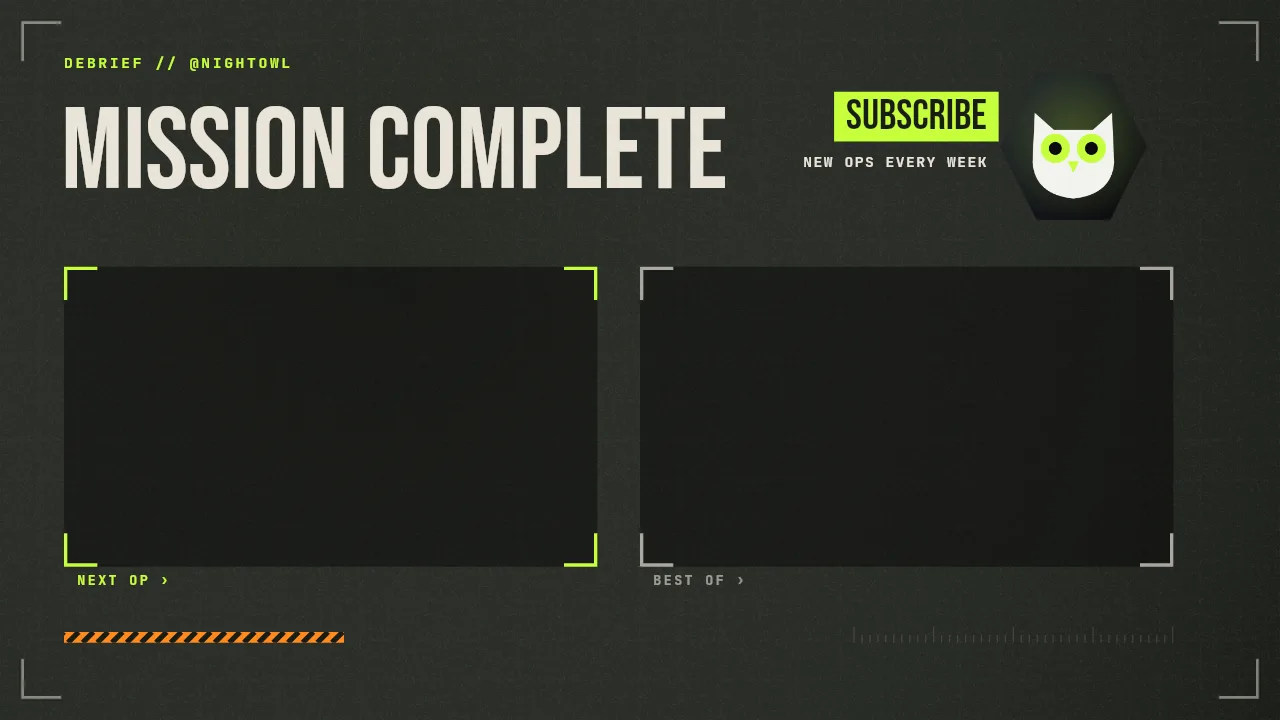
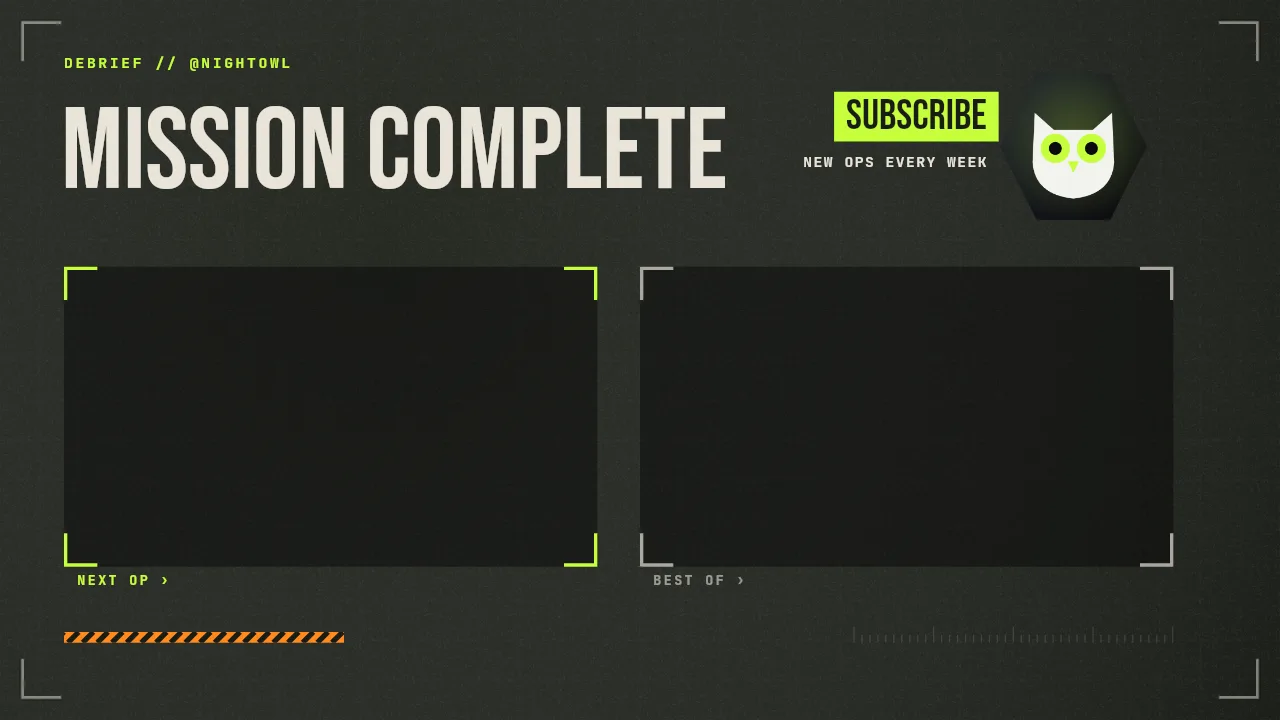
Exfil
Closing card · Tactical
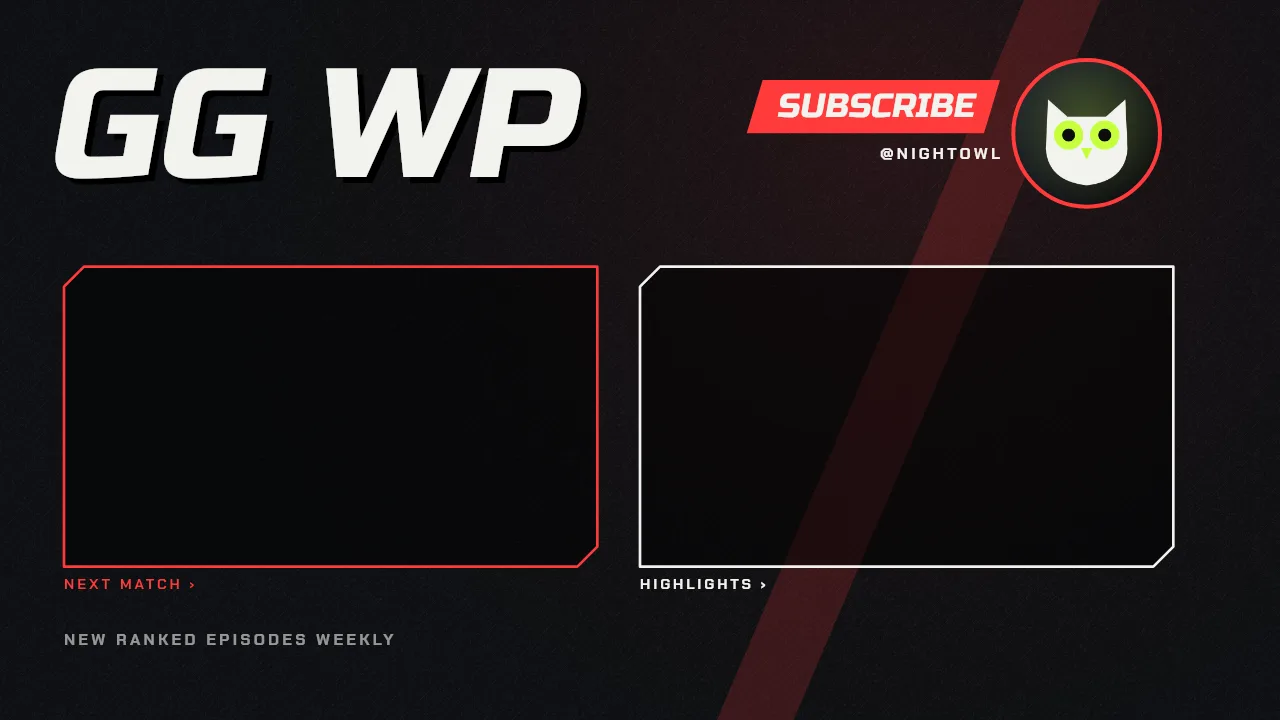
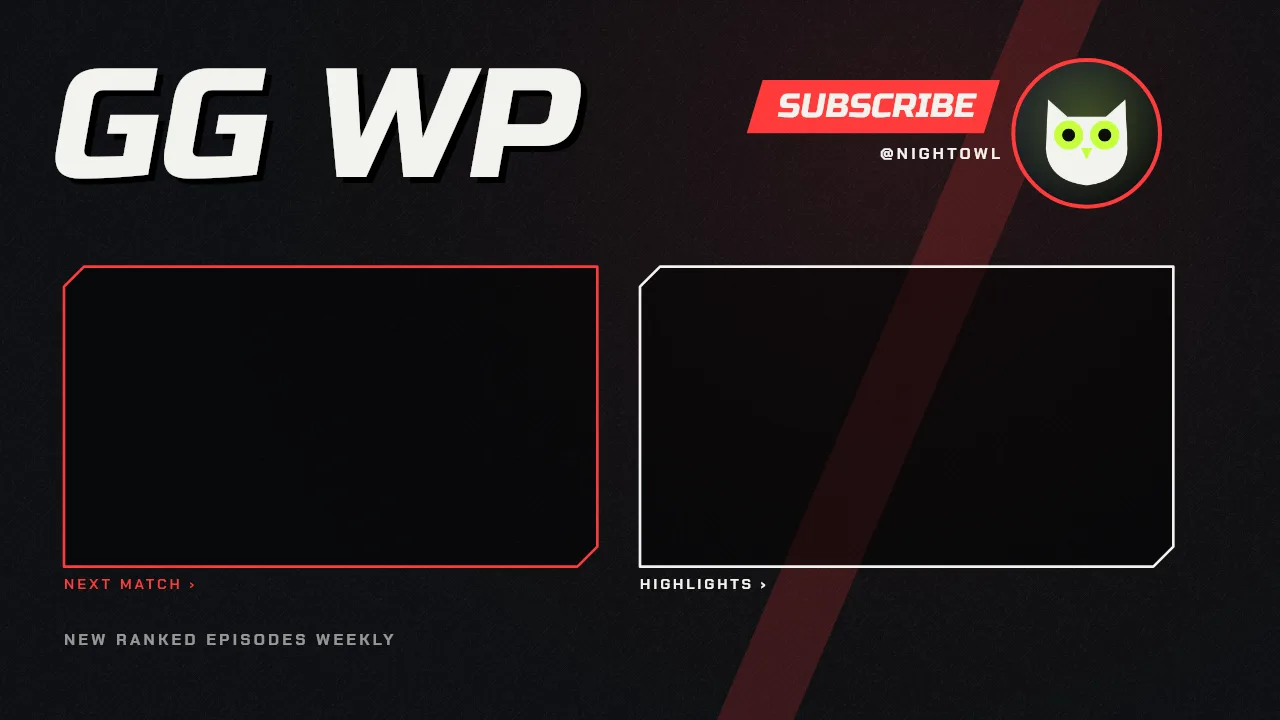
GG
Closing card · Competitive FPS
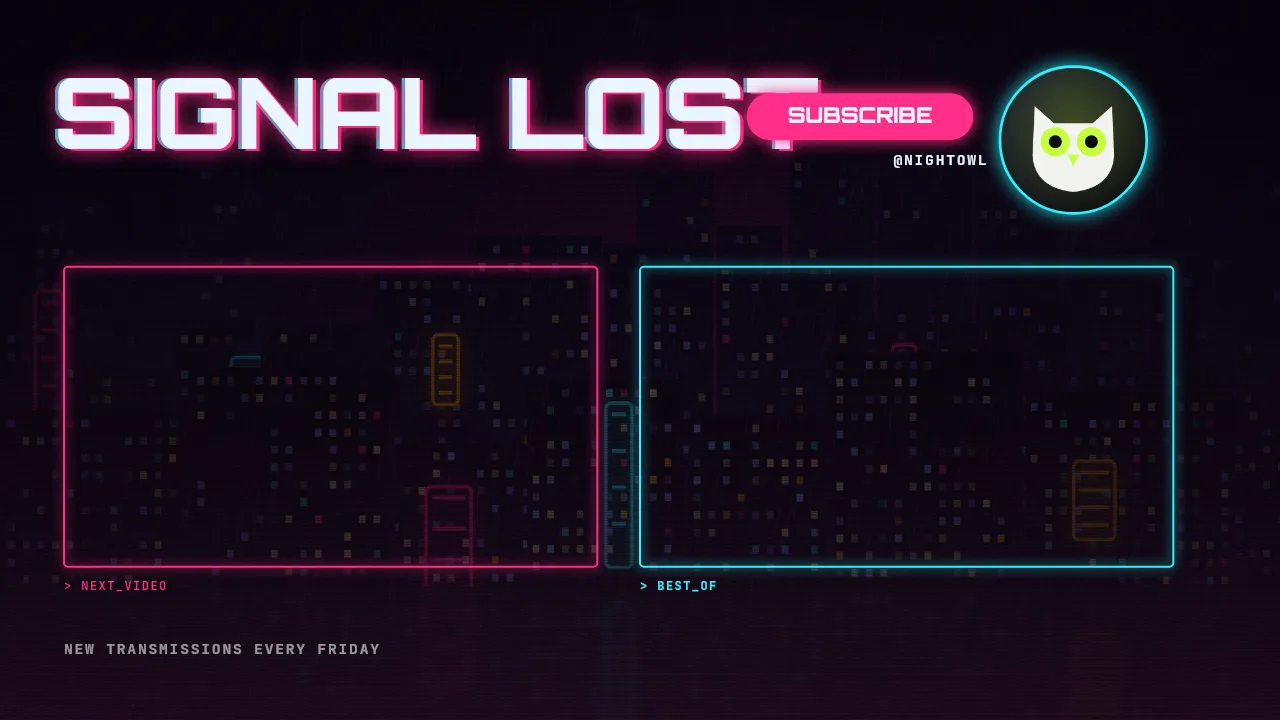
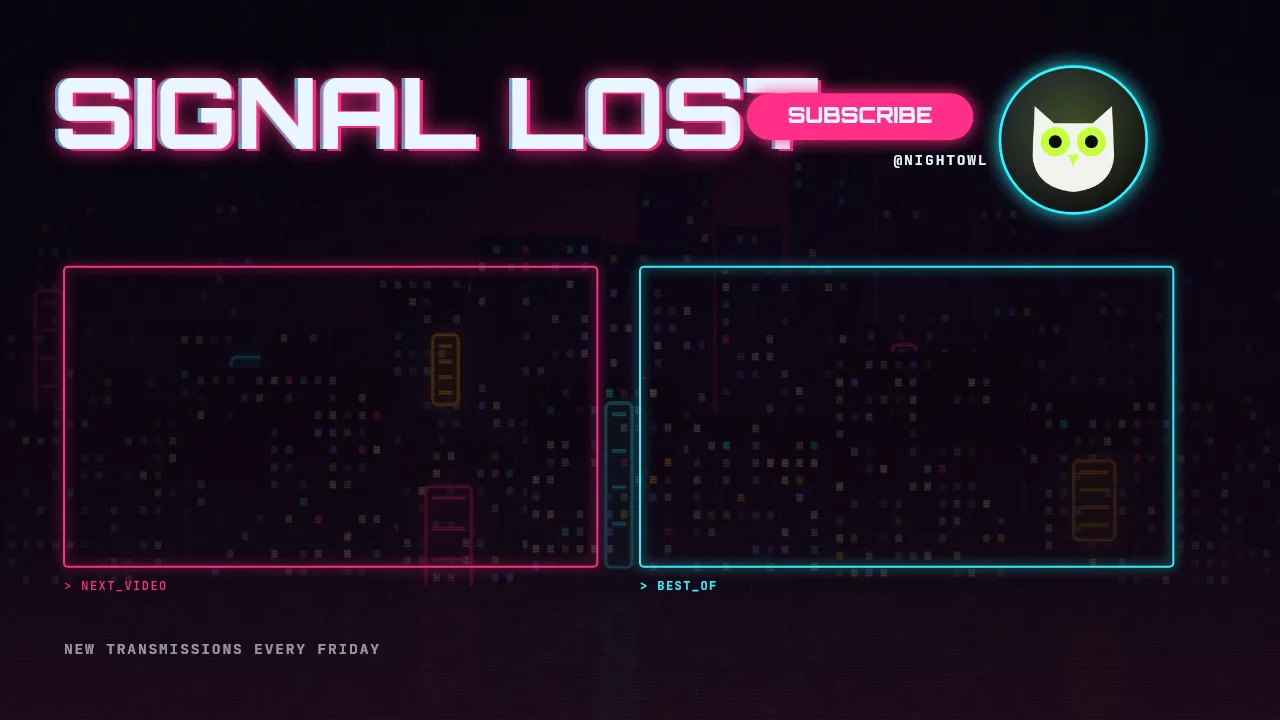
Signal Lost
Closing card · Cyberpunk
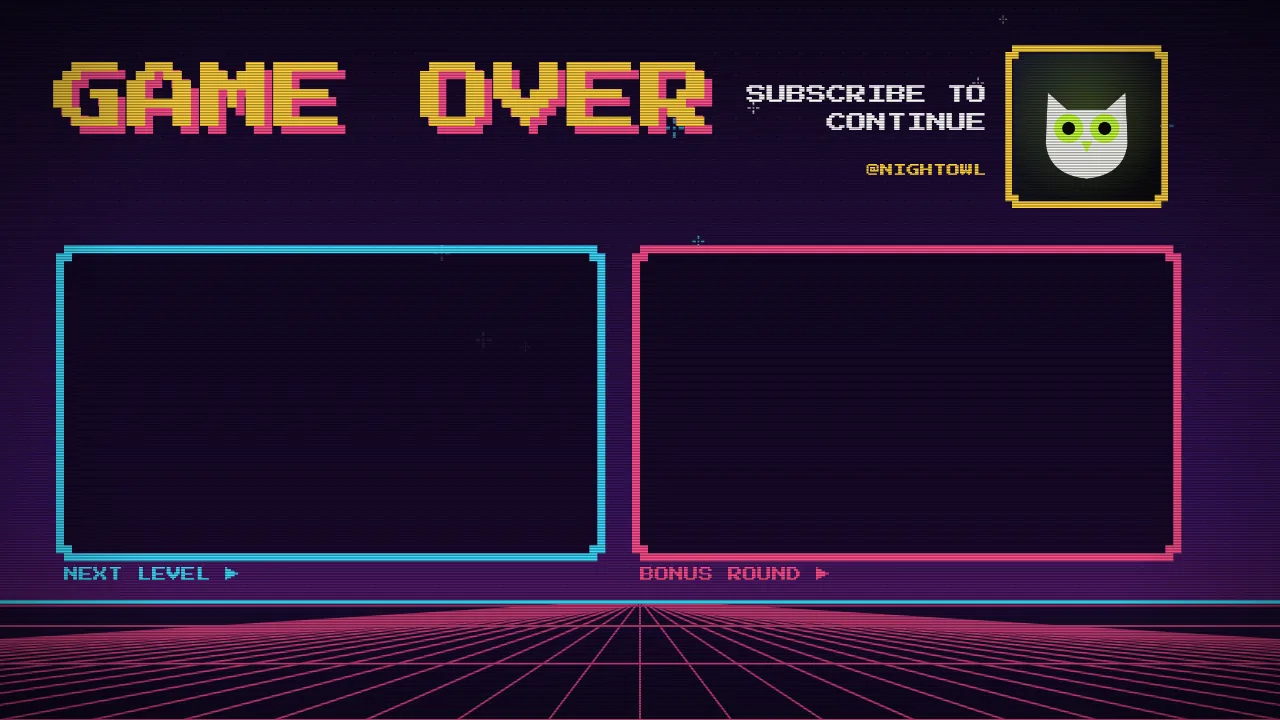
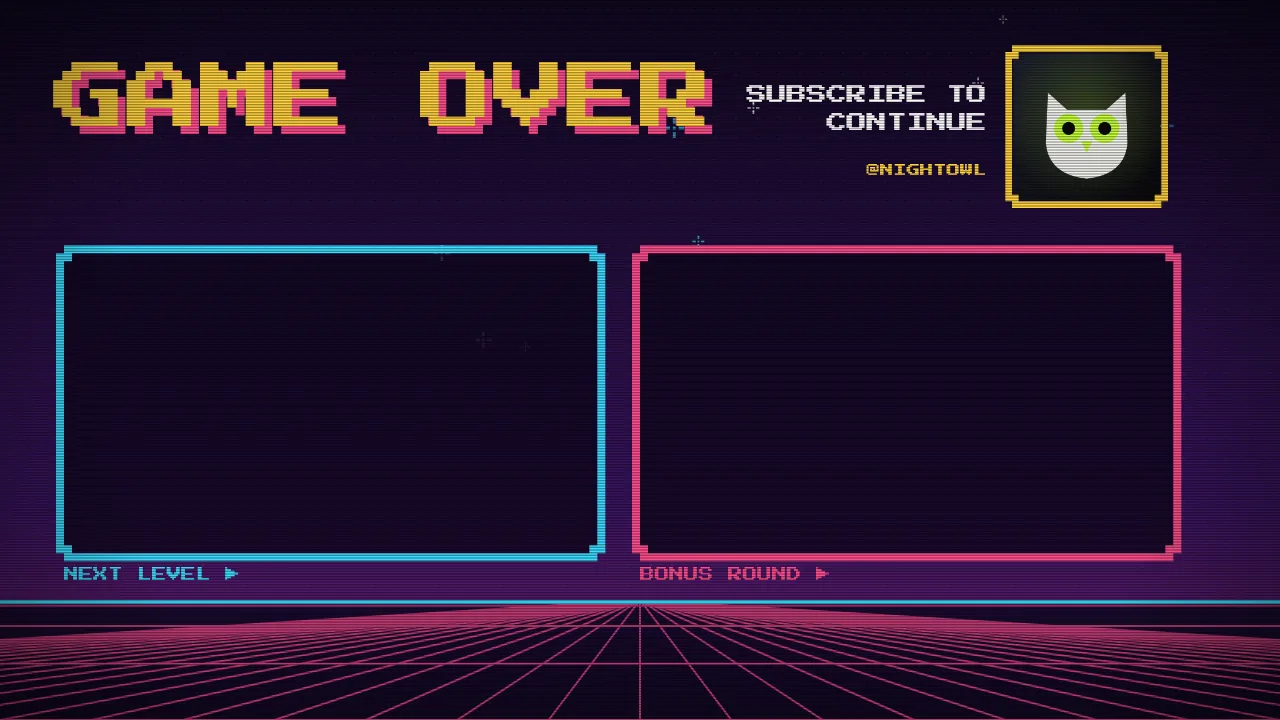
Game Over
Closing card · Retro arcade
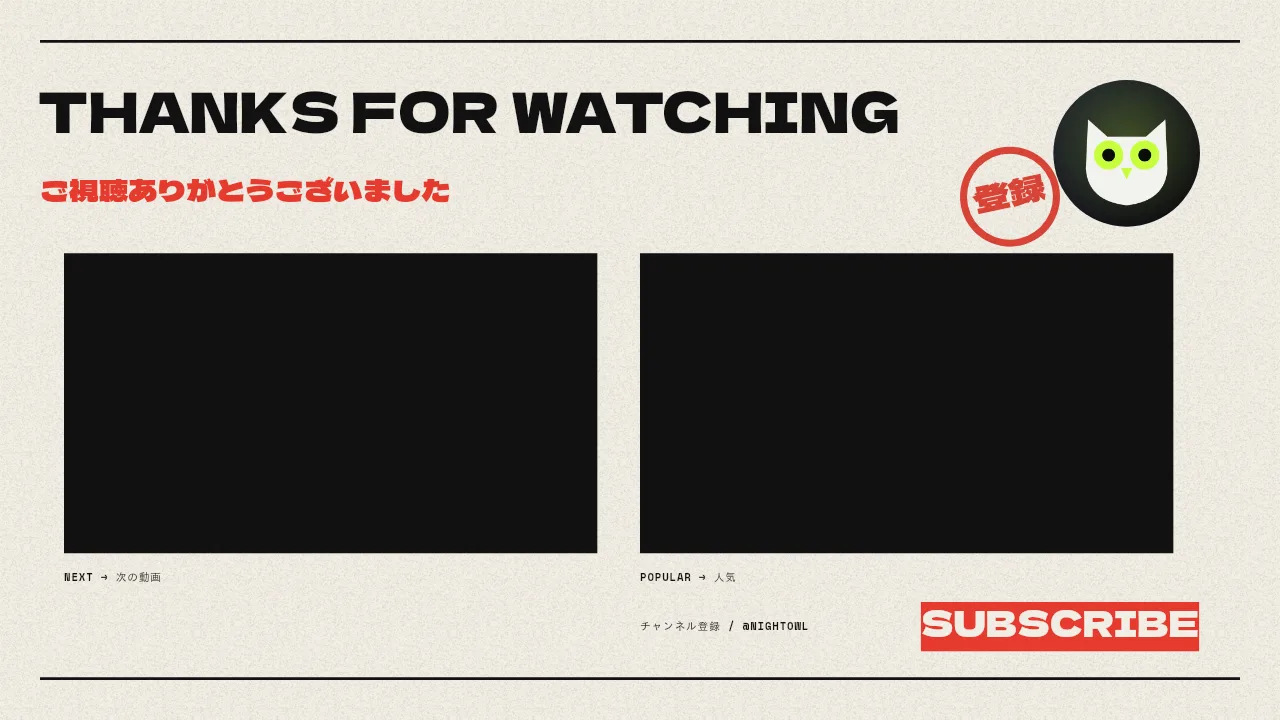
Arigato
Closing card · Japanese streetwear
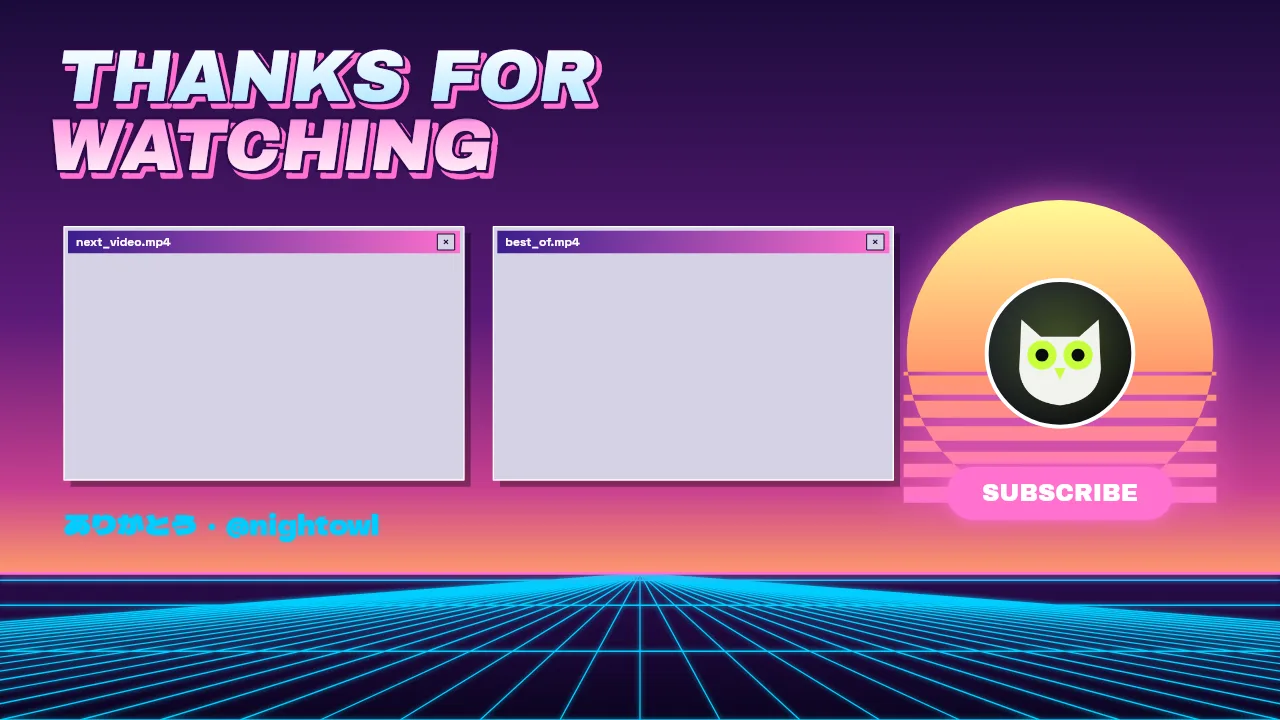
Afterglow
Closing card · Vaporwave
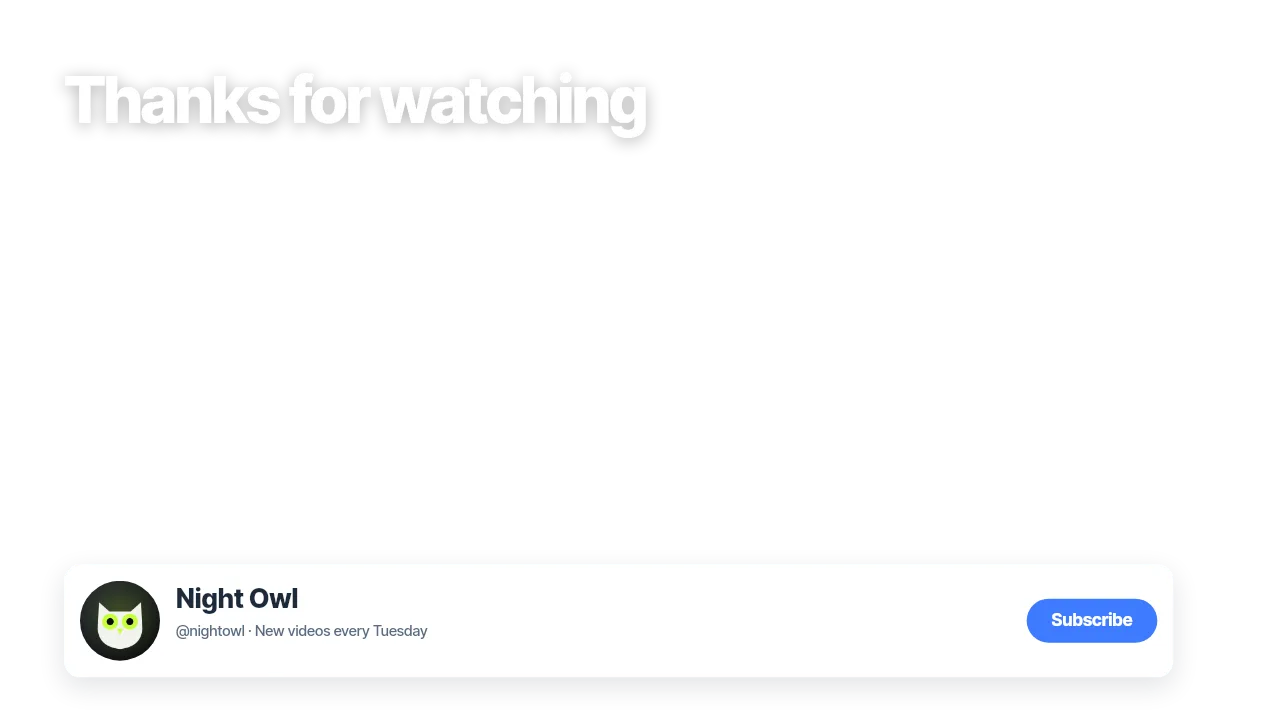
Outro
Closing card · Clean professional
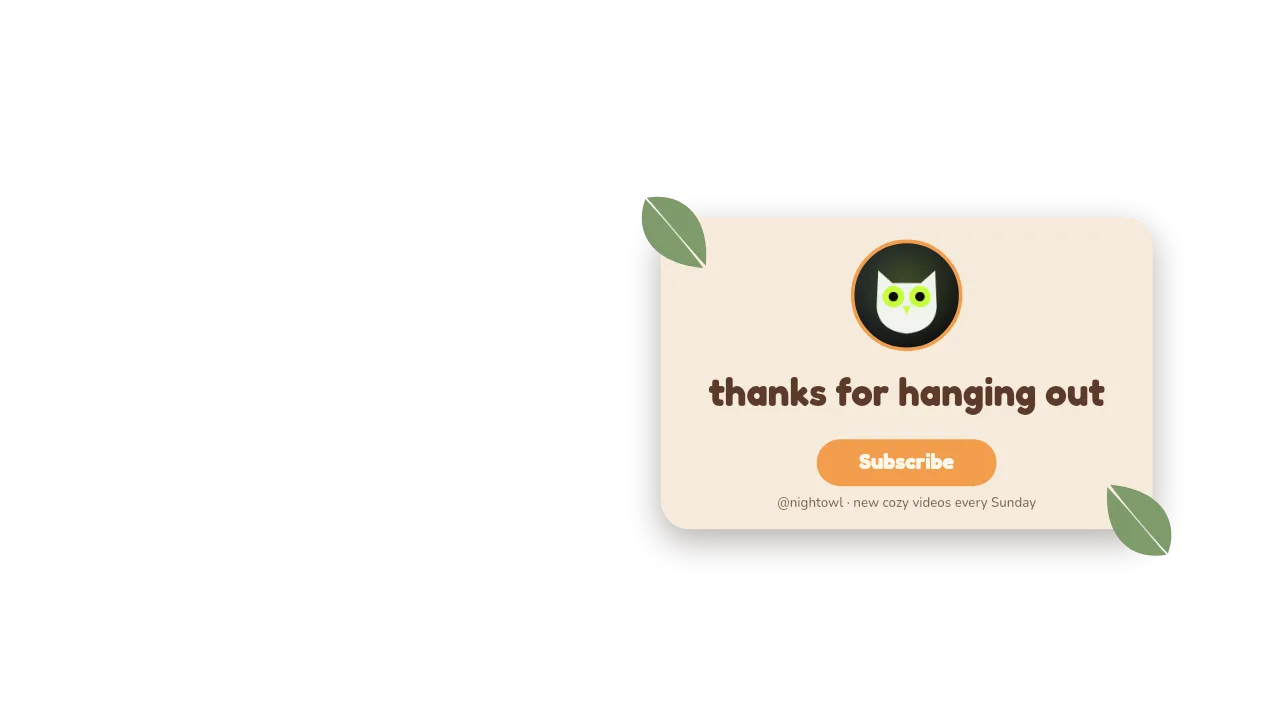
Goodnight
Closing card · Cozy
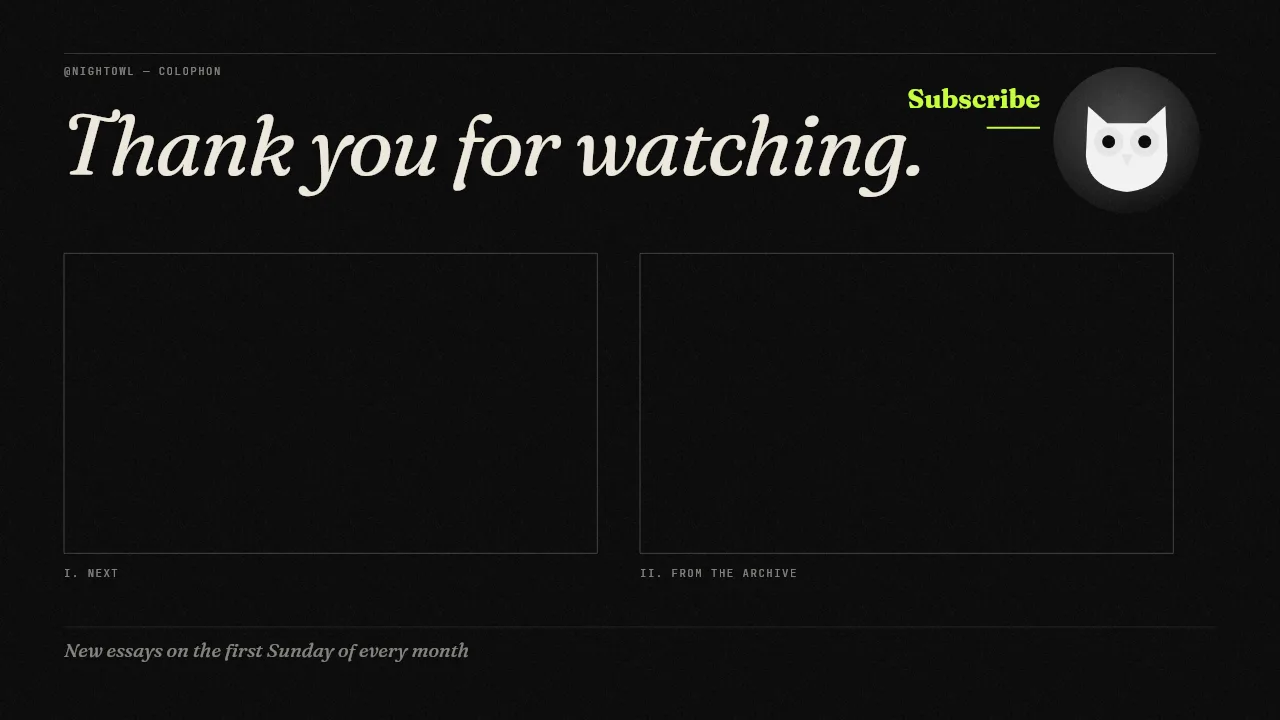
Colophon
Closing card · Dark editorial
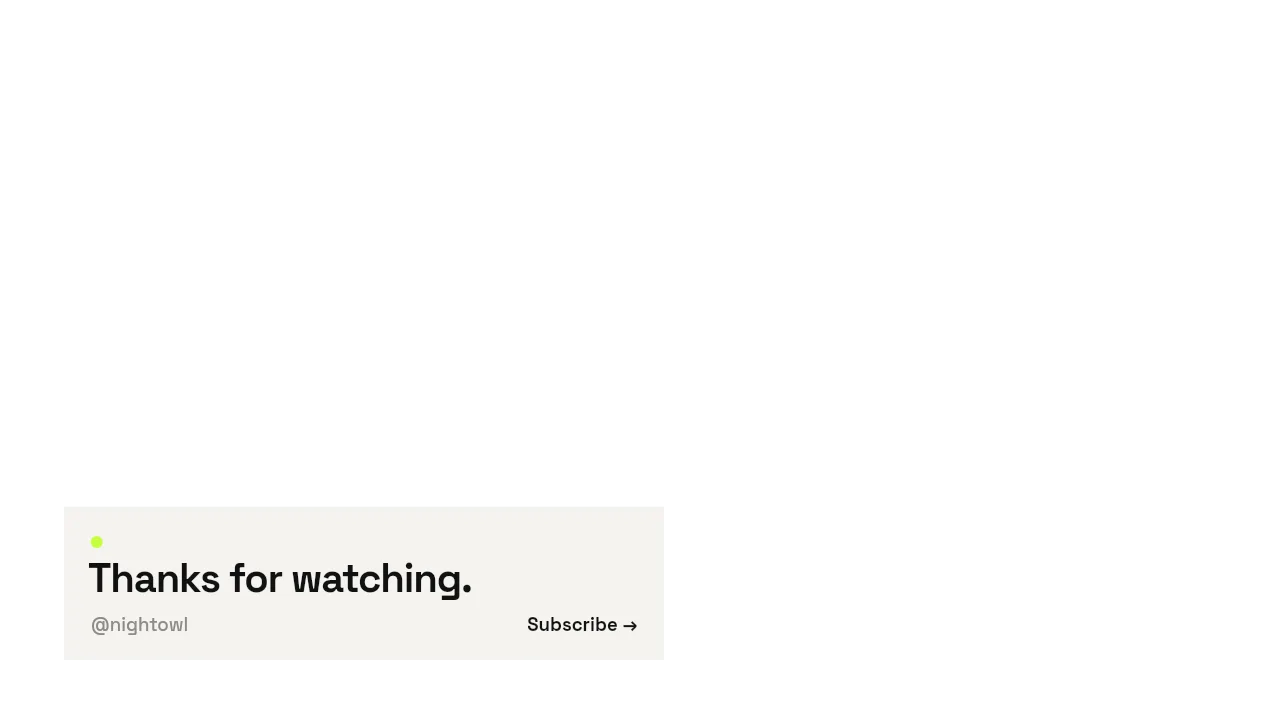
Quiet
Closing card · Minimalist
How it works
1. Pick a card
Choose a landscape end screen or a vertical closing card.
2. Write the sign-off
One line and one call to action. Keep the marked spaces clear for YouTube’s elements.
3. Add it to your video
Put the PNG on the last 5 to 20 seconds of your timeline, then add end screen elements in YouTube Studio.
Common questions
How long is a YouTube end screen?
A YouTube end screen runs for 5 to 20 seconds and appears in the last 20 seconds of a video. Place your closing card on that part of your timeline.
Can I add clickable elements to the card?
The card is the background. You add the clickable video, playlist and subscribe elements in YouTube Studio. The templates mark where those elements go so they line up.
Do closing cards work for Shorts and TikTok?
Yes. Use a 1080 × 1920 closing card as the last second of your vertical clip to point viewers at your channel or your next video.