
YouTube thumbnail maker
Pick a layout, type your headline and add a screenshot or a cut-out of your face. Your channel name and colors come from your brand vault. Download a 1280 × 720 PNG, JPG or WebP and upload it in YouTube Studio.
Free to use. Sign in to save your work and download it.
- Size
- 1280 × 720 (16:9), or 2560 × 1440 at 2×
- Formats
- PNG, JPG, WebP
- Fonts
- 20 open-licensed font families, the same in the editor and the download
- Price
- Free templates download without a watermark. Premium templates are free to edit.
What it does
Readable at small sizes
Each layout is checked at the size YouTube shows in search and suggested videos, about 120 pixels wide.
Headlines that fit
If your headline gets longer, the text shrinks to stay inside its box.
Your brand on every thumbnail
Your handle, colors and heading font come from your brand vault, so a series looks consistent.
Timestamp guide
The bottom-right corner is marked, so nothing important sits under the video length badge.
Templates
2 free, 12 premium. Premium templates are free to edit; you pay to download them without the watermark.
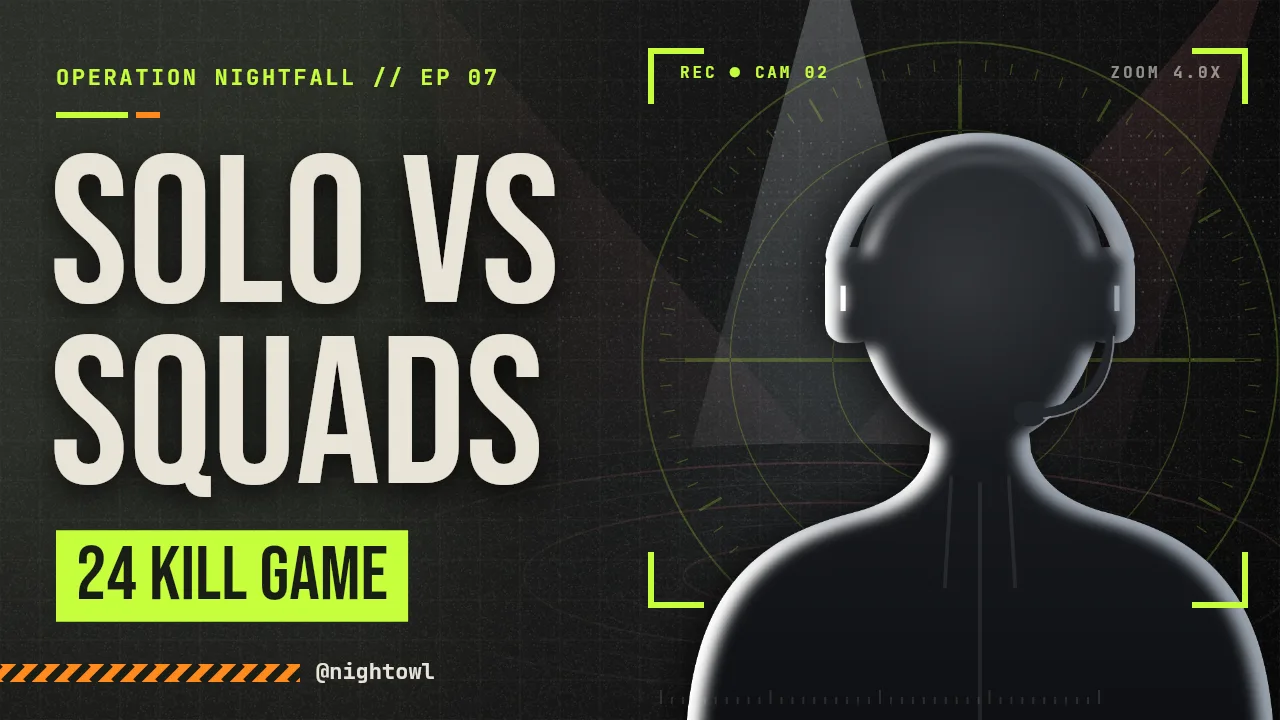
Breach
YouTube thumbnail · Tactical
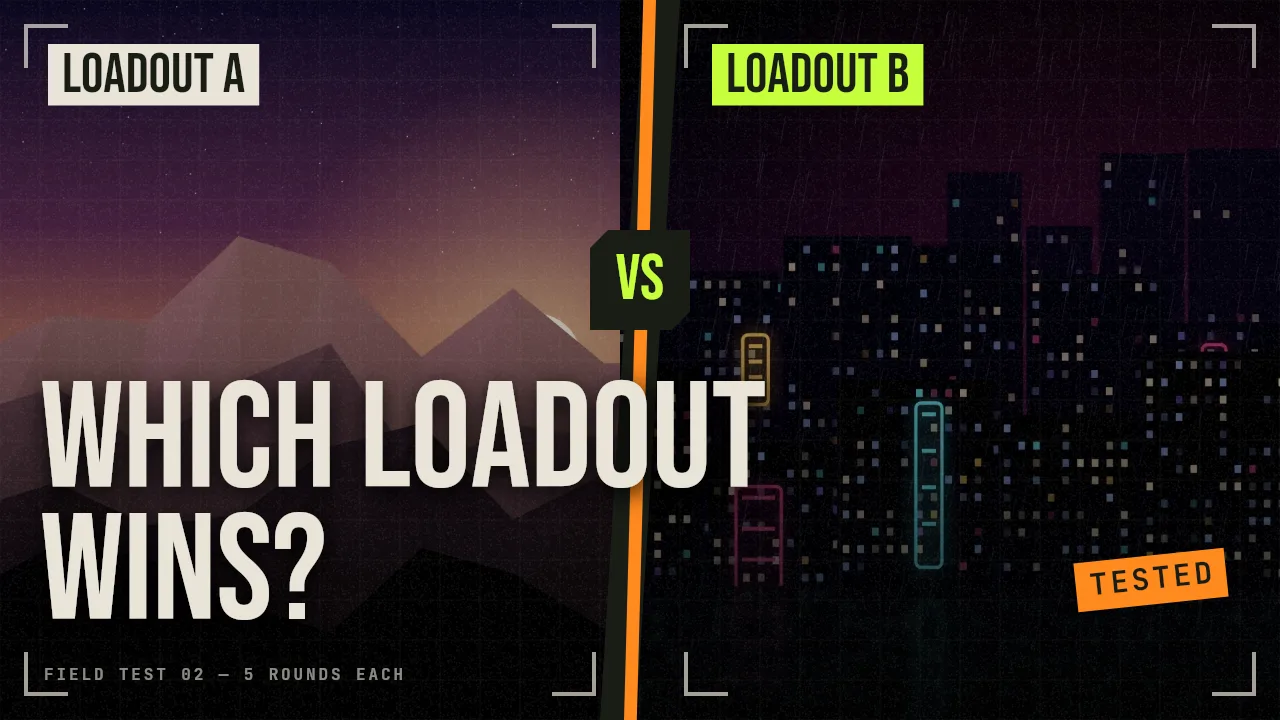
Debrief
YouTube thumbnail · Tactical
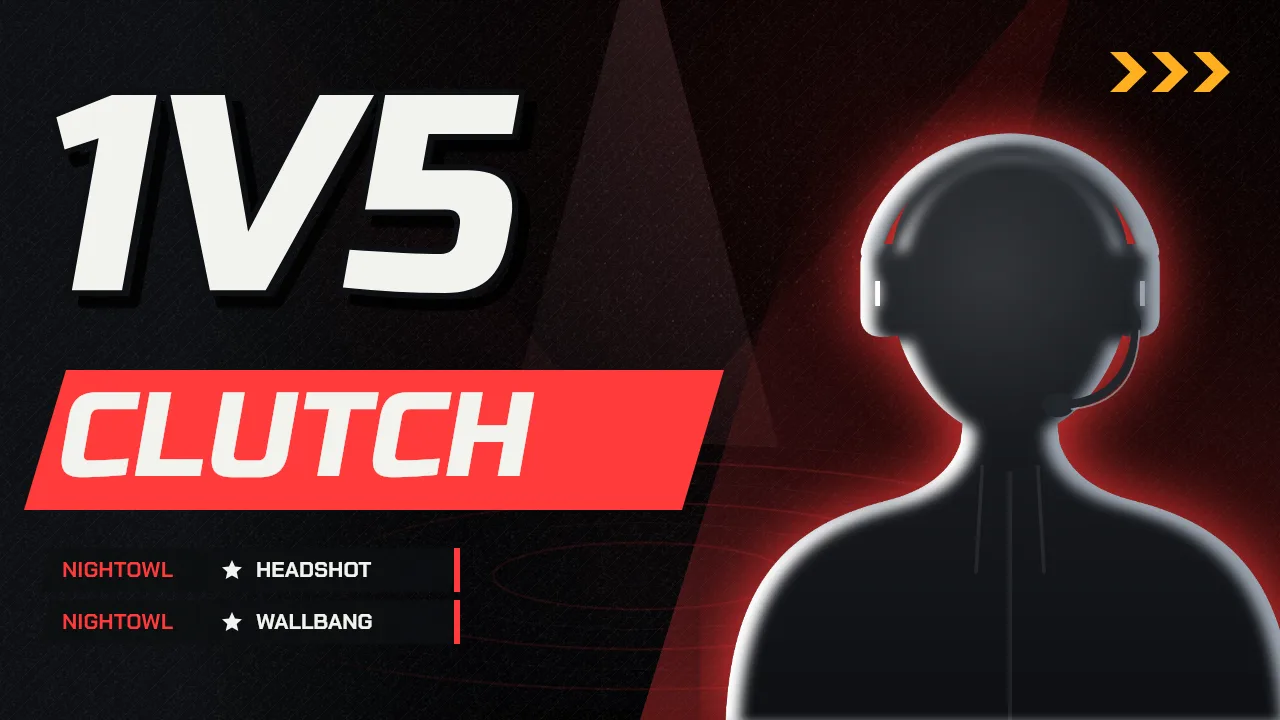
Clutch
YouTube thumbnail · Competitive FPS
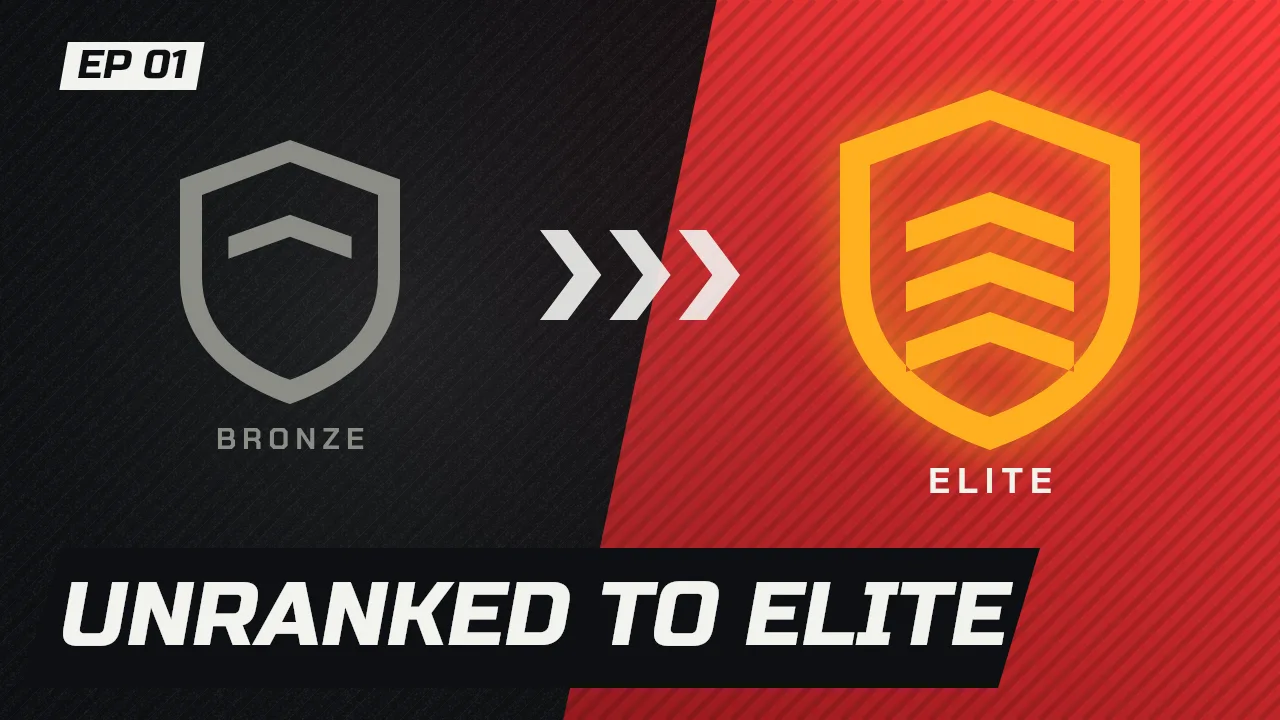
Rank Up
YouTube thumbnail · Competitive FPS
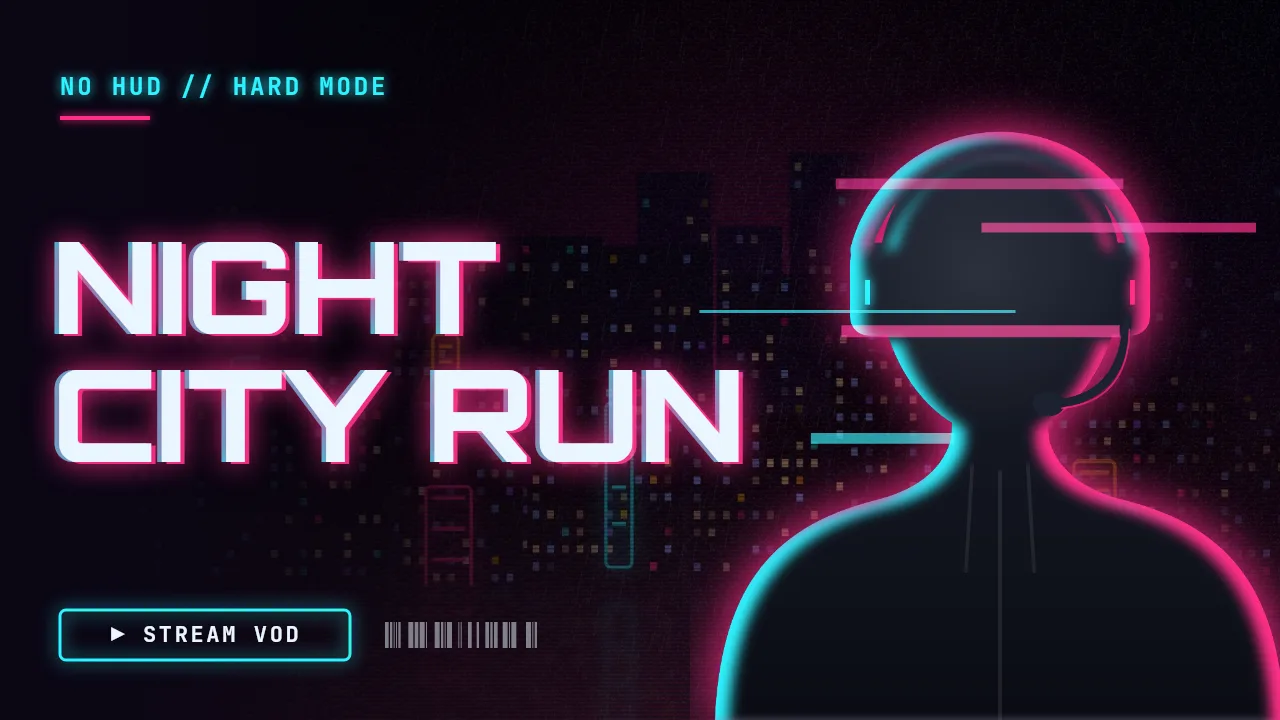
Glitch
YouTube thumbnail · Cyberpunk
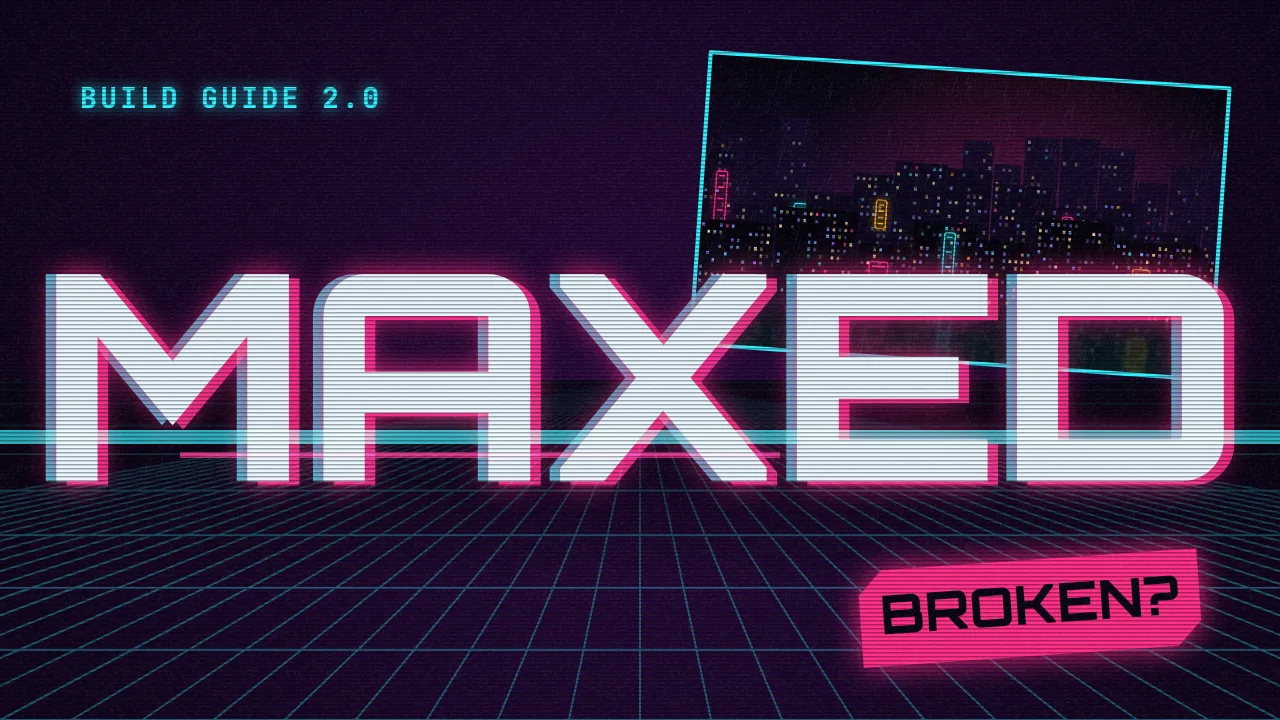
Overclock
YouTube thumbnail · Cyberpunk
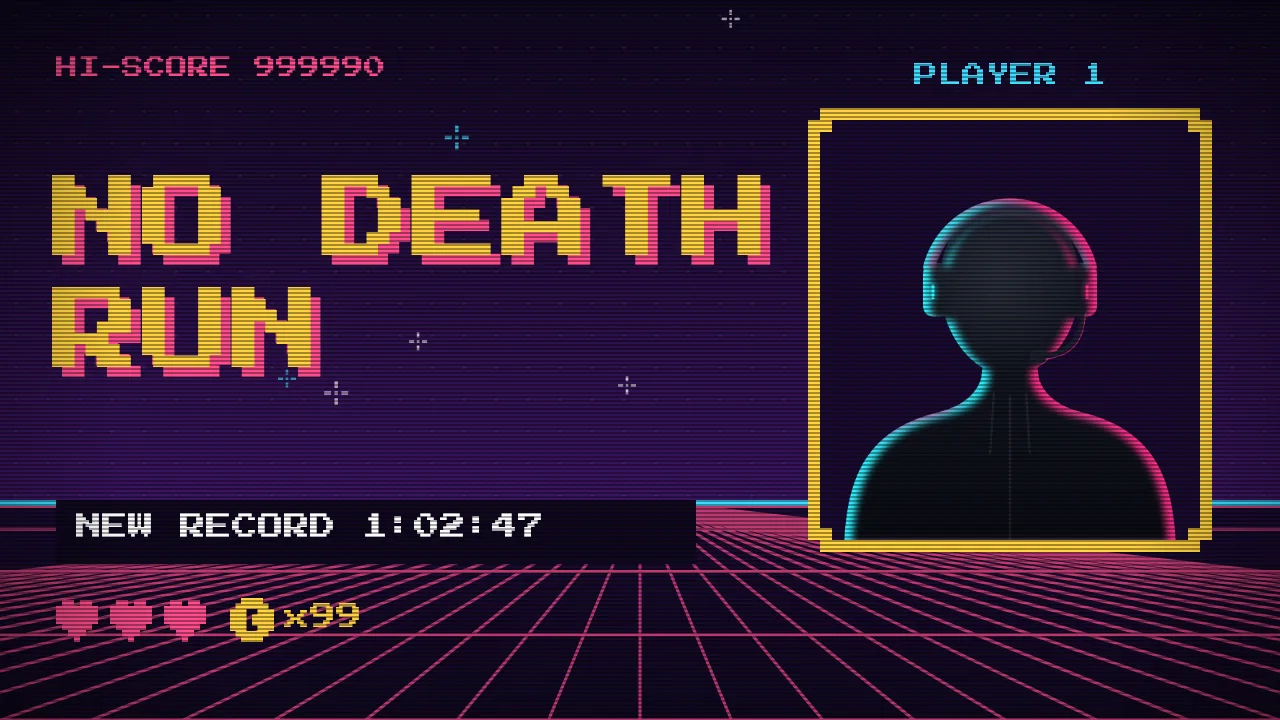
High Score
YouTube thumbnail · Retro arcade
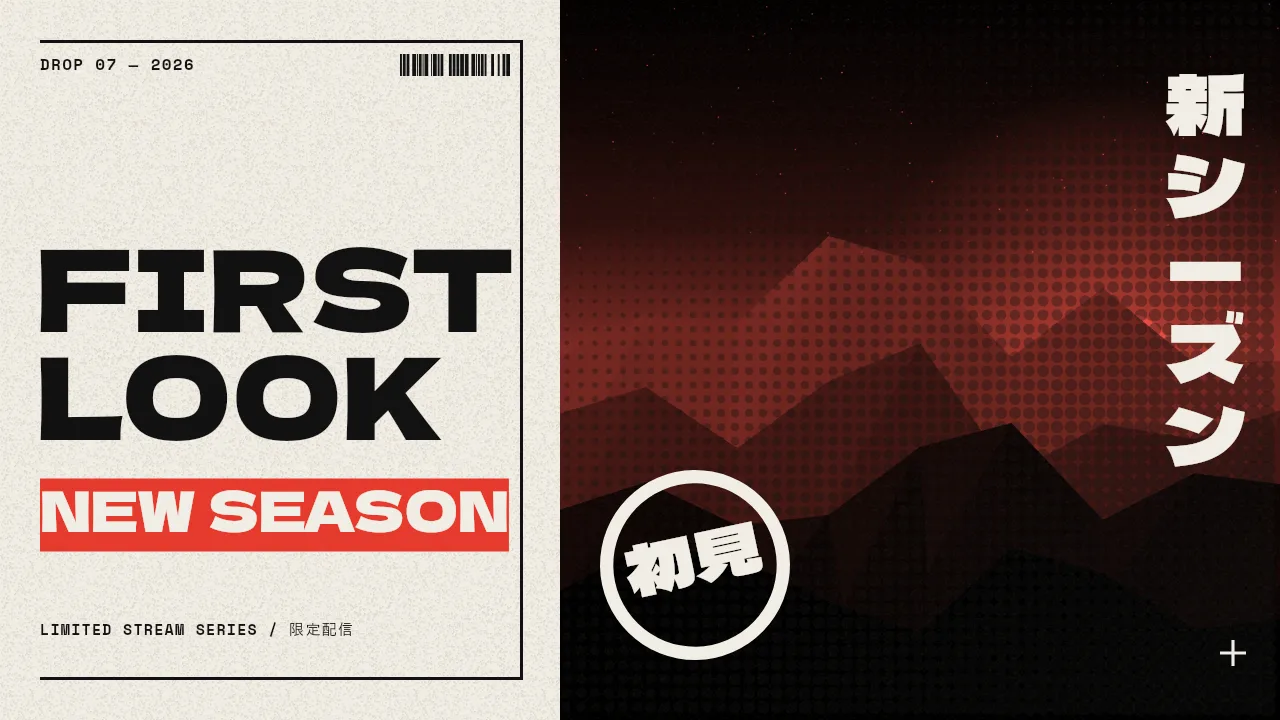
Drop
YouTube thumbnail · Japanese streetwear
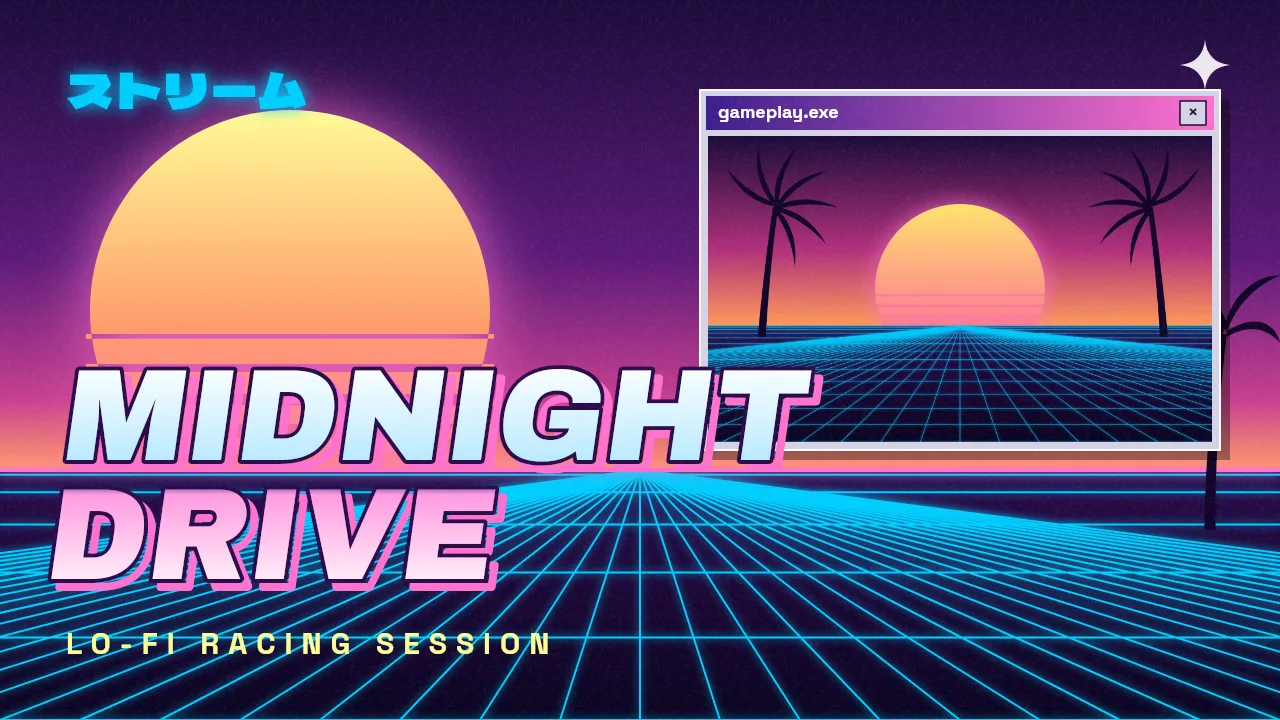
Sunset Drive
YouTube thumbnail · Vaporwave
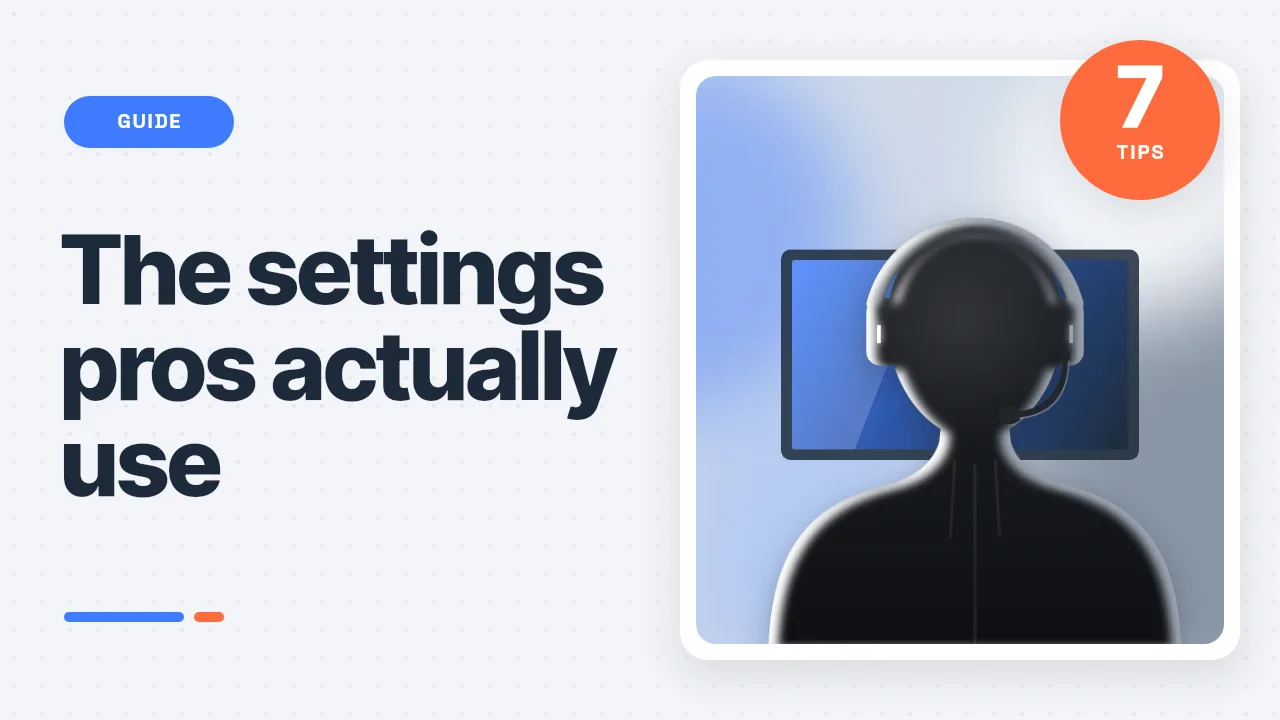
Briefing
YouTube thumbnail · Clean professional
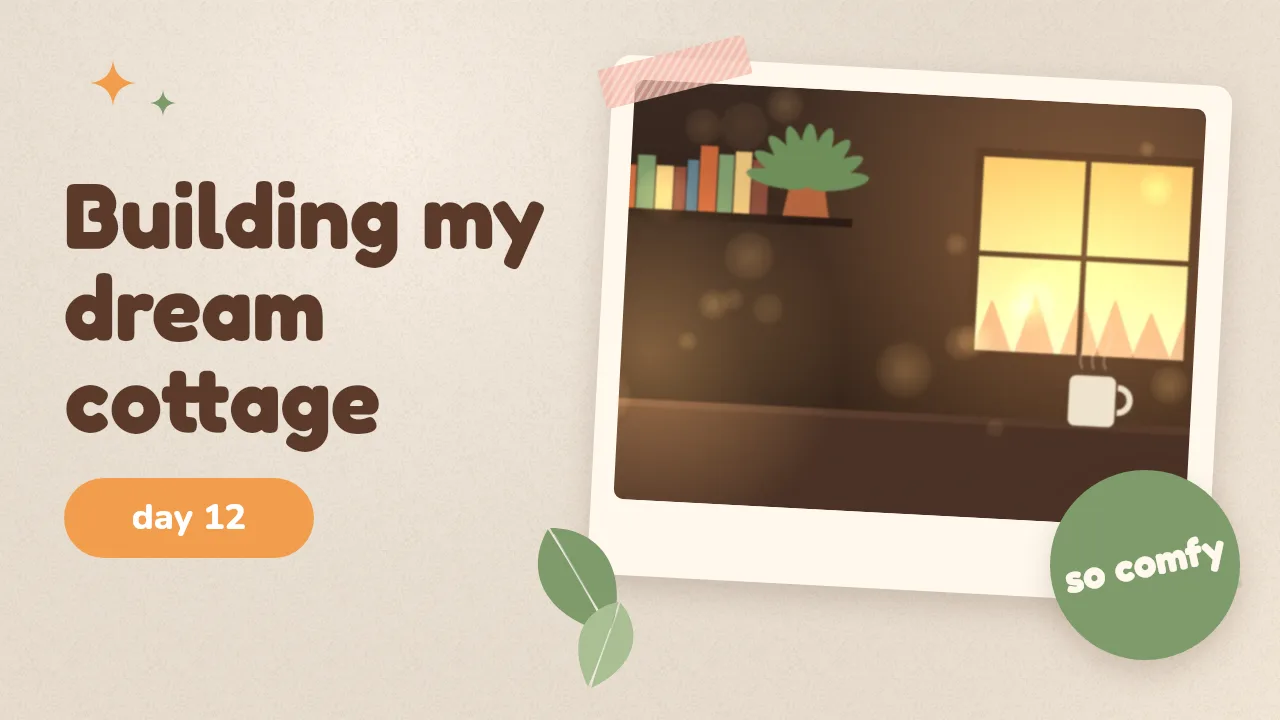
Sunday
YouTube thumbnail · Cozy
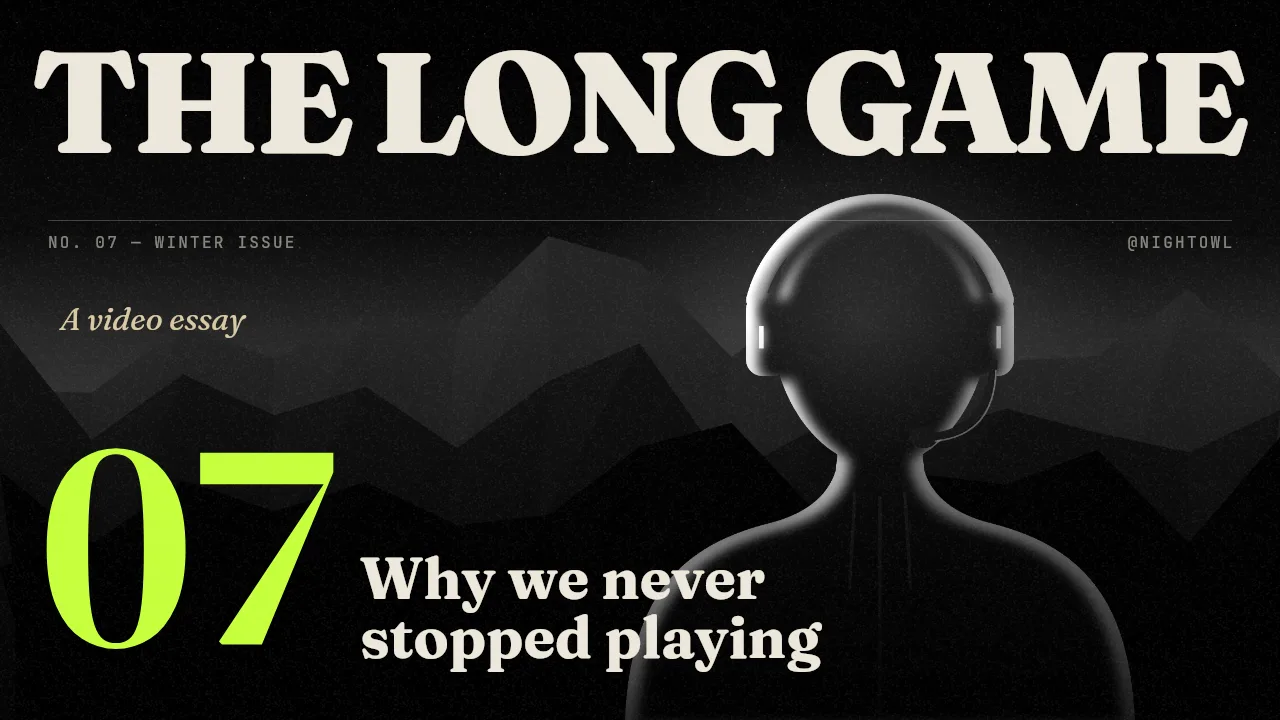
Cover
YouTube thumbnail · Dark editorial
How it works
1. Pick a layout
Start from a free template or a premium one. You can edit premium templates for free.
2. Add your text and images
Type the headline and episode number. Upload a screenshot or a photo of your face.
3. Download
Save a 1280 × 720 PNG, JPG or WebP and upload it as your custom thumbnail.
Common questions
What size should a YouTube thumbnail be?
YouTube recommends 1280 × 720 pixels, a 16:9 ratio. Every WKeyClub thumbnail template uses that size, so you don’t need to resize or crop.
Is the thumbnail maker free?
Yes. Free templates download without a watermark and without limits. Premium templates are free to edit; you pay only if you want to download one without the preview watermark.
Can I use my own face or gameplay screenshot?
Upload any image you have the rights to use. It stays private to your account and is only used in your own projects.
Do I need Photoshop?
No. Everything runs in your browser, and the download is made by the same renderer as the preview, so you get exactly what you see.