
OBS countdown timer and goal widgets
Countdowns, goal bars, tickers, social rotators, session timers and clocks. Each widget is a hosted browser source: paste the URL into OBS once, then change its settings here and the widget on stream updates within a few seconds.
Free to use. Sign in to save your work and download it.
- Delivery
- Hosted OBS browser source, transparent, 30 fps
- Updates
- Changes appear on stream within a few seconds
- Security
- A long random URL you can replace or turn off at any time
- Works with
- OBS Studio, Streamlabs Desktop and any app with a browser source
What it does
Countdown timer
Count down to a time or for a set duration, and choose the text that shows at zero.
Stream goal bar
Follower, sub or donation goals. Update the number and the bar moves on stream without refreshing anything in OBS.
Ticker and rotator
Scroll announcements, or rotate through the socials saved in your brand vault.
Session timer and clock
Show how long you’ve been live, or the local time.
Templates
2 free, 10 premium. Premium templates are free to edit; you pay to download them without the watermark.
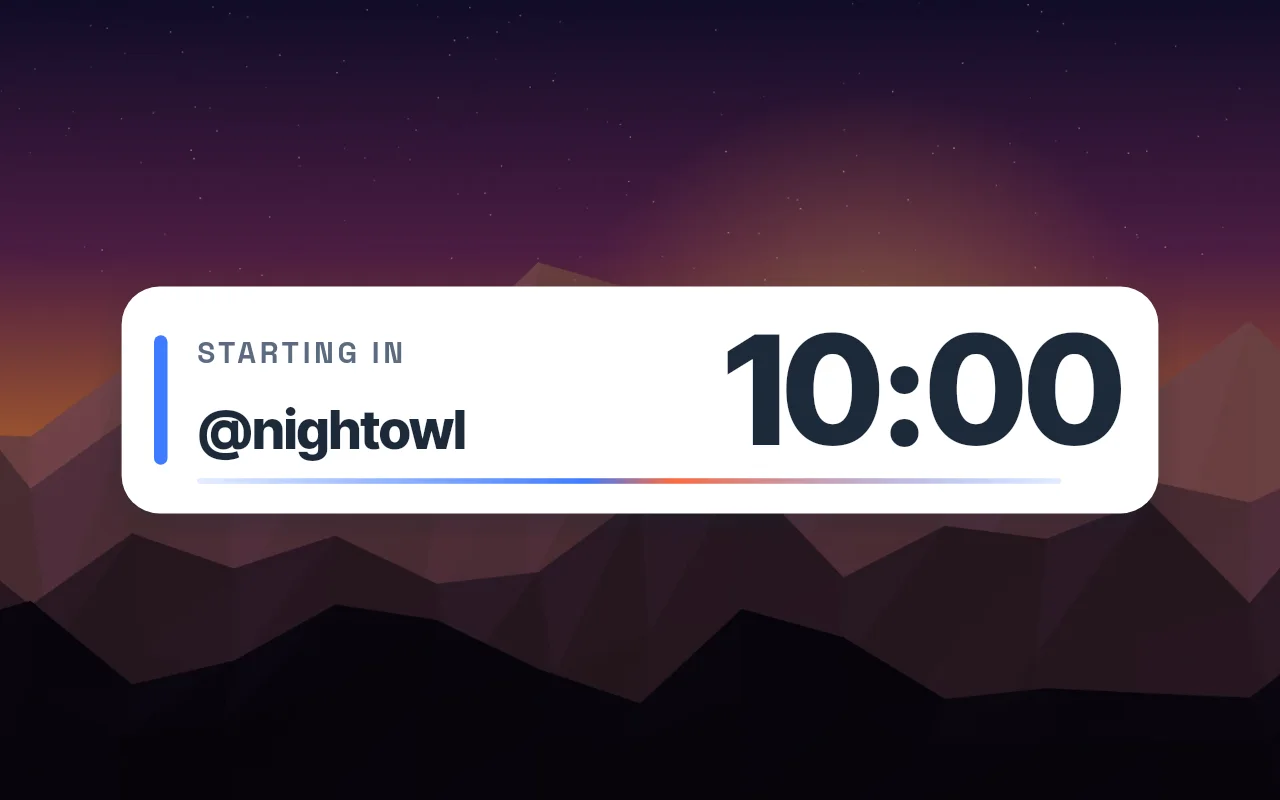
Card
OBS widget · Clean professional
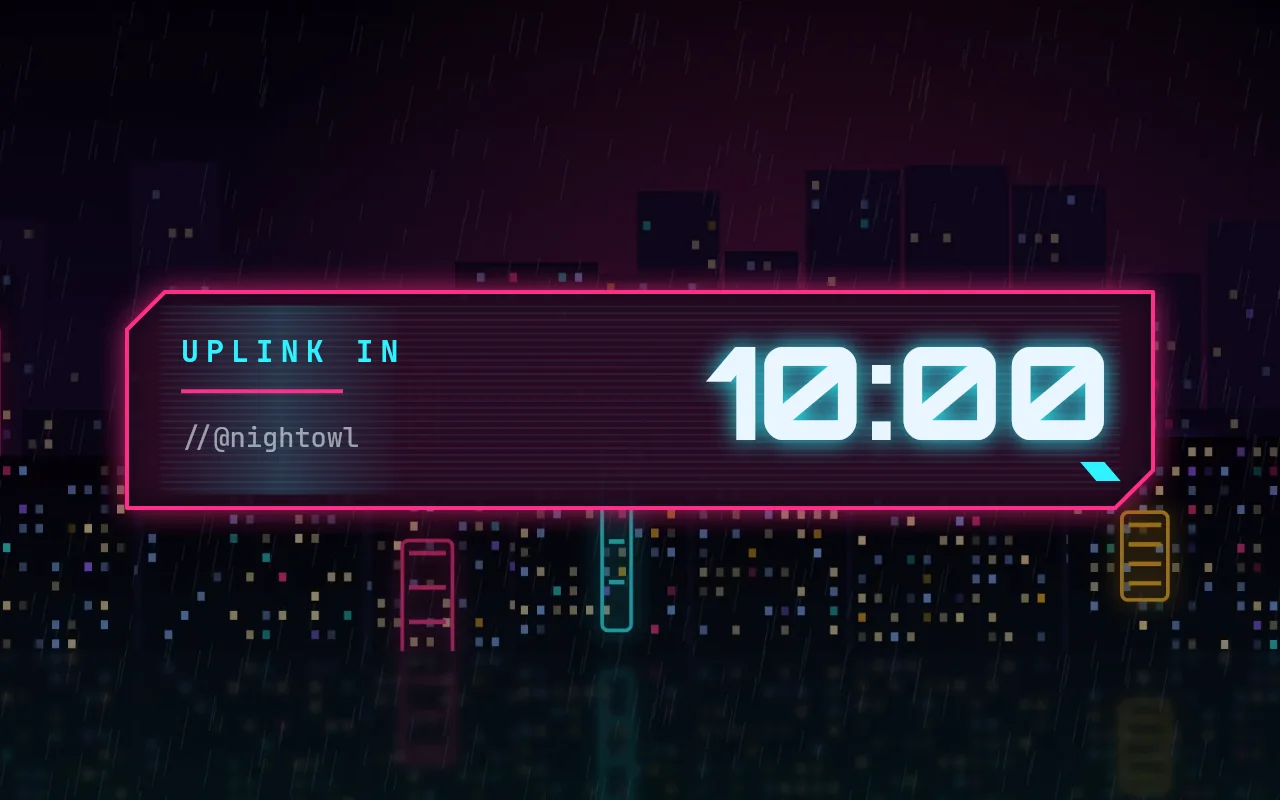
Uplink
OBS widget · Cyberpunk
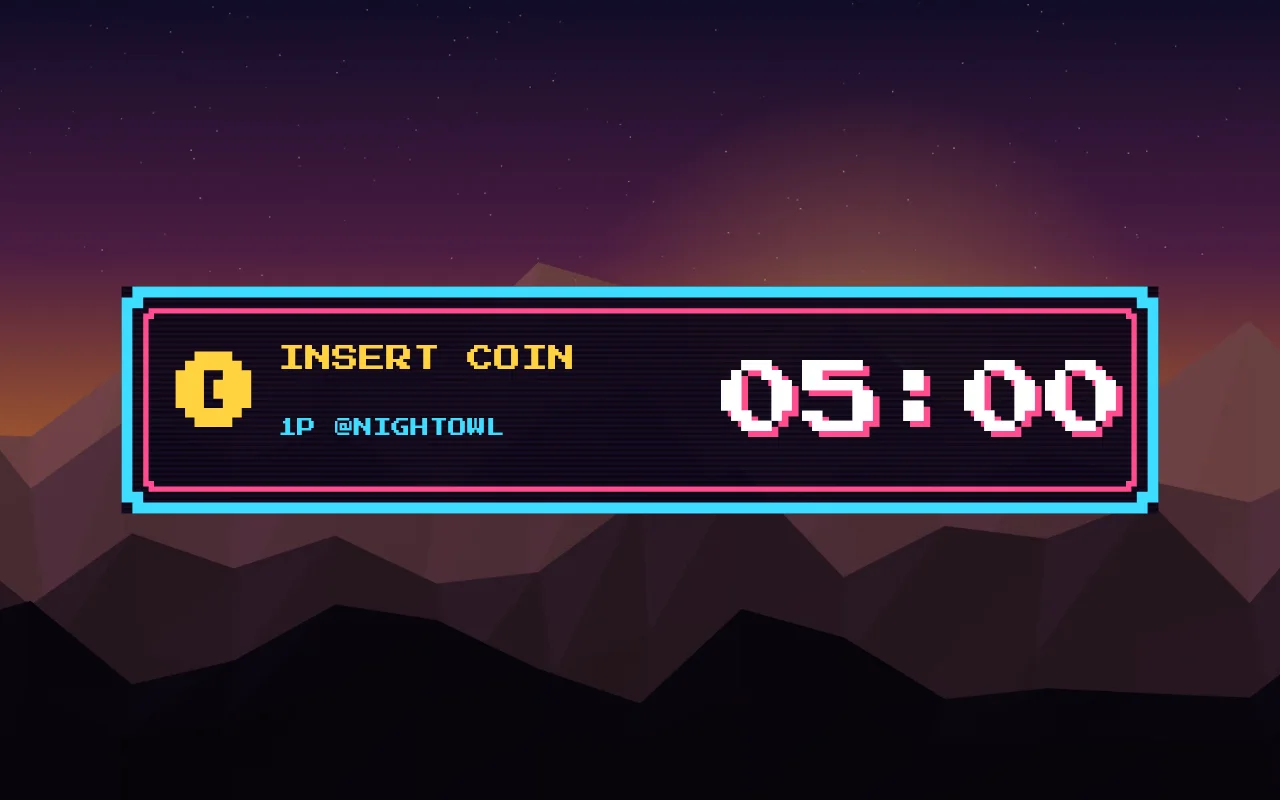
Insert Coin
OBS widget · Retro arcade
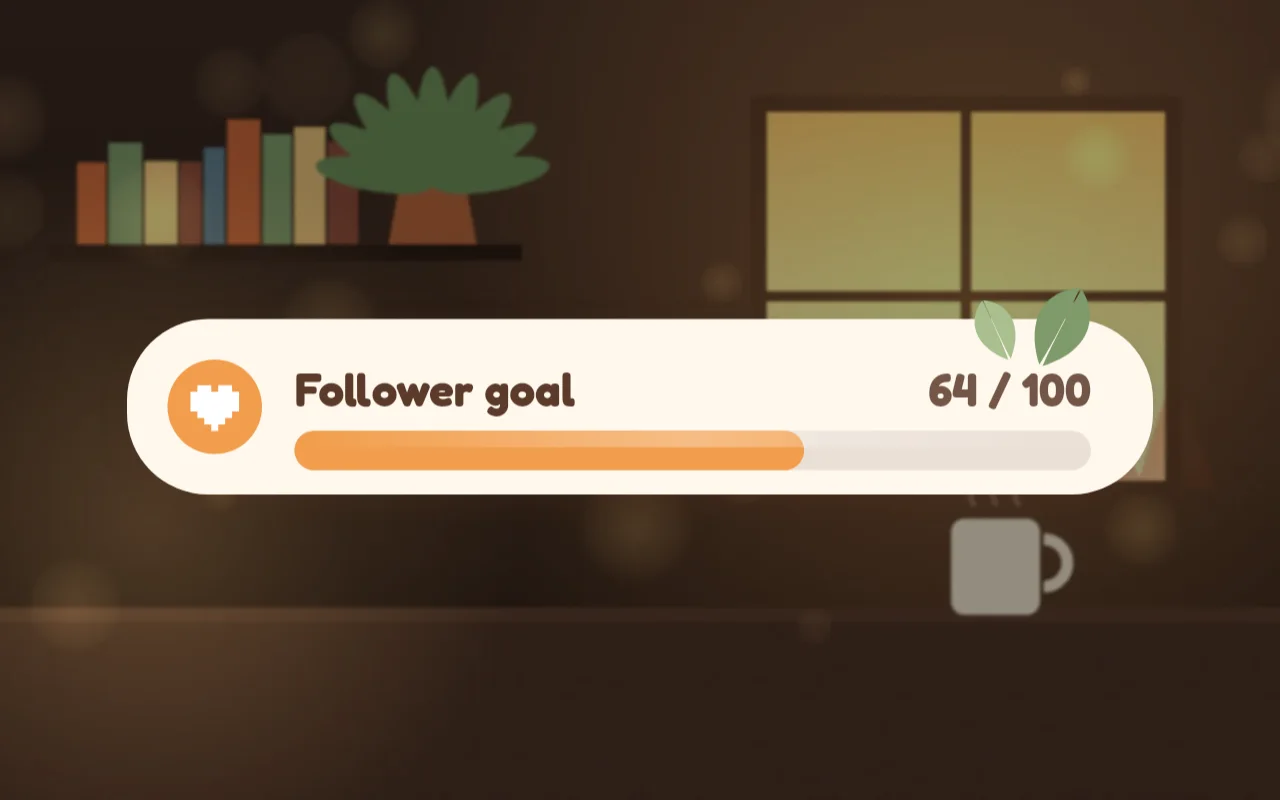
Little Goal
OBS widget · Cozy
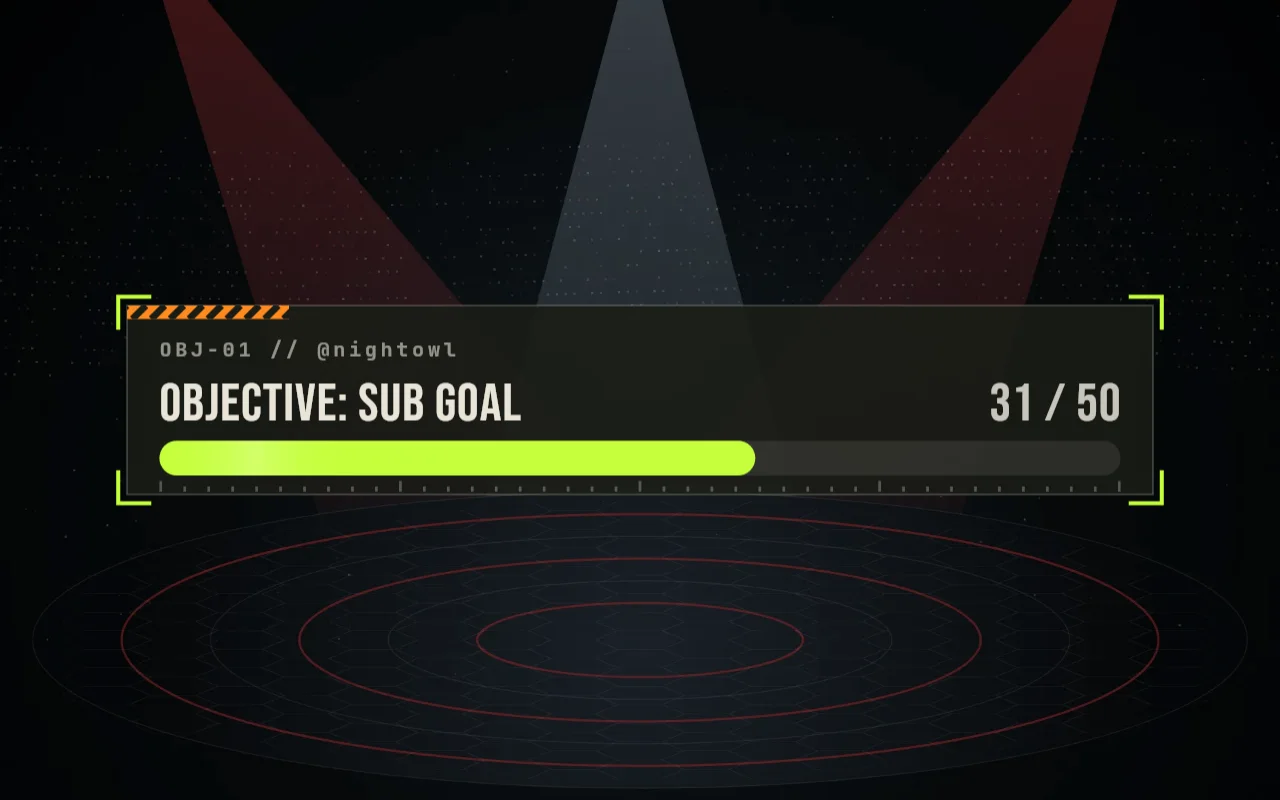
Objective
OBS widget · Tactical
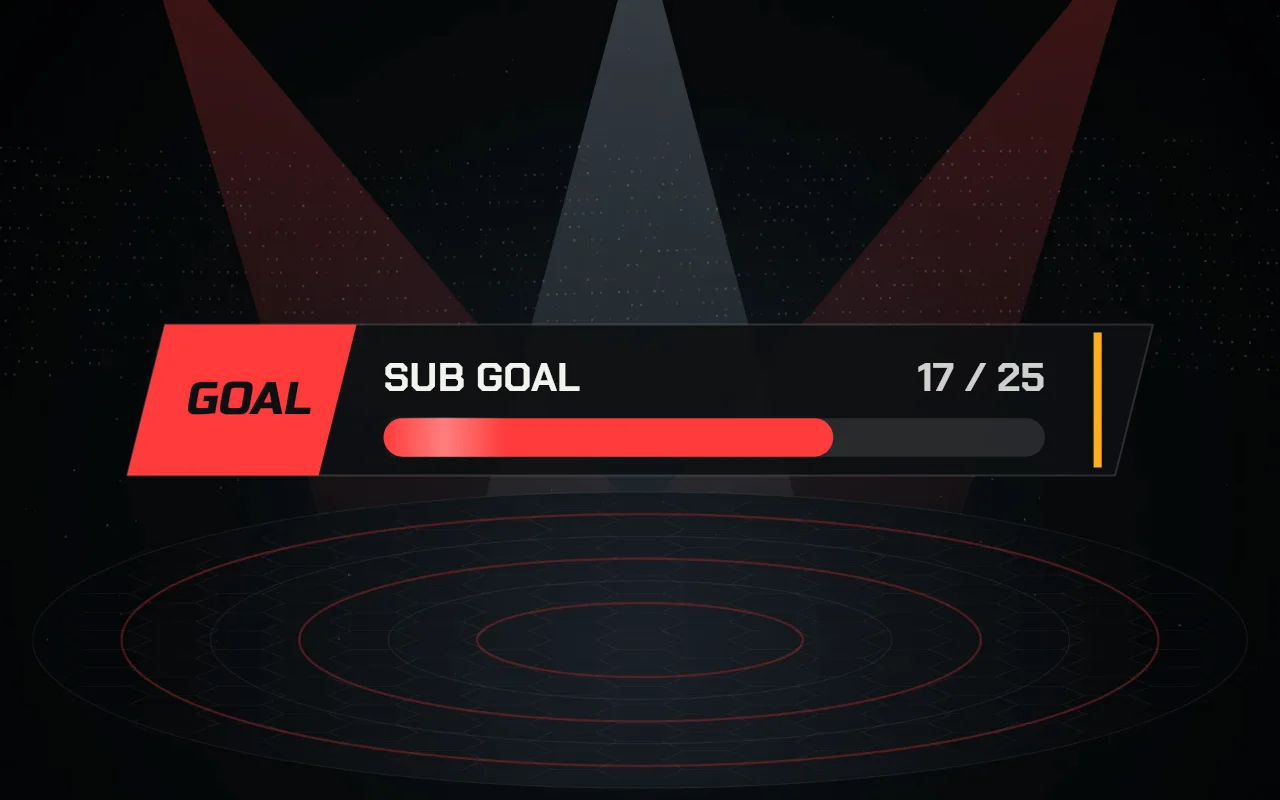
Clutch
OBS widget · Competitive FPS
Byline
OBS widget · Dark editorial
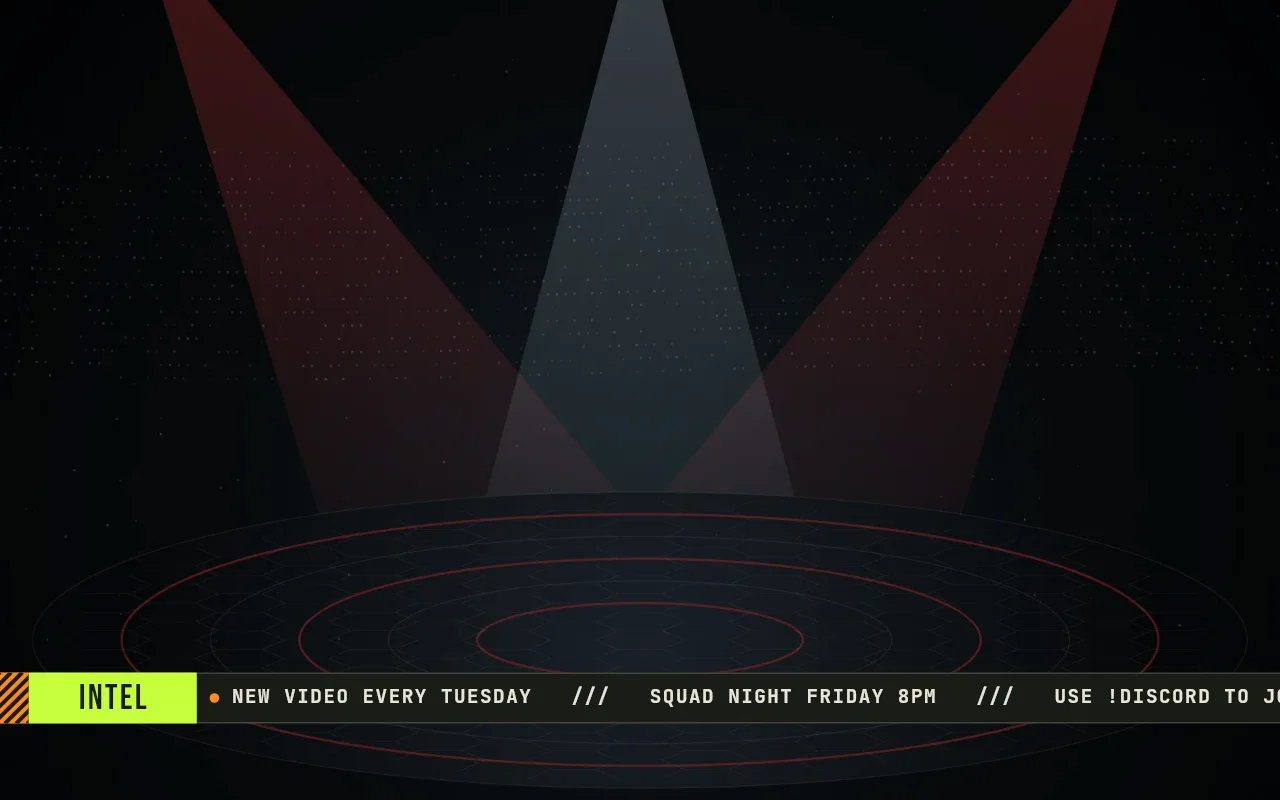
Intel Feed
OBS widget · Tactical
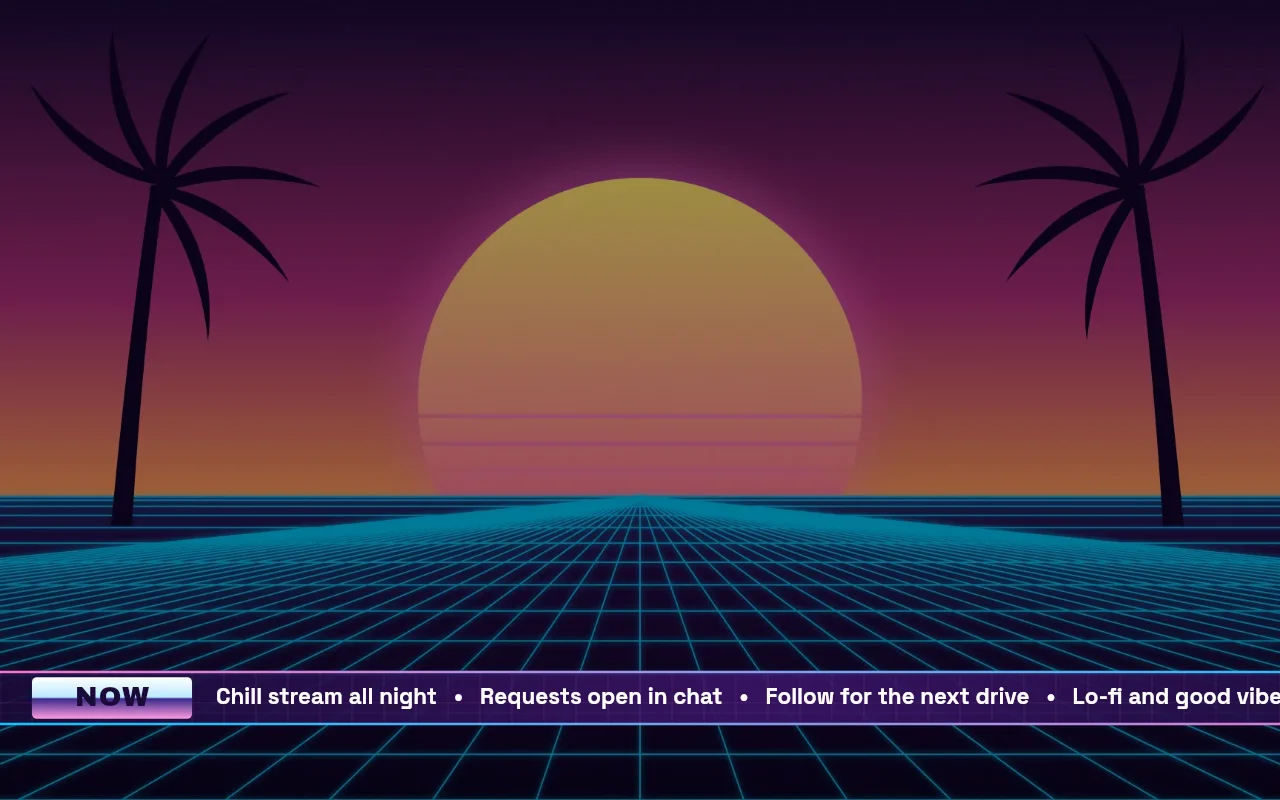
Night Drive
OBS widget · Vaporwave
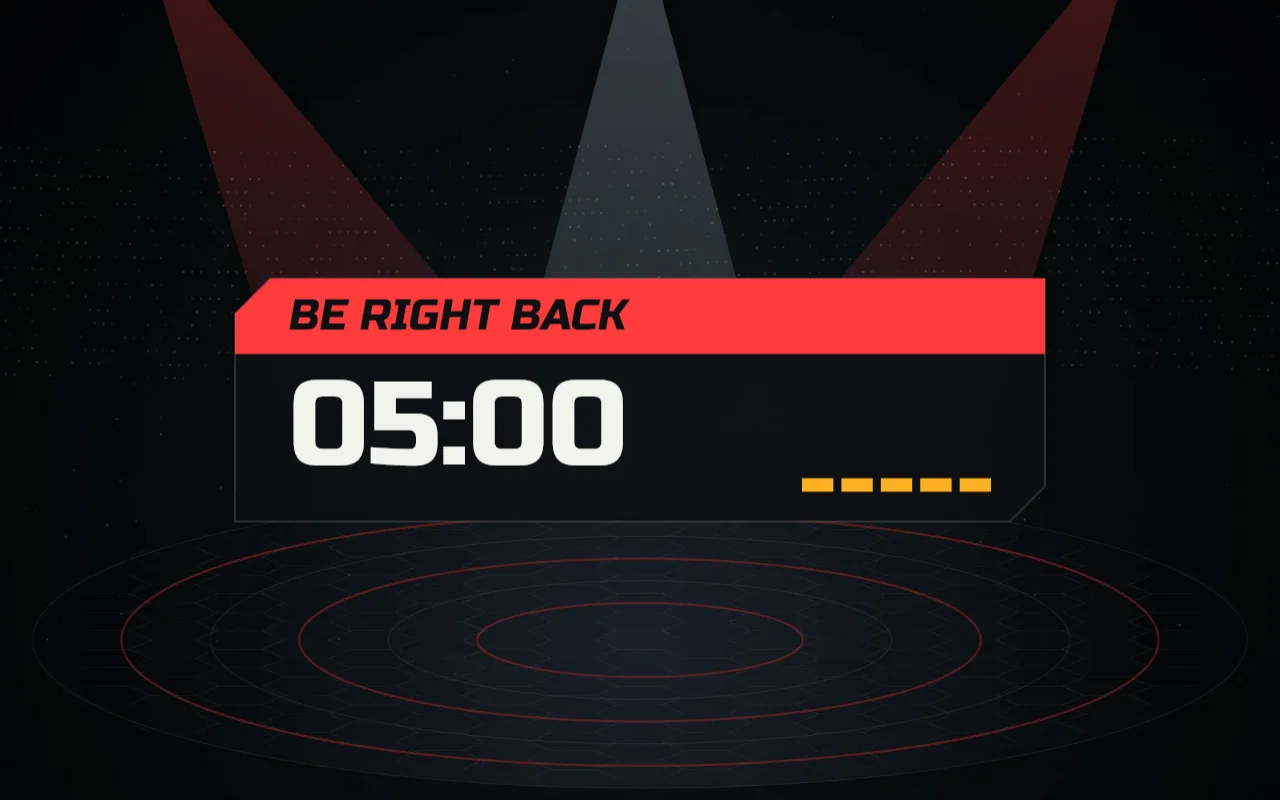
Timeout
OBS widget · Competitive FPS
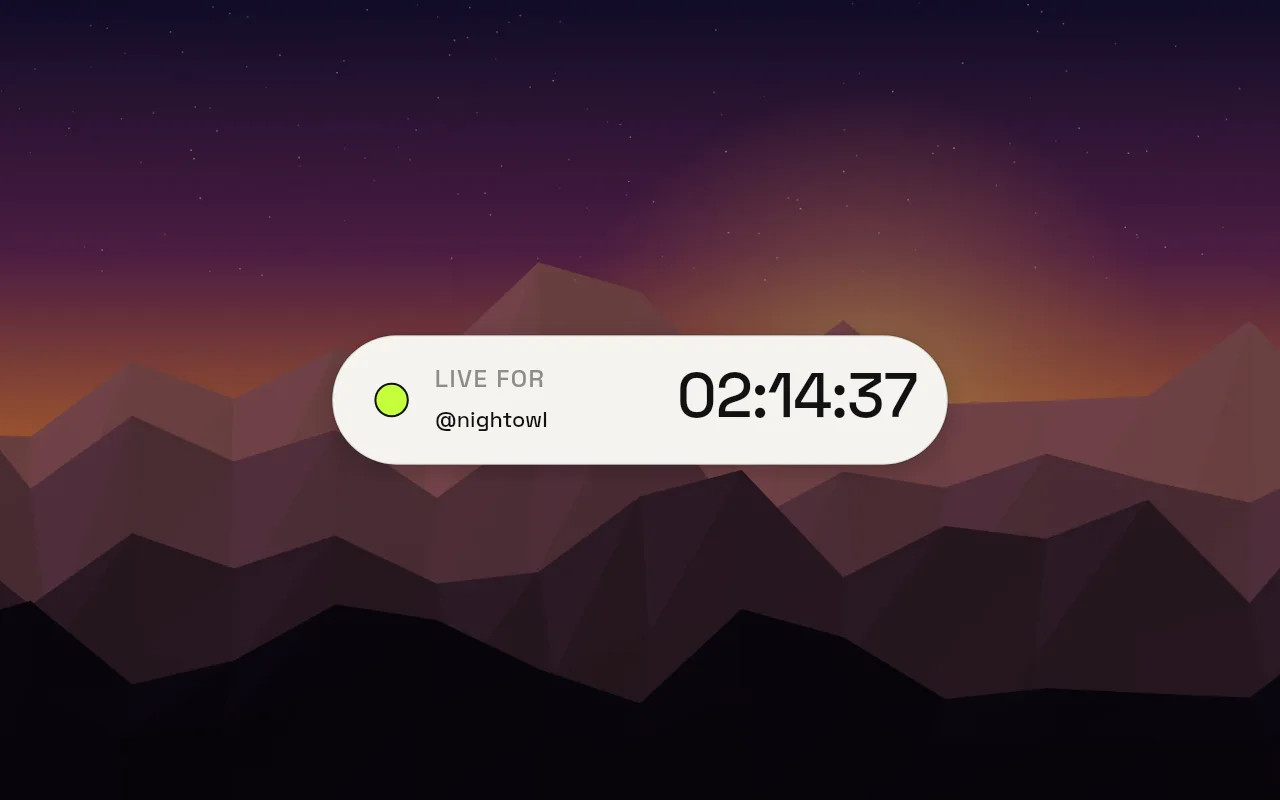
Uptime
OBS widget · Minimalist
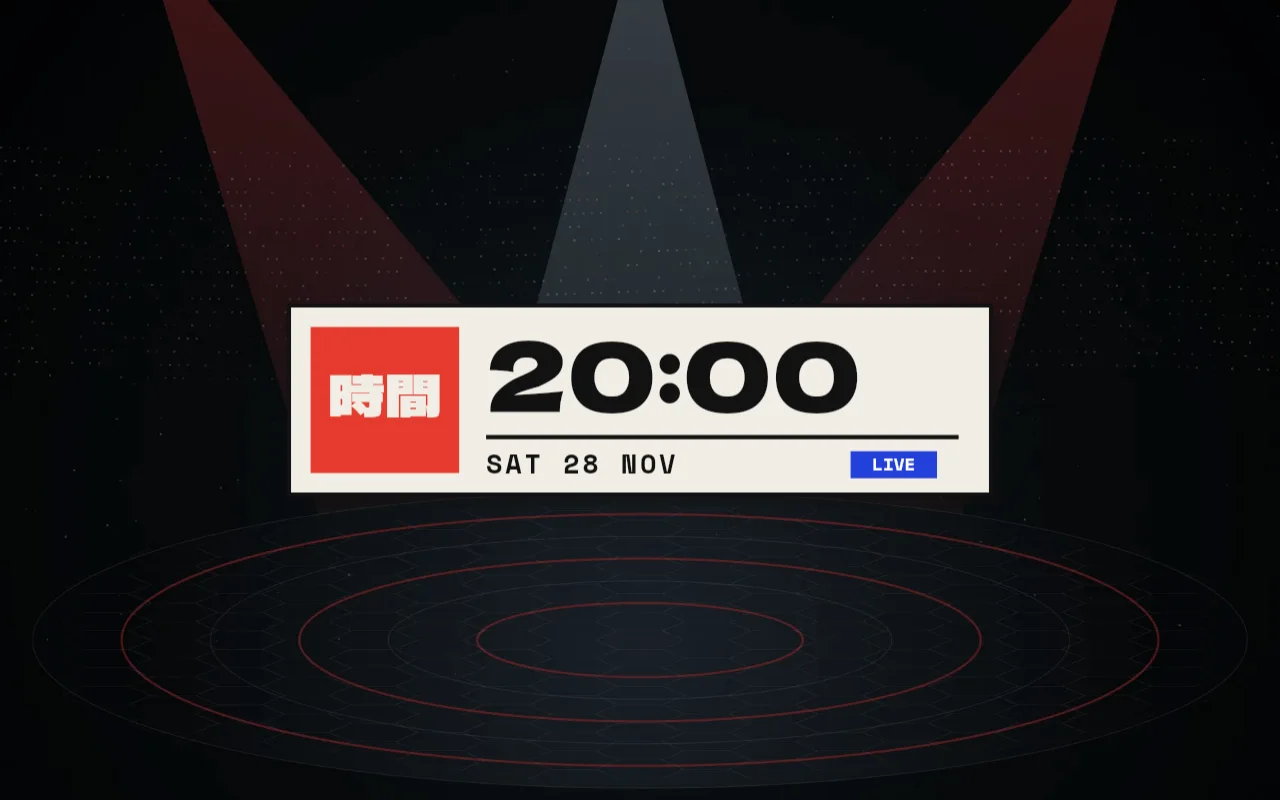
Jikan
OBS widget · Japanese streetwear
How it works
1. Pick a widget
Countdown, goal bar, ticker, rotator, session timer or clock, styled to match your overlay.
2. Set it up
Set the target time, the goal or the messages, and watch it run in the preview.
3. Paste it into OBS
Add a Browser source with the URL and the width and height shown next to the widget. Change it here whenever you like.
Common questions
How do I add a countdown timer to OBS?
Make the countdown in WKeyClub and copy its URL. In OBS, add a Browser source, paste the URL and set the width and height shown next to the widget. The OBS widgets guide covers every setting.
Can I update my stream goal while I’m live?
Yes. Change the current number in WKeyClub from any device and the goal bar on stream updates within a few seconds. You don’t need to touch OBS.
What happens if someone gets my widget URL?
They can view the widget and nothing else. If a URL leaks, rotate it in WKeyClub: the old link stops working straight away, and you paste the new one into OBS.
Do the widgets cost anything?
The widget builder and two styled templates (a countdown and a goal bar) are free. Premium widget styles are sold individually, in style packs or as one bundle.
What is the difference between a widget and a widget template?
The widget builder makes a plain countdown, goal bar, ticker or rotator. Widget templates put the same live widgets in a designed frame that matches an overlay style. Open one, then use Get OBS URL in the editor.