
Free tools
Every tool runs in your browser and is free to use. Make an account to save your projects and download them.
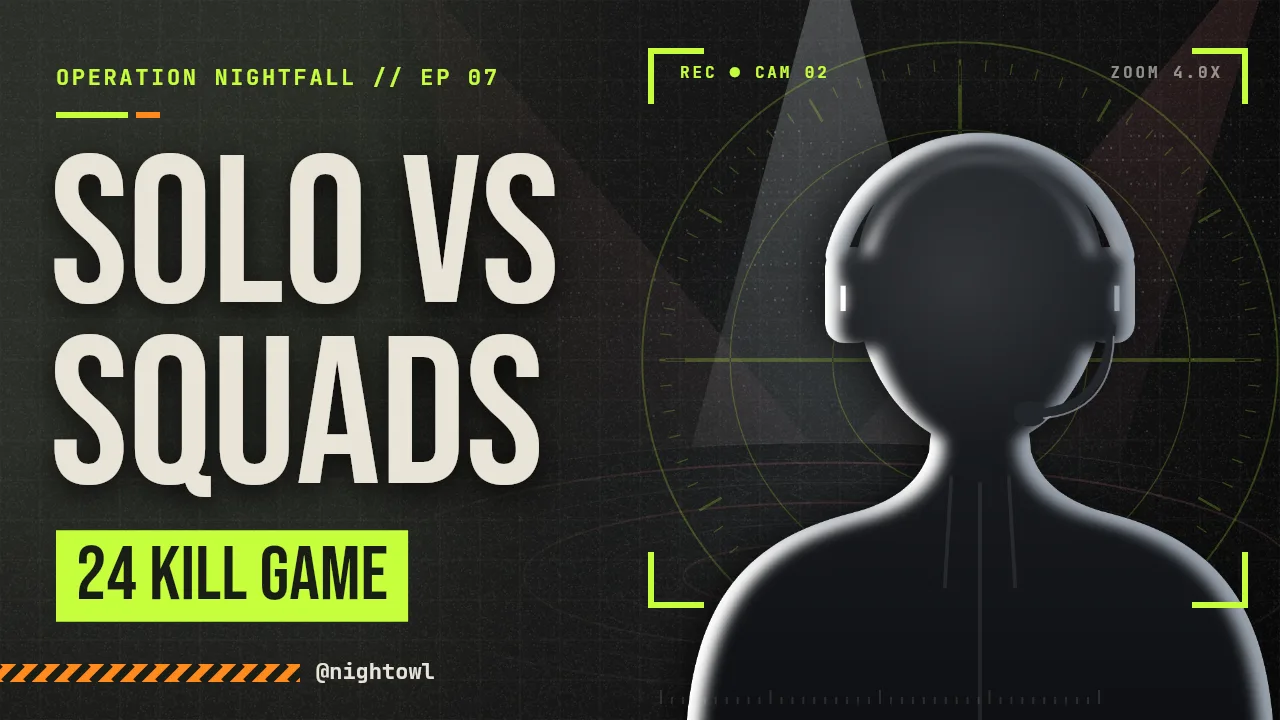
Thumbnail maker
YouTube gaming thumbnails at 1280 × 720
14 templates
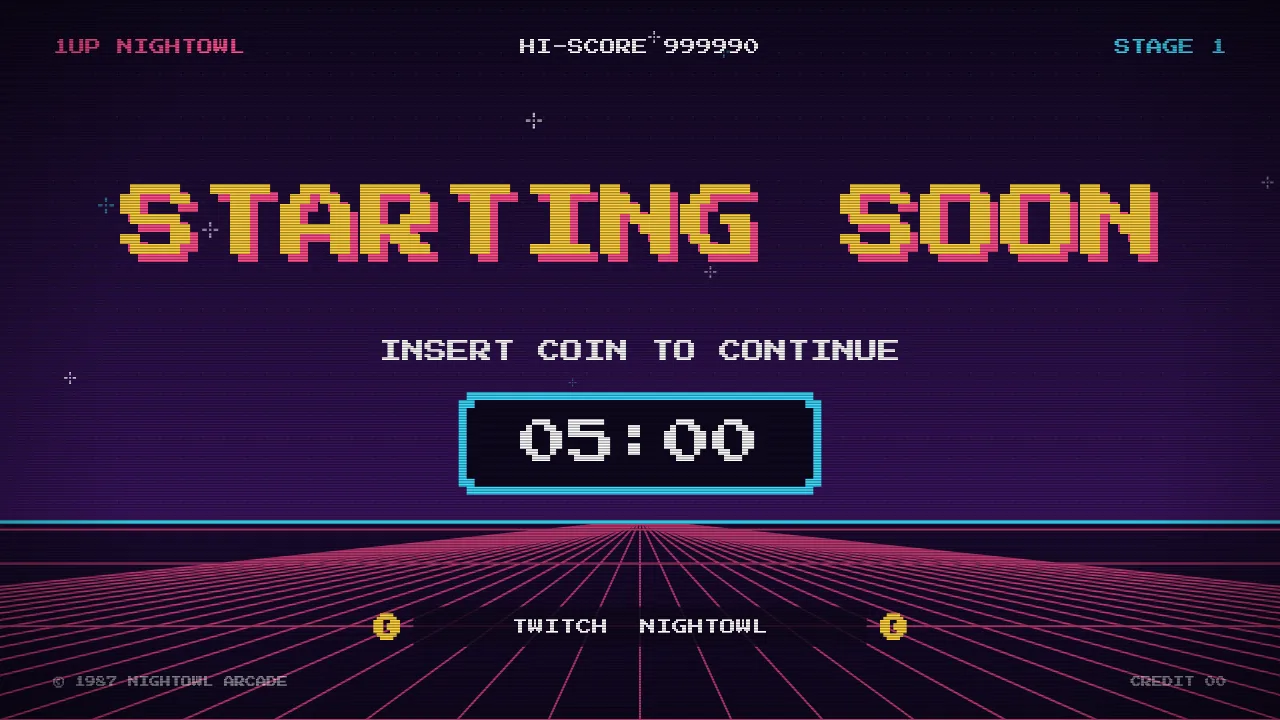
Stream screen generator
Starting Soon, BRB, Ending and Offline screens
10 templates
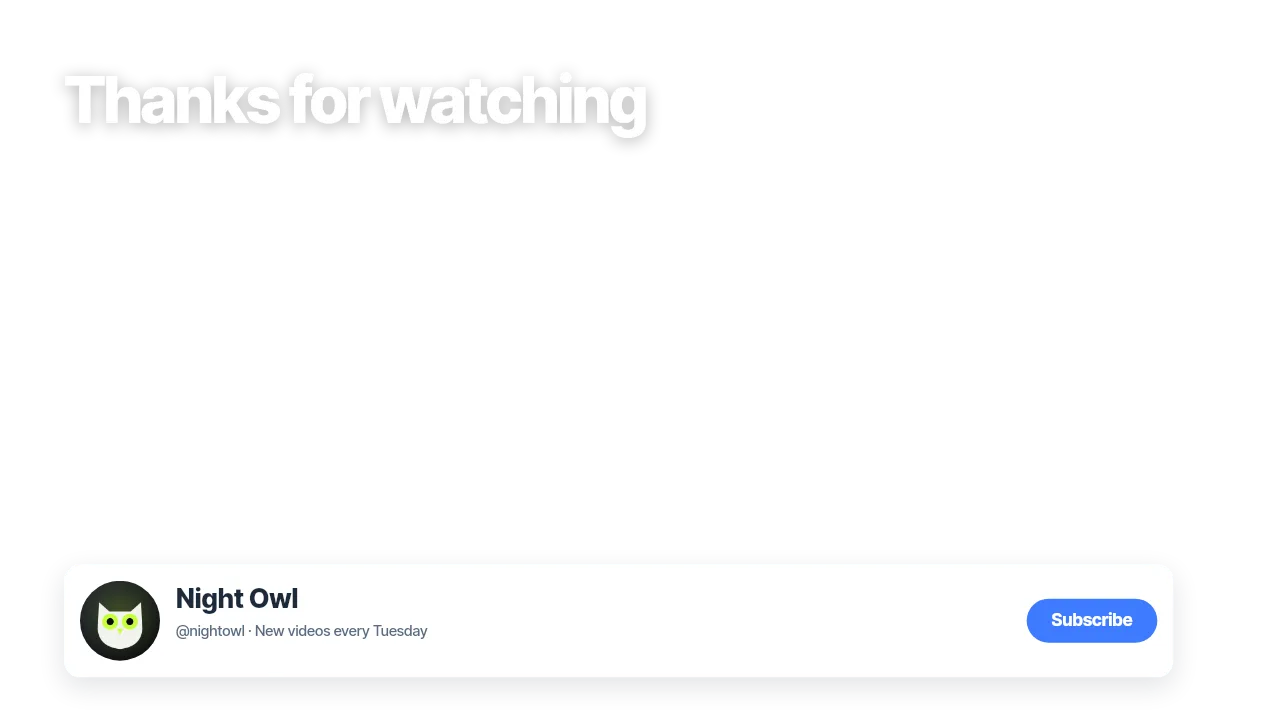
Closing card maker
End screens and closing cards for YouTube and Shorts
10 templates
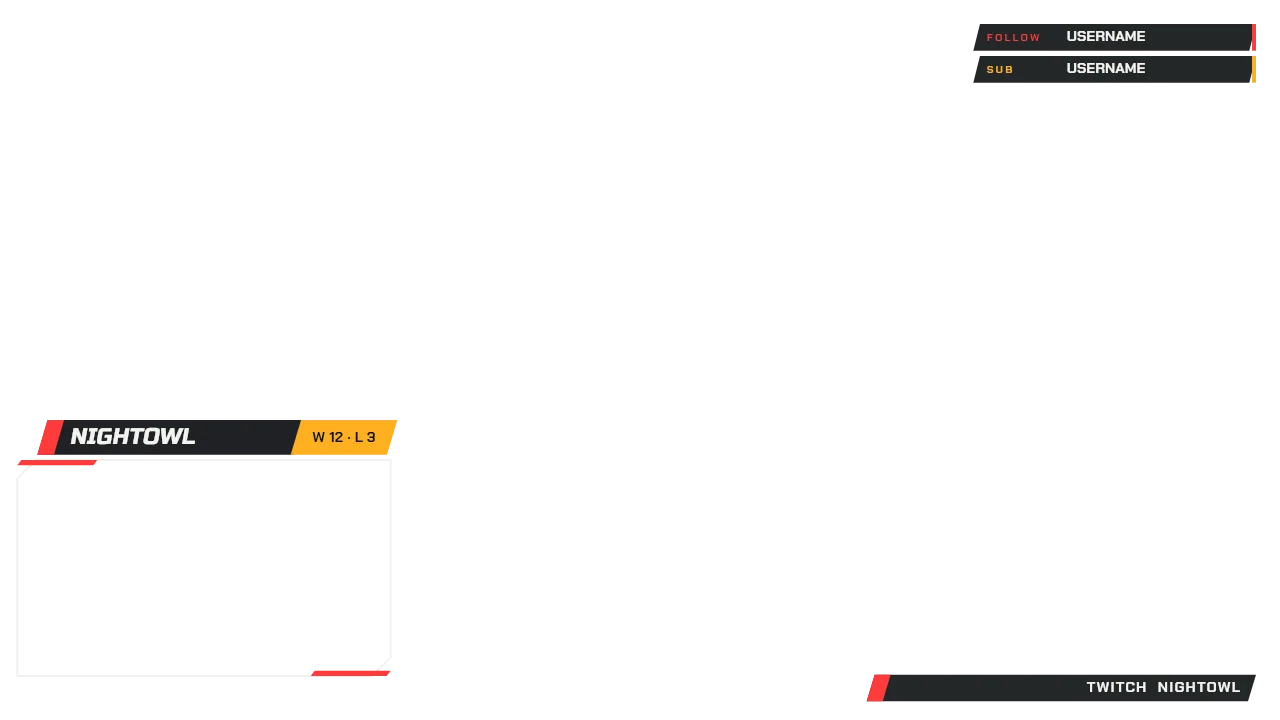
OBS overlay builder
Transparent overlays, webcam frames and alerts
13 templates
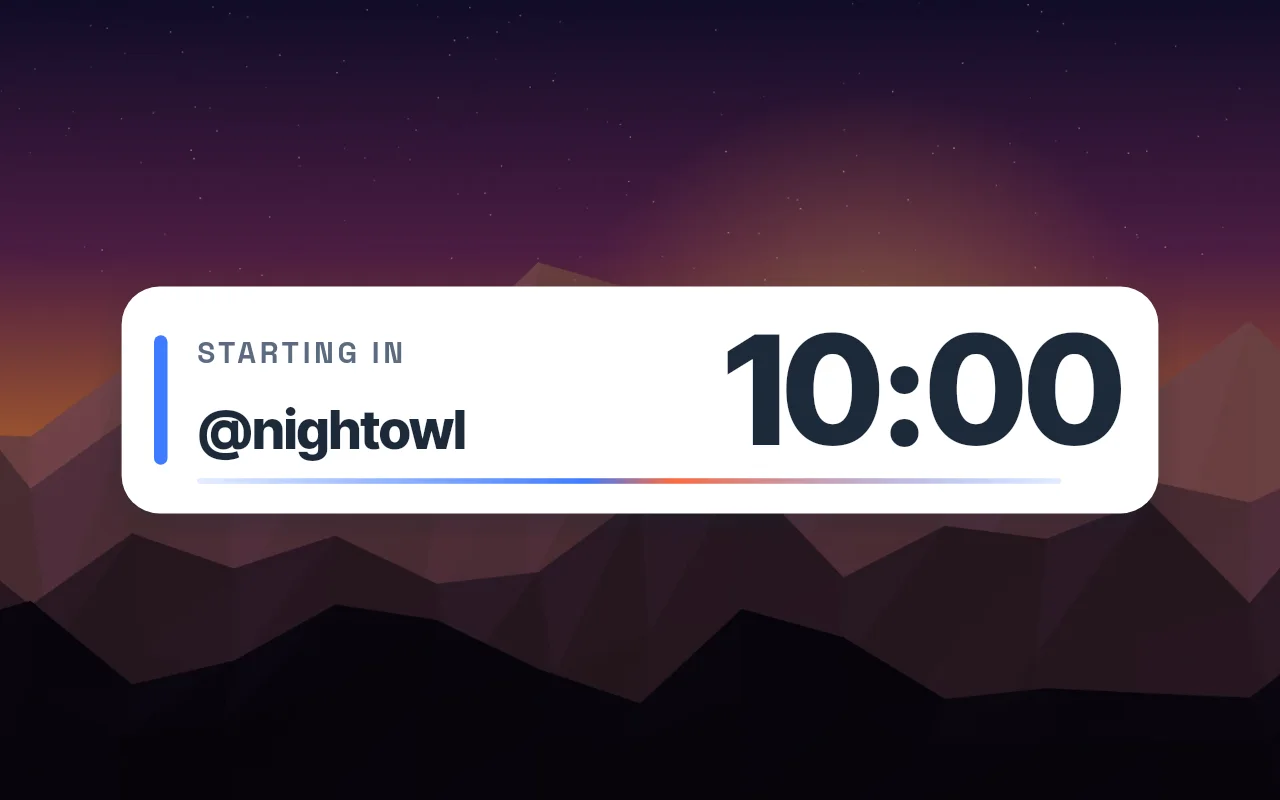
OBS widgets
Countdown timers, goal bars, tickers and rotators
12 templates
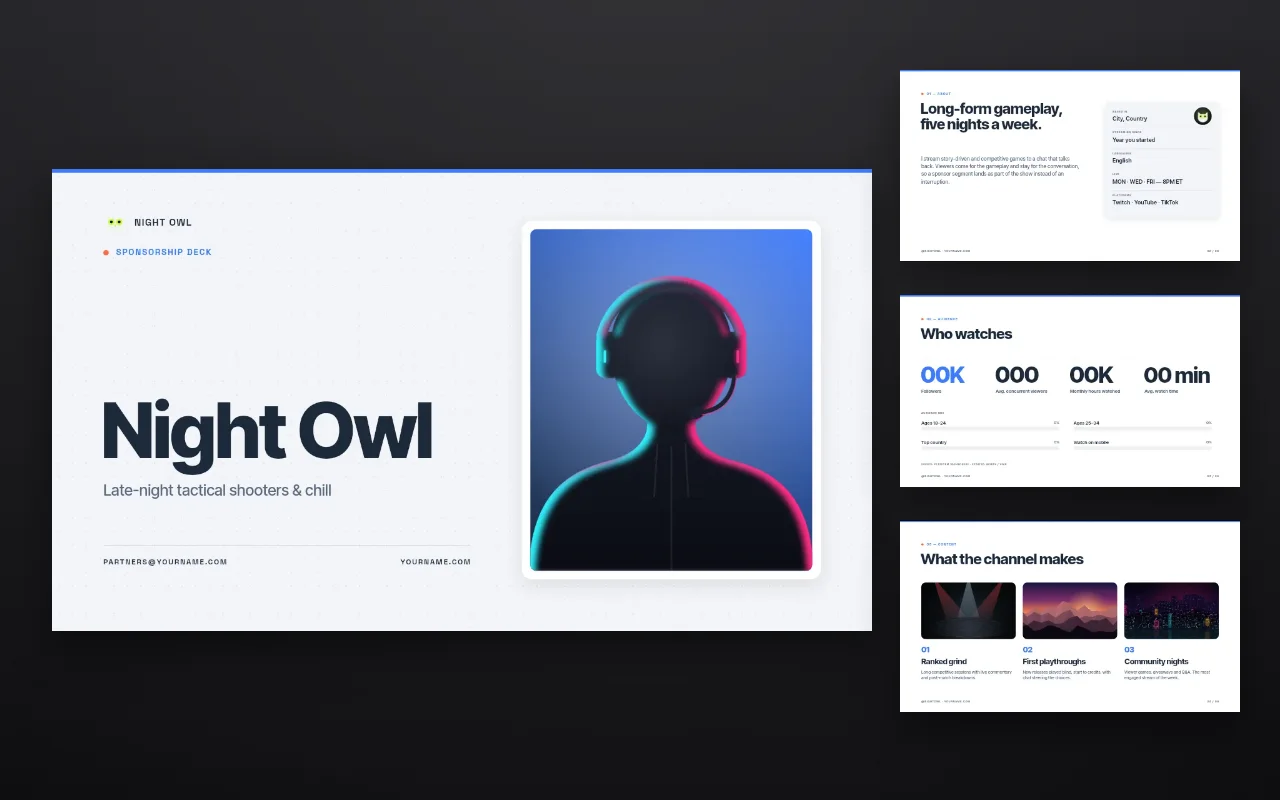
Sponsorship deck maker
Sponsorship decks, rate cards, proposals, media kits and reports as PDF
14 templates
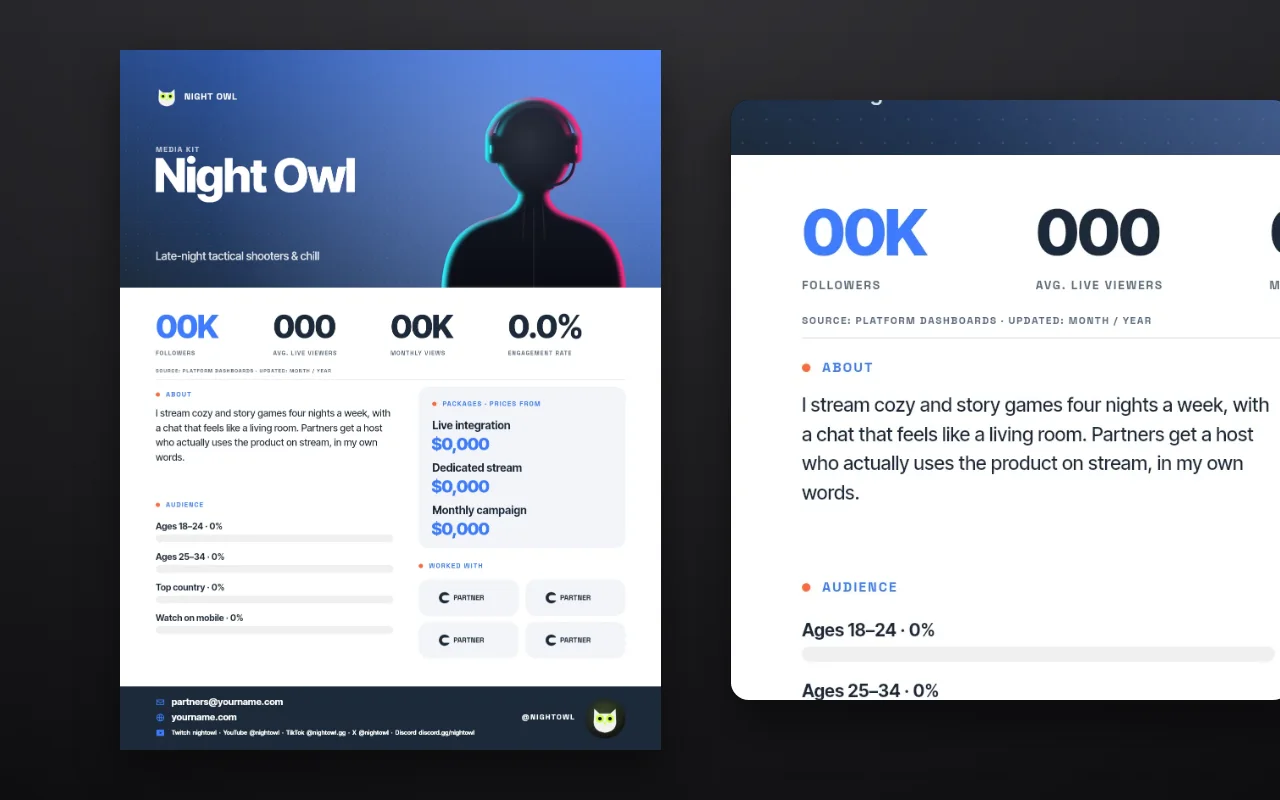
Media kit builder
Streamer media kits, rate cards and sponsor decks
5 templates
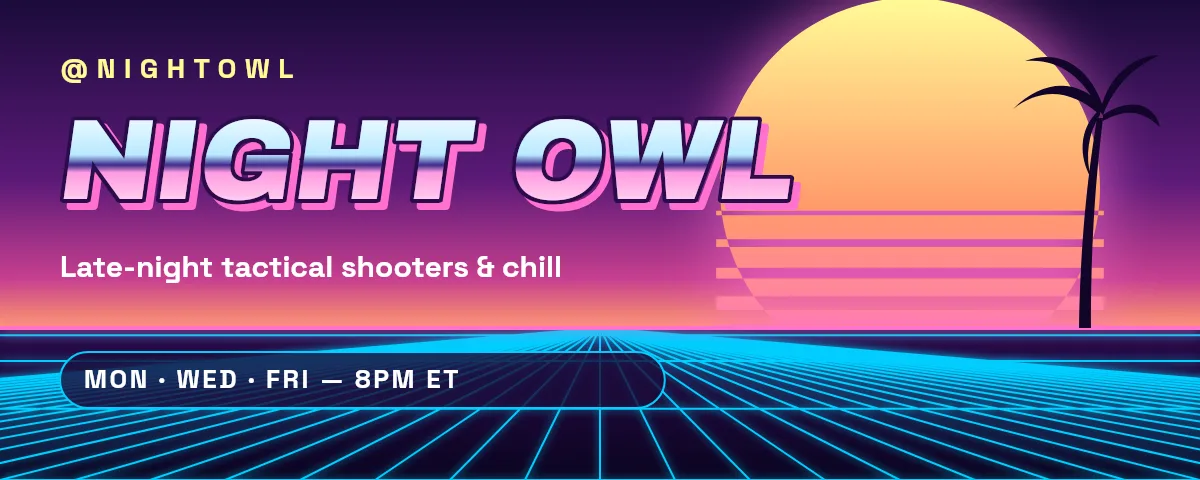
Social graphics
Twitch panels, channel banners and social posts
15 templates
Setup guides
Step-by-step instructions for OBS Studio, Streamlabs, Twitch and Kick.
- Add a WKeyClub URL as an OBS Browser sourceOBS Studio, 3 min
- Add a transparent overlay and webcam frame in OBSOBS Studio, 4 min
- Set up Starting Soon, BRB and Ending scenes in OBSOBS Studio, 6 min
- Add countdowns, goal bars and tickers to OBSOBS Studio, 3 min
- Use WKeyClub overlays, screens and widgets in Streamlabs DesktopStreamlabs Desktop, 4 min
- Upload panels to your Twitch channelTwitch, 4 min
- Stream to Kick from OBS with your WKeyClub overlayOBS Studio + Kick, 5 min