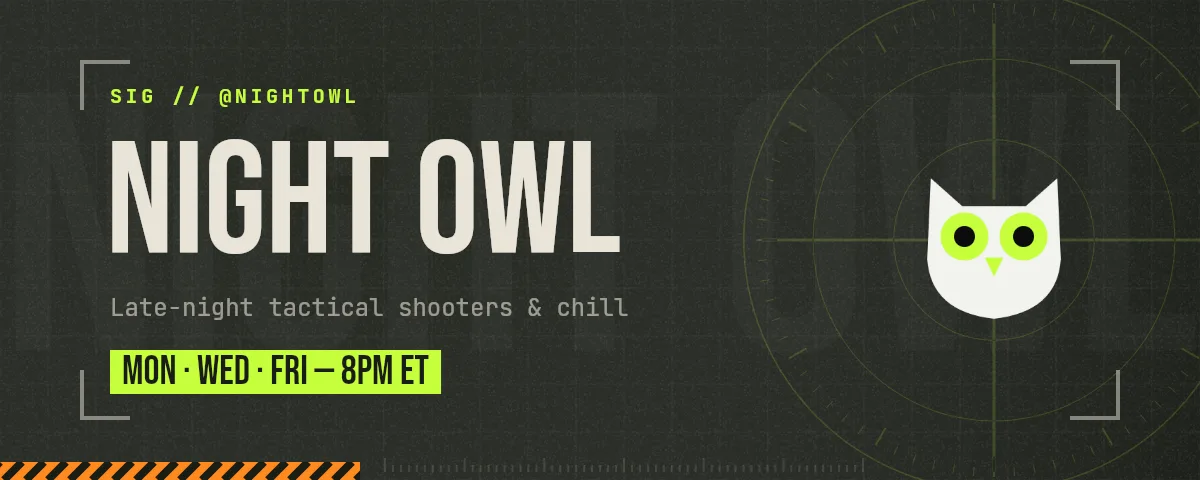
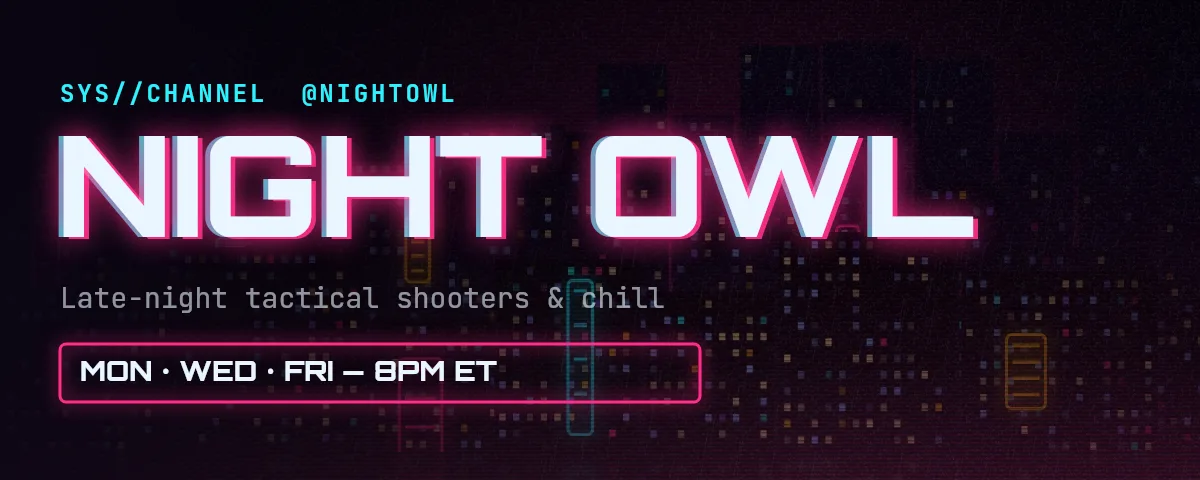
Twitch panels, banners and social posts
Make Twitch panels, channel banners for Twitch, YouTube and X, and going-live posts. They use the same brand vault as your overlay, so your channel page matches your stream.
Free to use. Sign in to save your work and download it.
- Twitch panels
- 320 px wide on Twitch, downloaded at 2× so they stay sharp
- Banners
- Twitch 1200 × 480, YouTube 2560 × 1440 with safe area, X 1500 × 500
- Posts
- 1080 × 1080, 1080 × 1350, 1080 × 1920
- Formats
- PNG, JPG
What it does
Twitch panels
About, Schedule, Rules, Discord and Socials as a matching set, at the width Twitch shows them.
Channel banners
Twitch profile banners, YouTube channel art with the safe area marked, and X headers.
Going-live posts
Square and vertical posts with your next stream time, for X, Instagram and Discord.
Templates
2 free, 13 premium. Premium templates are free to edit; you pay to download them without the watermark.
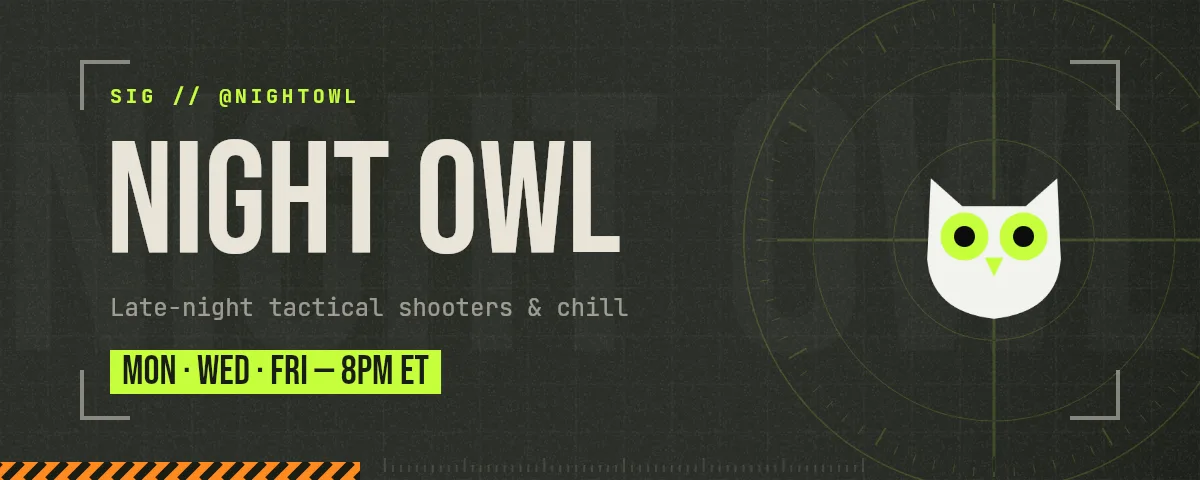
Perimeter
Channel banner · Tactical
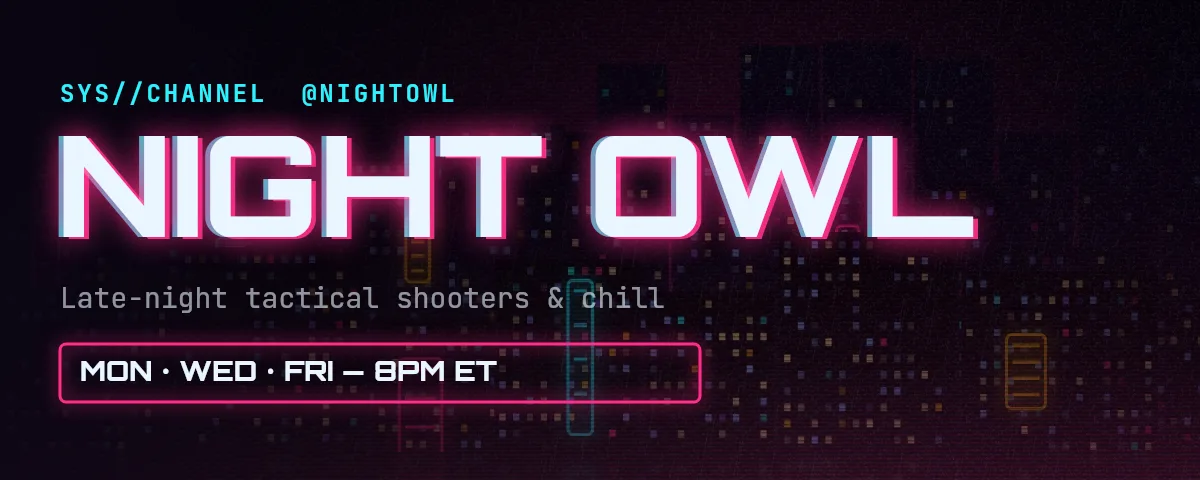
Skyline
Channel banner · Cyberpunk
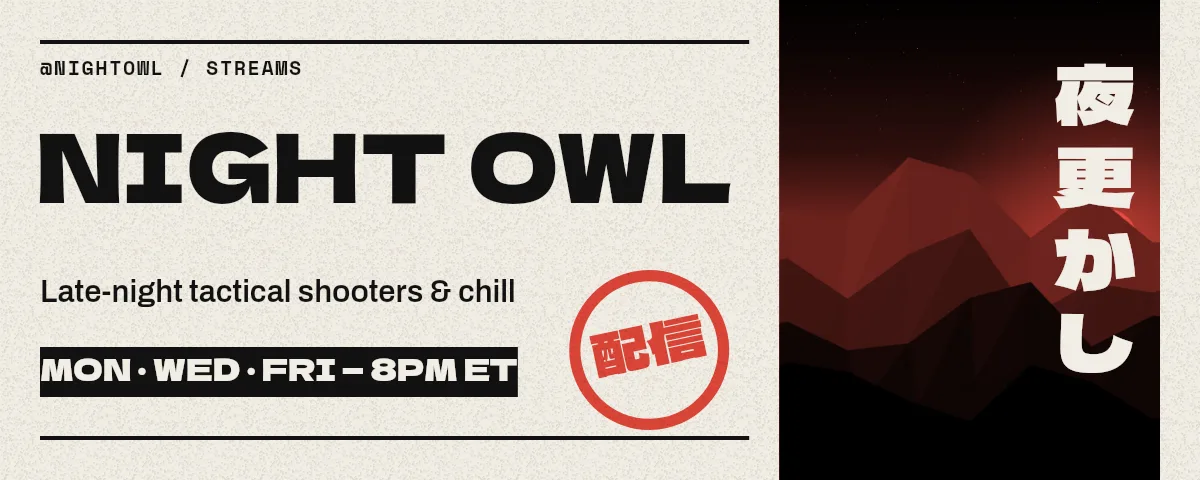
Poster
Channel banner · Japanese streetwear
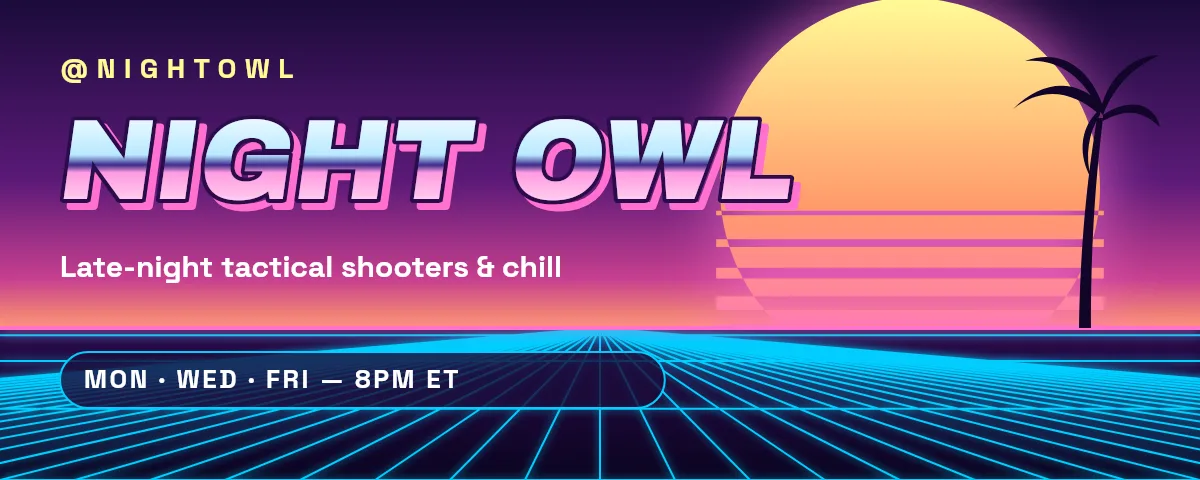
Horizon
Channel banner · Vaporwave
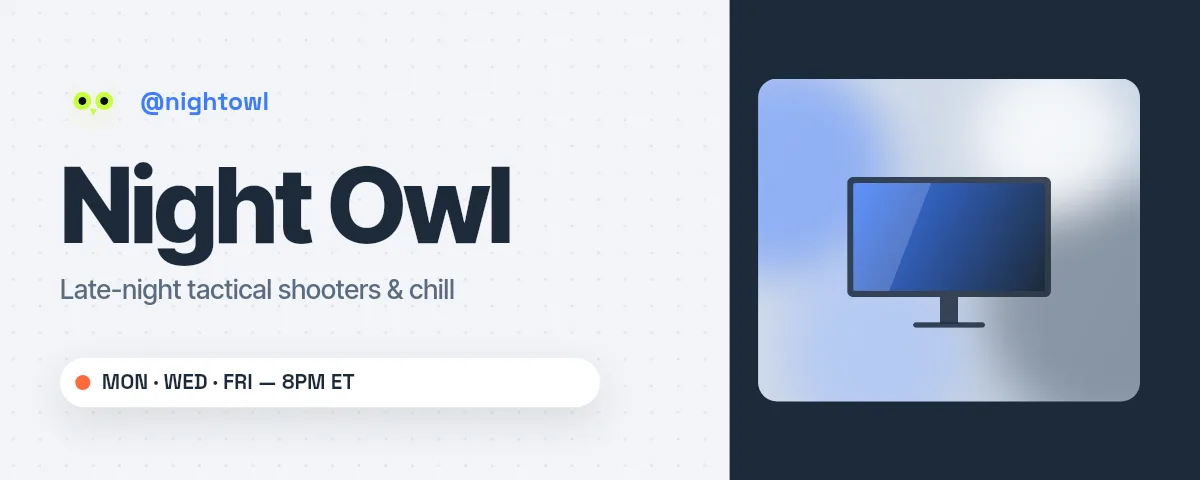
Profile
Channel banner · Clean professional
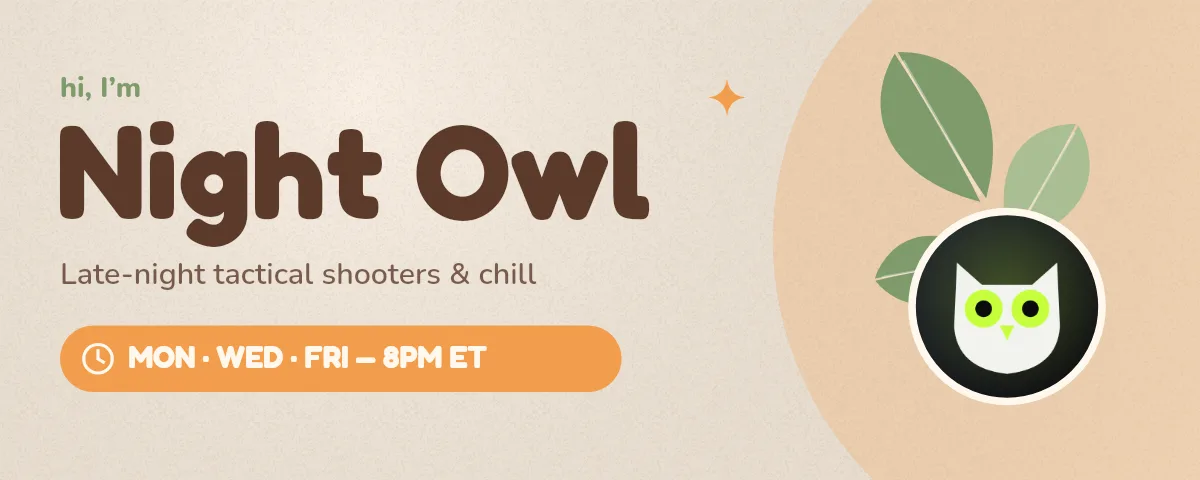
Cottage
Channel banner · Cozy
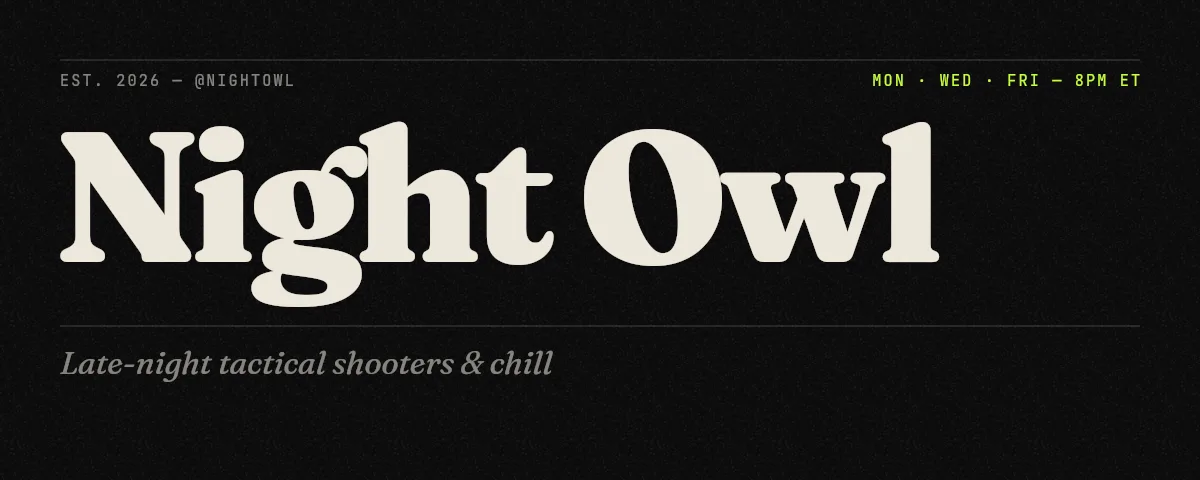
Masthead
Channel banner · Dark editorial
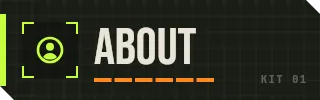
Field Kit
Twitch panel · Tactical
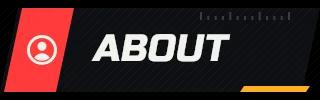
Loadout
Twitch panel · Competitive FPS
Neon Sign
Twitch panel · Cyberpunk

Cartridge
Twitch panel · Retro arcade
Tags
Twitch panel · Japanese streetwear
How it works
1. Choose a set
Panels, banners or posts. Every style has all three.
2. Fill in the words
Panel titles, your schedule and the game you’re playing tonight.
3. Upload them
Download PNGs and add them to your channel. The Twitch panels guide shows where they go.
Common questions
Setup guides
What size are Twitch panels?
Twitch shows panels 320 pixels wide. We download them at 640 pixels wide so they stay sharp on high-density screens, and Twitch scales them down.
How do I add panels to my Twitch channel?
Open your channel page, go to About, turn on Edit Panels, then add an image panel and upload each PNG. The Twitch panels guide covers links and ordering.
What size is a YouTube banner?
Upload 2560 × 1440. Only the center 1546 × 423 shows on every device, so our YouTube banner templates keep your name and schedule inside that area.