Twitch overlay maker for OBS
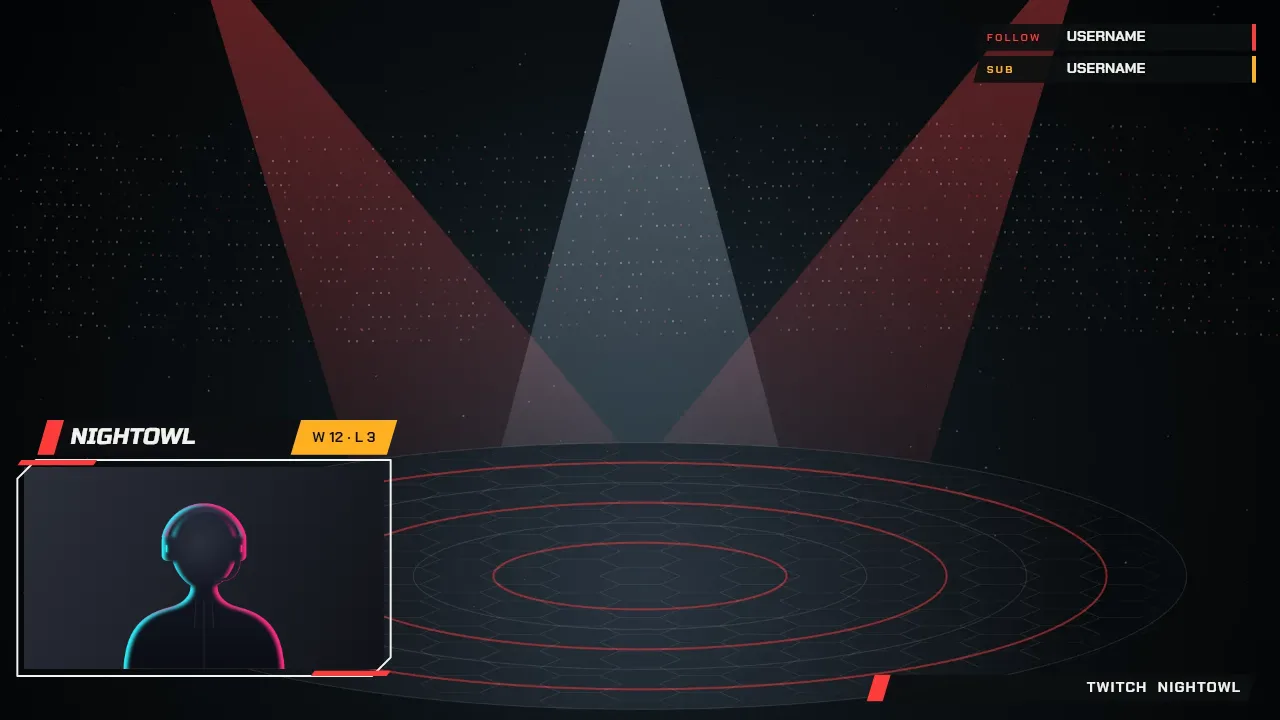
Make a transparent 1920 × 1080 overlay that frames your webcam and leaves your gameplay clear. Add it to OBS as a PNG or as a live browser source. The same overlay works on Twitch, Kick and YouTube.
Free to use. Sign in to save your work and download it.
- Canvas
- 1920 × 1080 with transparency; webcam frames at 4:3 and 16:9
- Formats
- PNG with transparency, WebM video, OBS browser source
- Browser source
- A URL you can turn off at any time, 30 fps, transparent background
- Works with
- OBS Studio, Streamlabs Desktop, Twitch, Kick, YouTube Live
What it does
Transparent background
Overlays download with transparency, so your gameplay shows through wherever the design is empty.
Webcam and chat guides
The editor marks where your camera and chat go, so your camera fits the frame.
Hosted browser source
Copy one URL into OBS. Changes you make in the editor appear on stream without importing files again.
Any platform
Twitch, Kick and YouTube all receive the same OBS output, so one overlay covers all three.
Templates
2 free, 11 premium. Premium templates are free to edit; you pay to download them without the watermark.
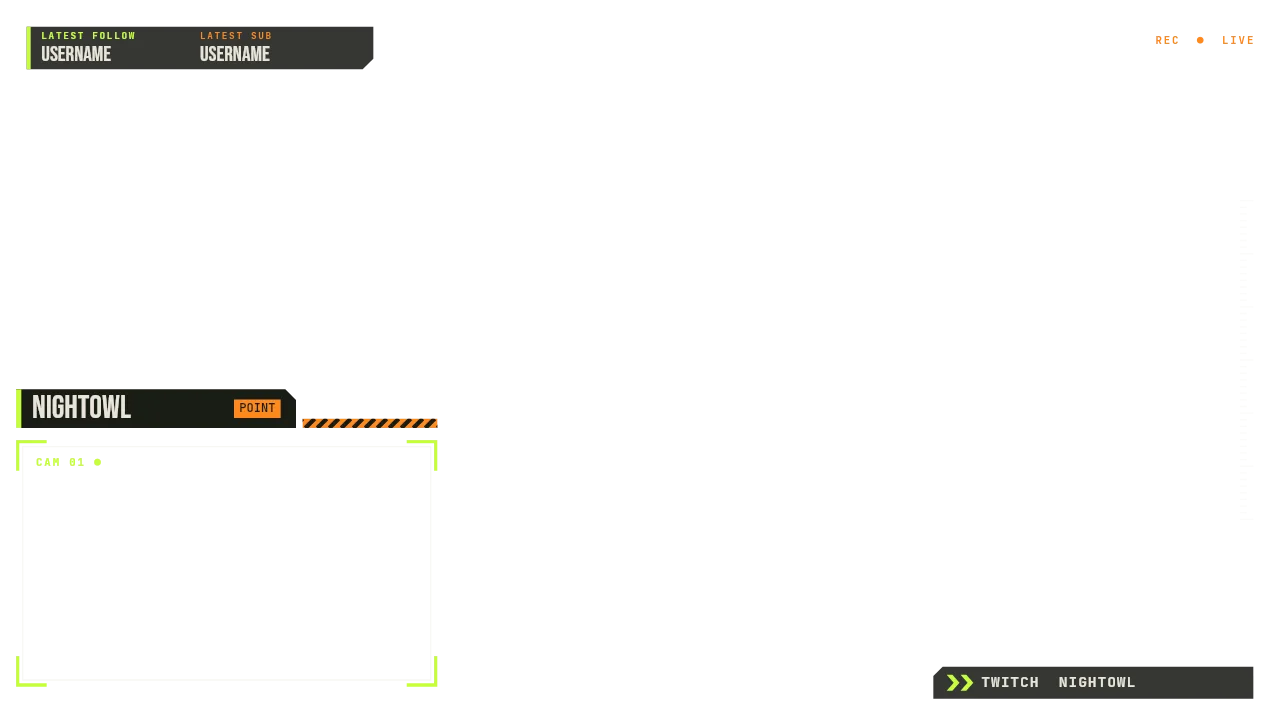
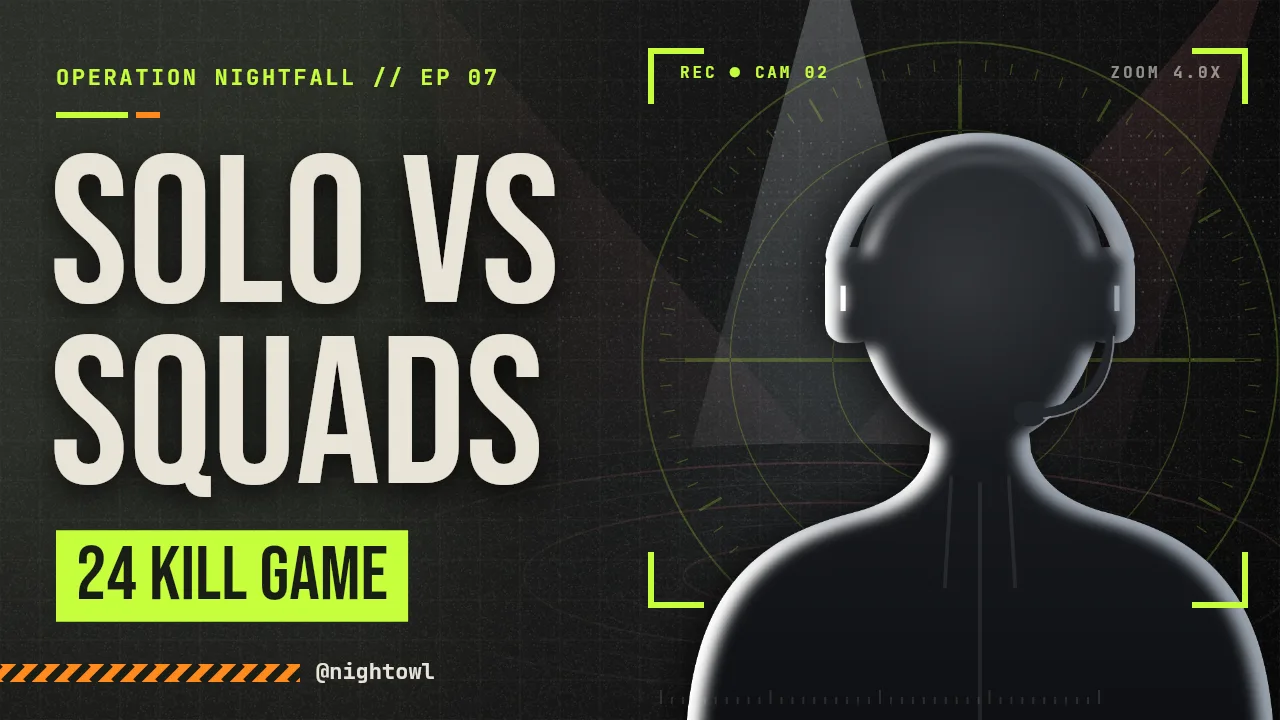
Overwatch
Stream overlay · Tactical
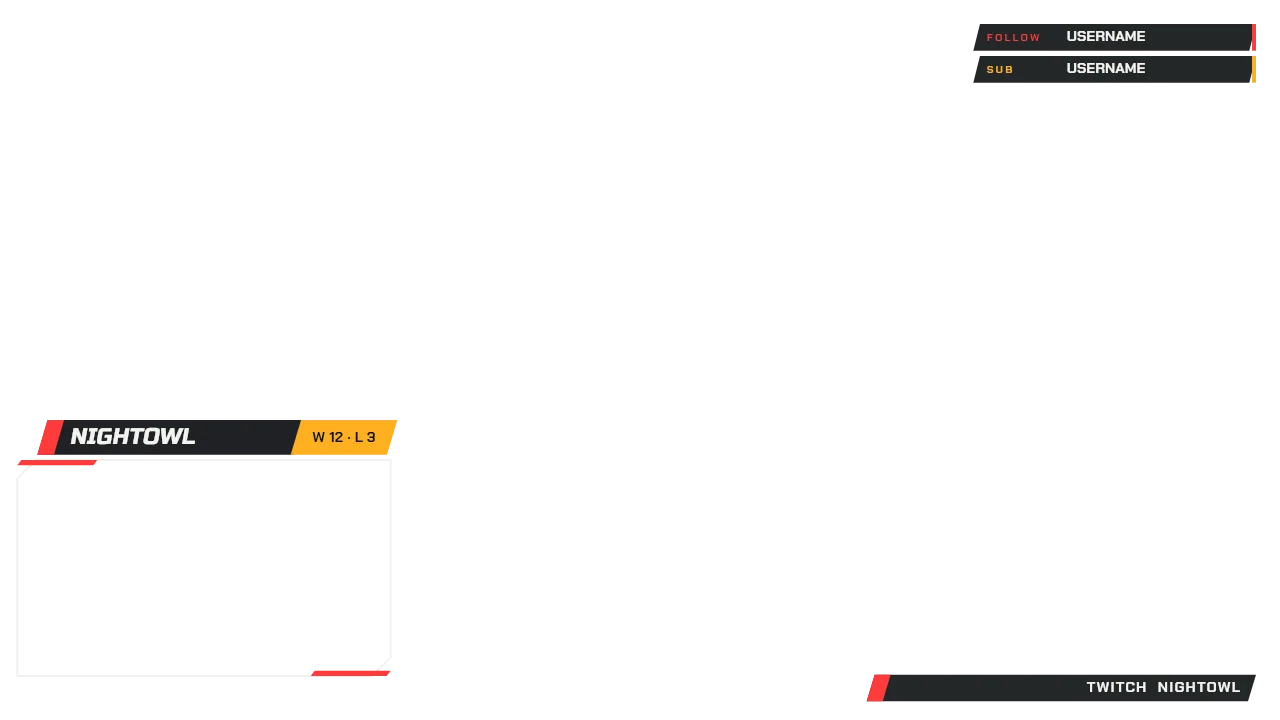
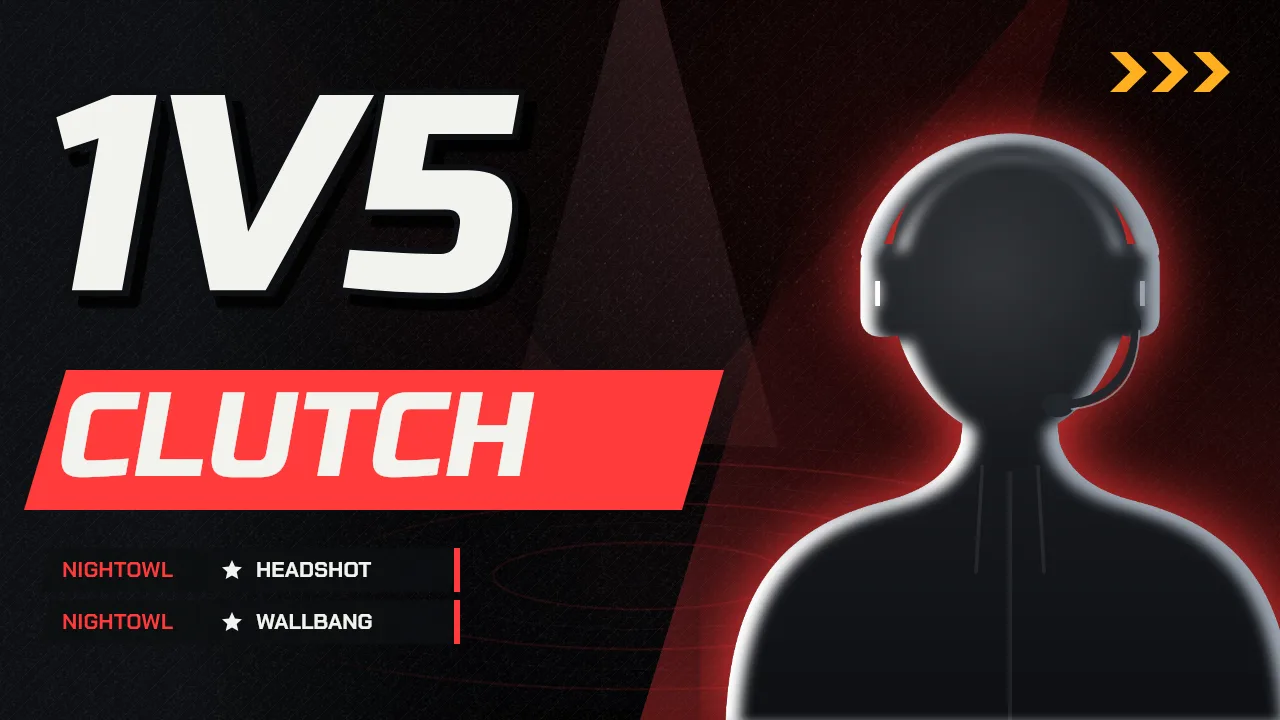
Killcam
Stream overlay · Competitive FPS
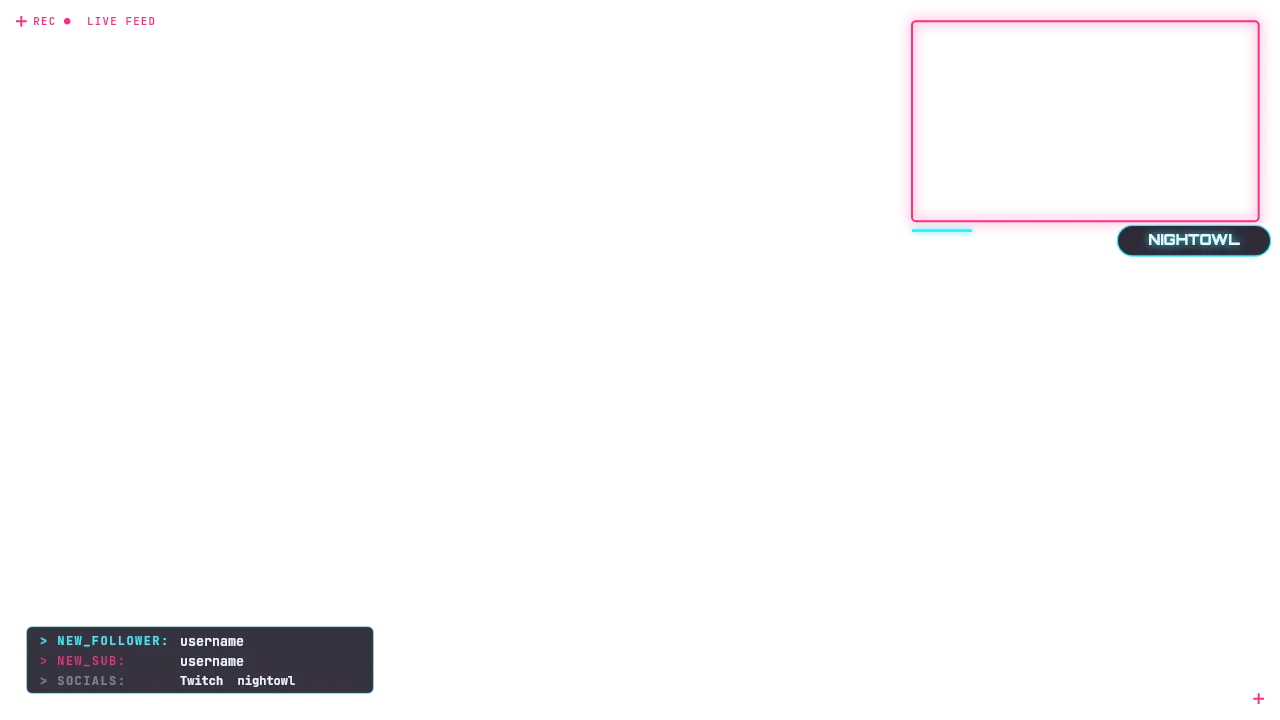
Netrunner
Stream overlay · Cyberpunk
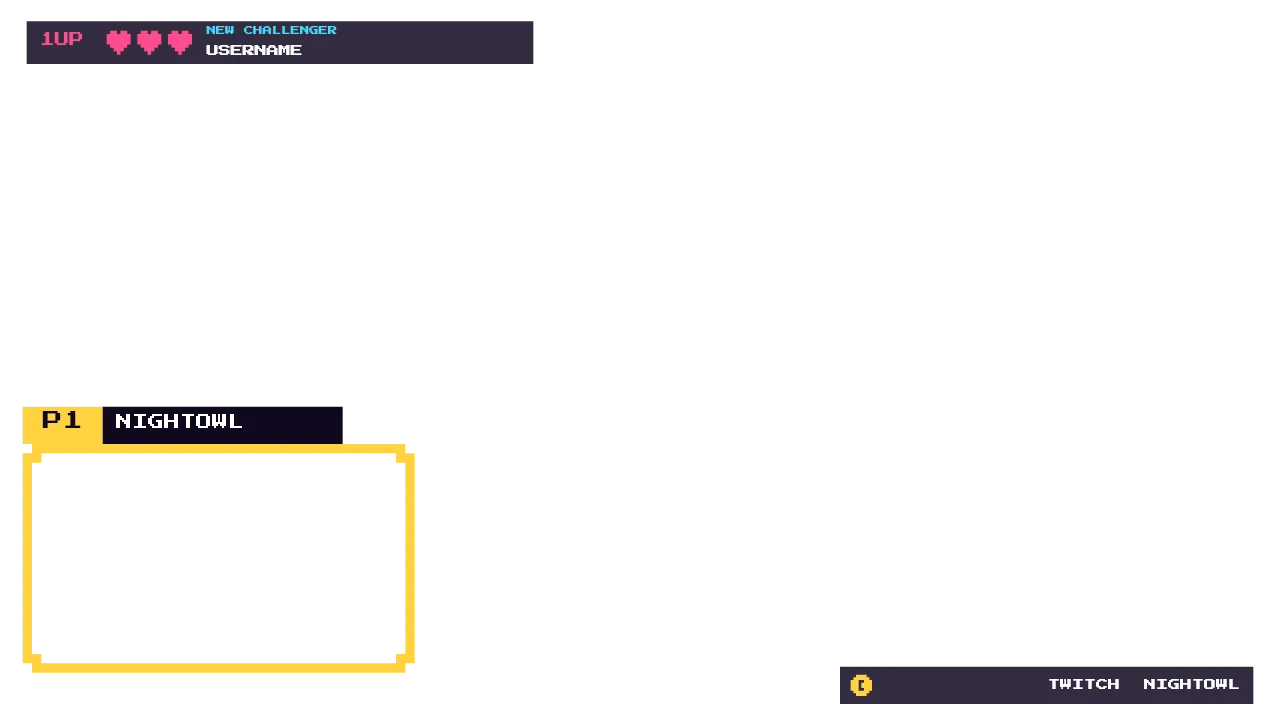
Player One
Stream overlay · Retro arcade
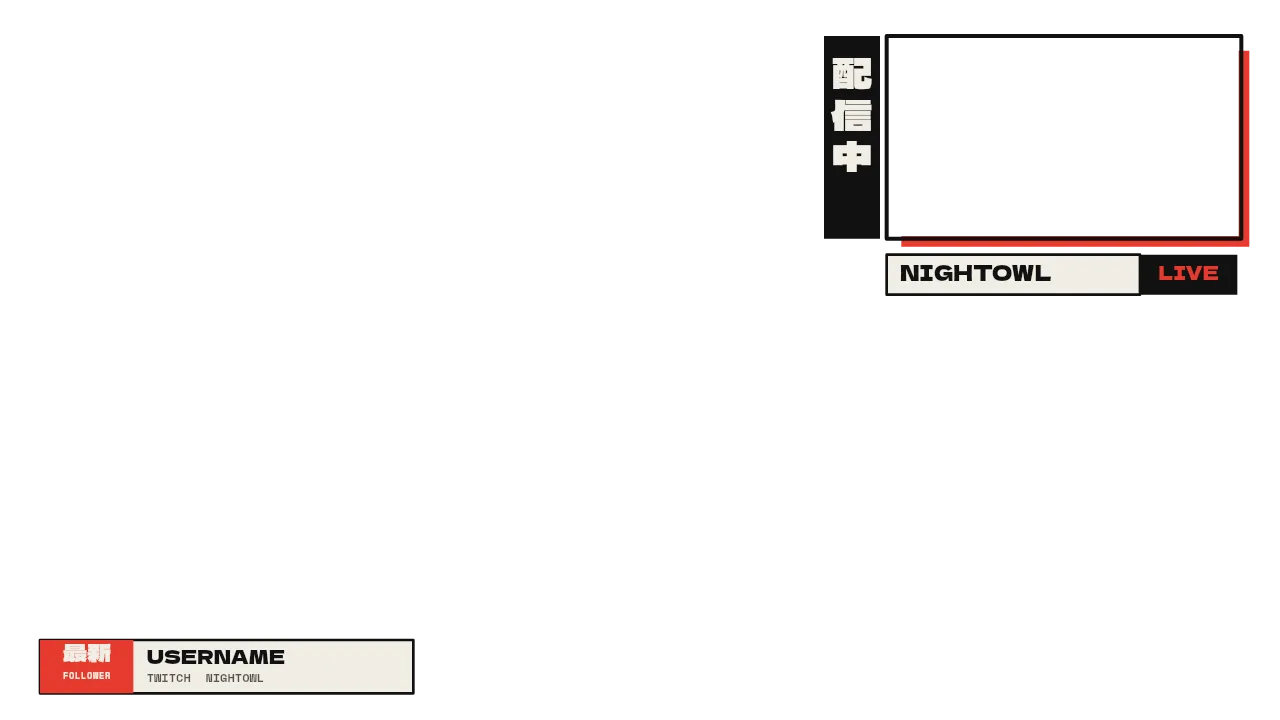
Street
Stream overlay · Japanese streetwear
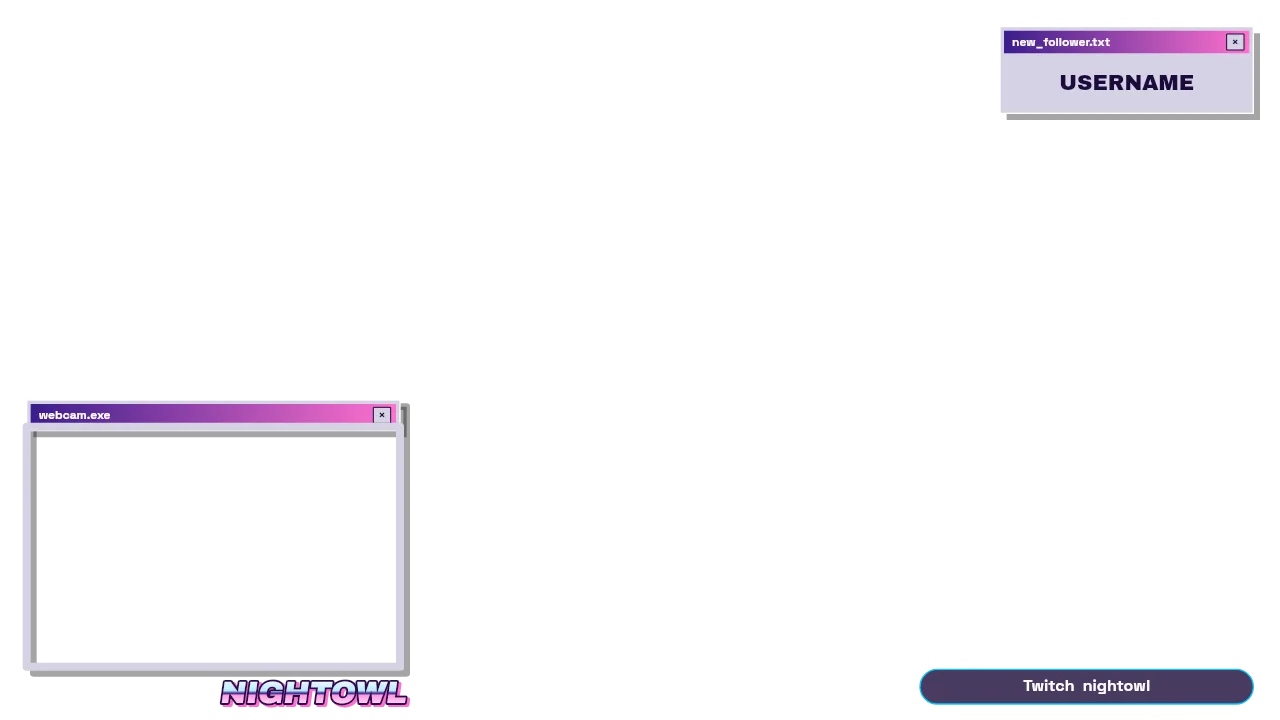
Plaza
Stream overlay · Vaporwave
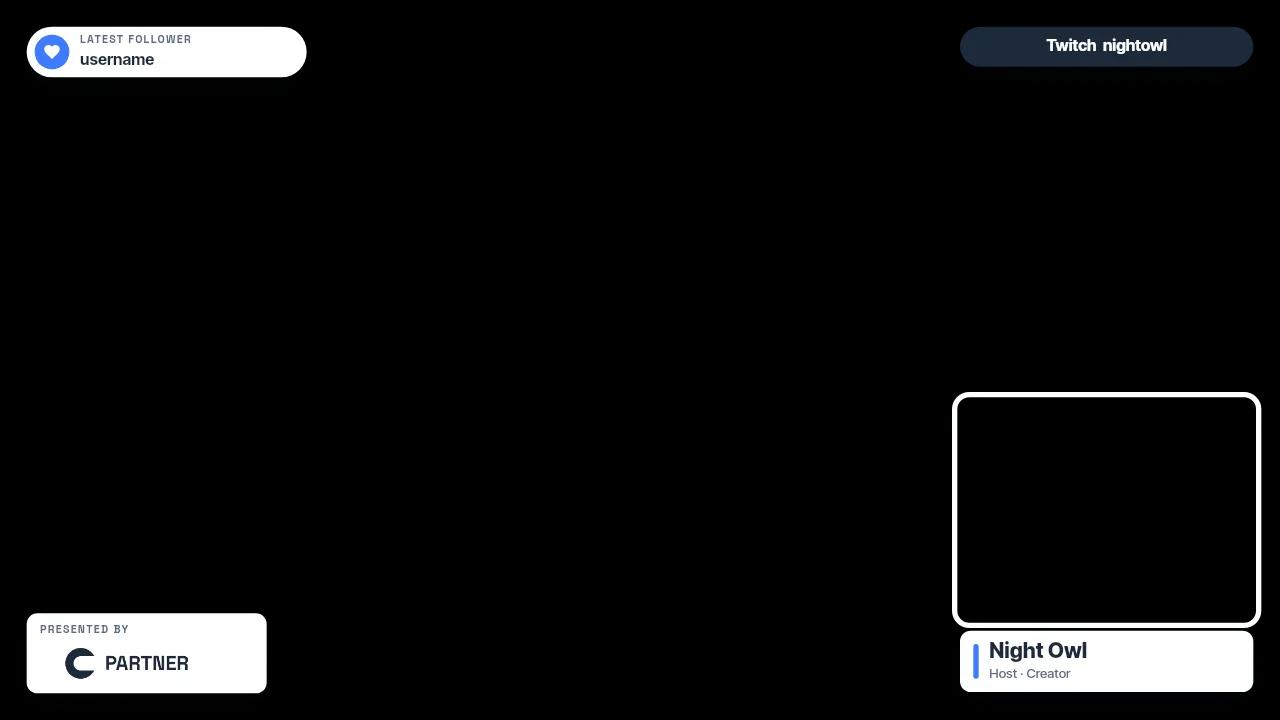
Desk
Stream overlay · Clean professional
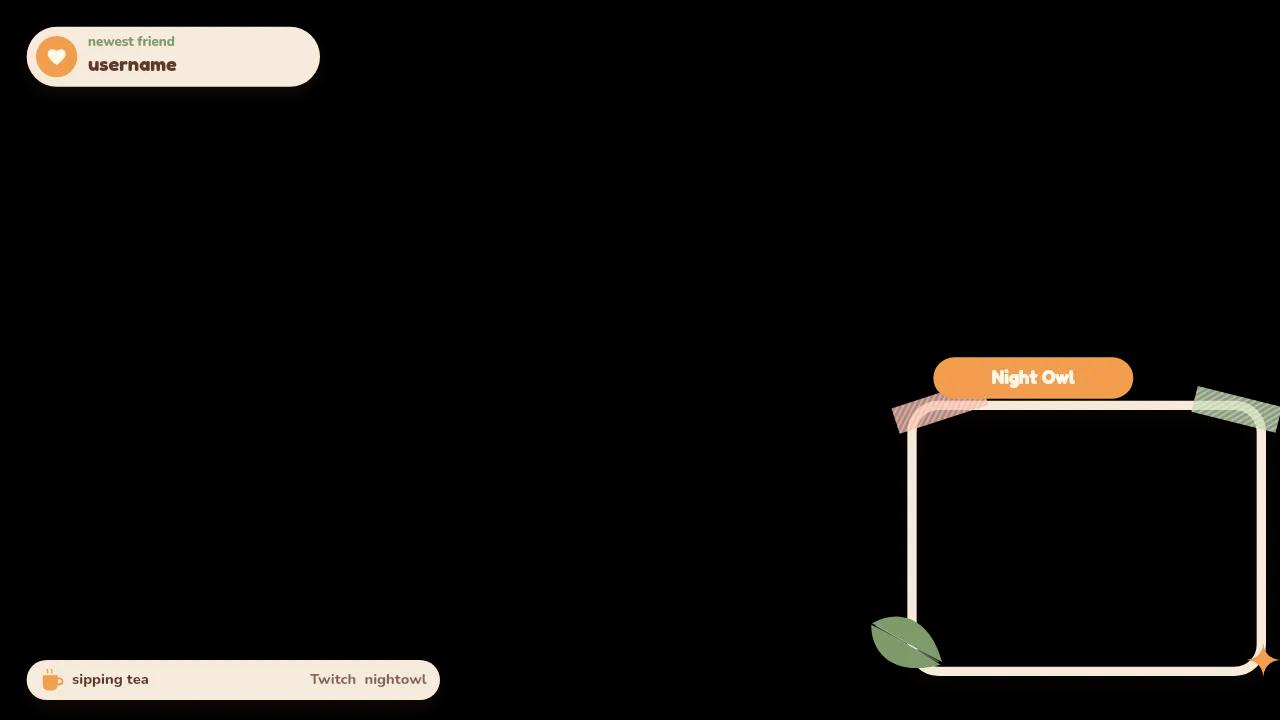
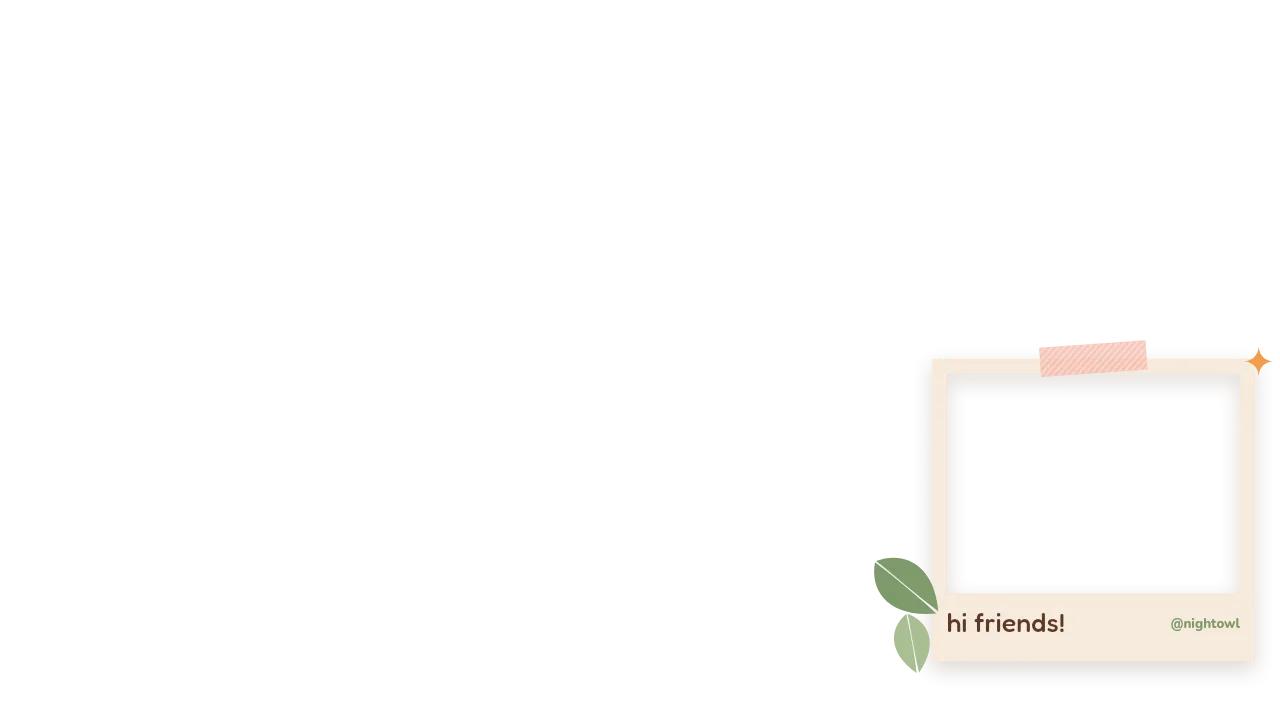
Nook
Stream overlay · Cozy
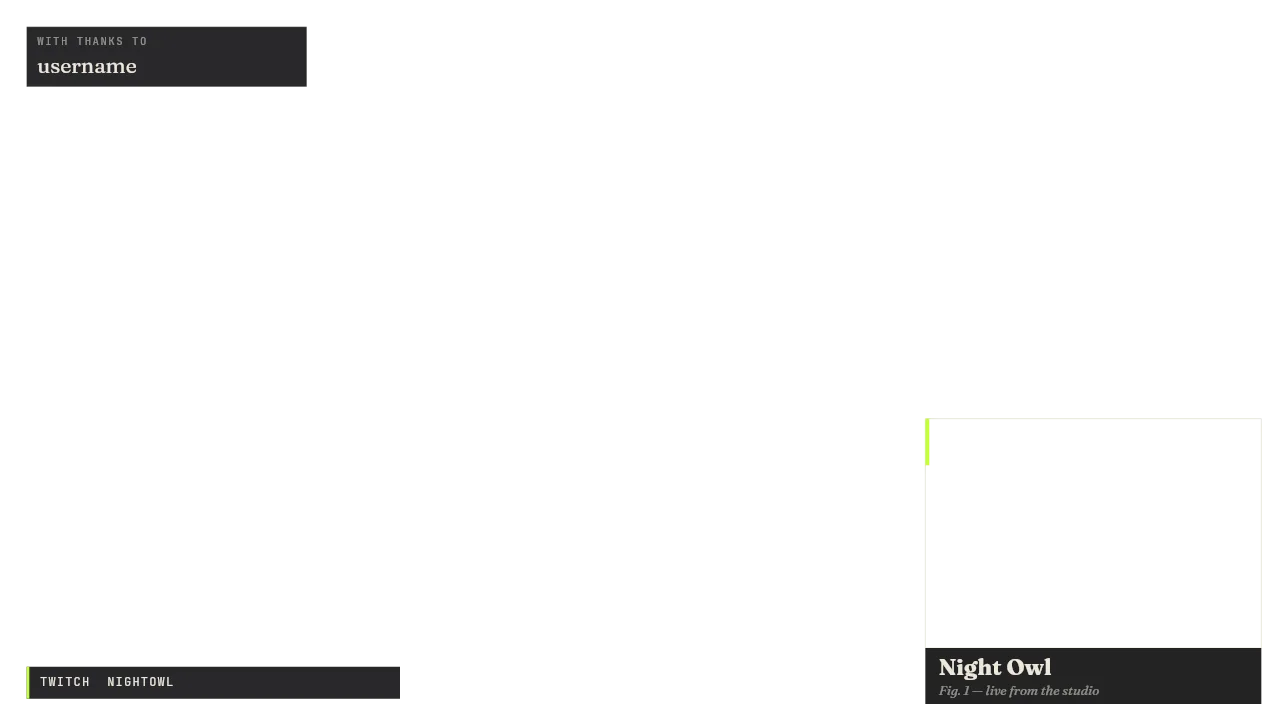
Byline
Stream overlay · Dark editorial
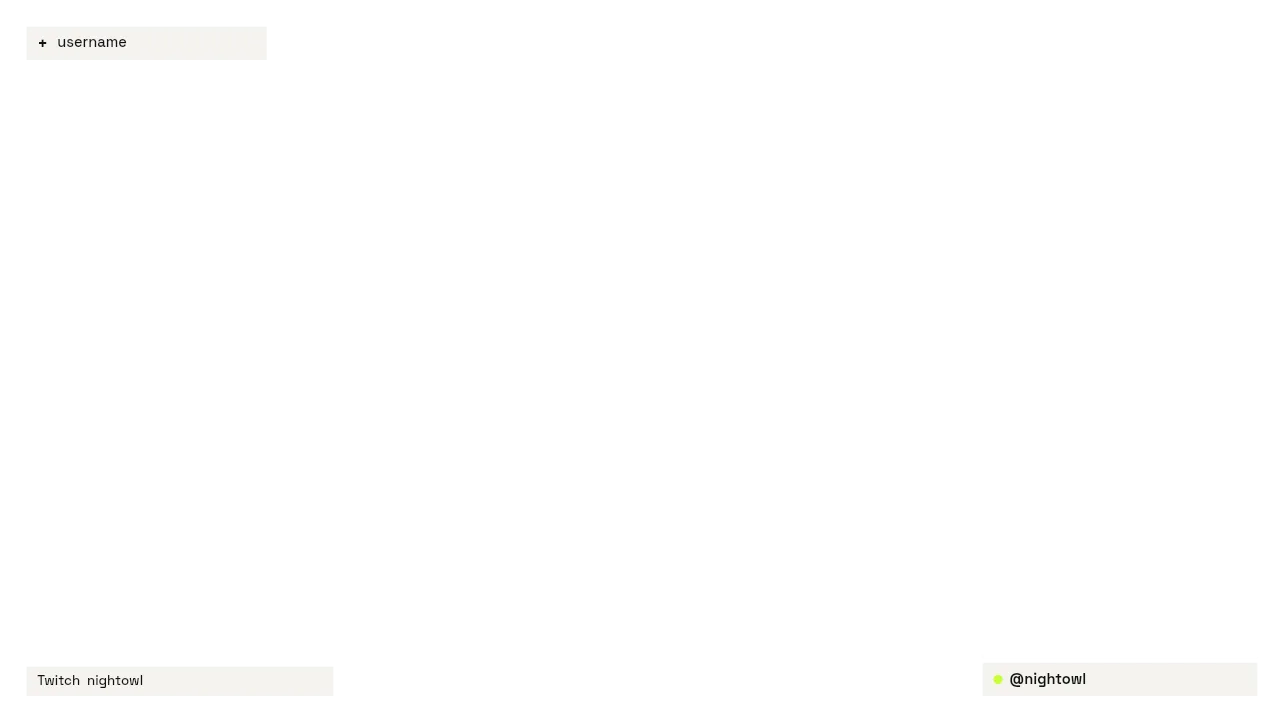
Frame
Stream overlay · Minimalist
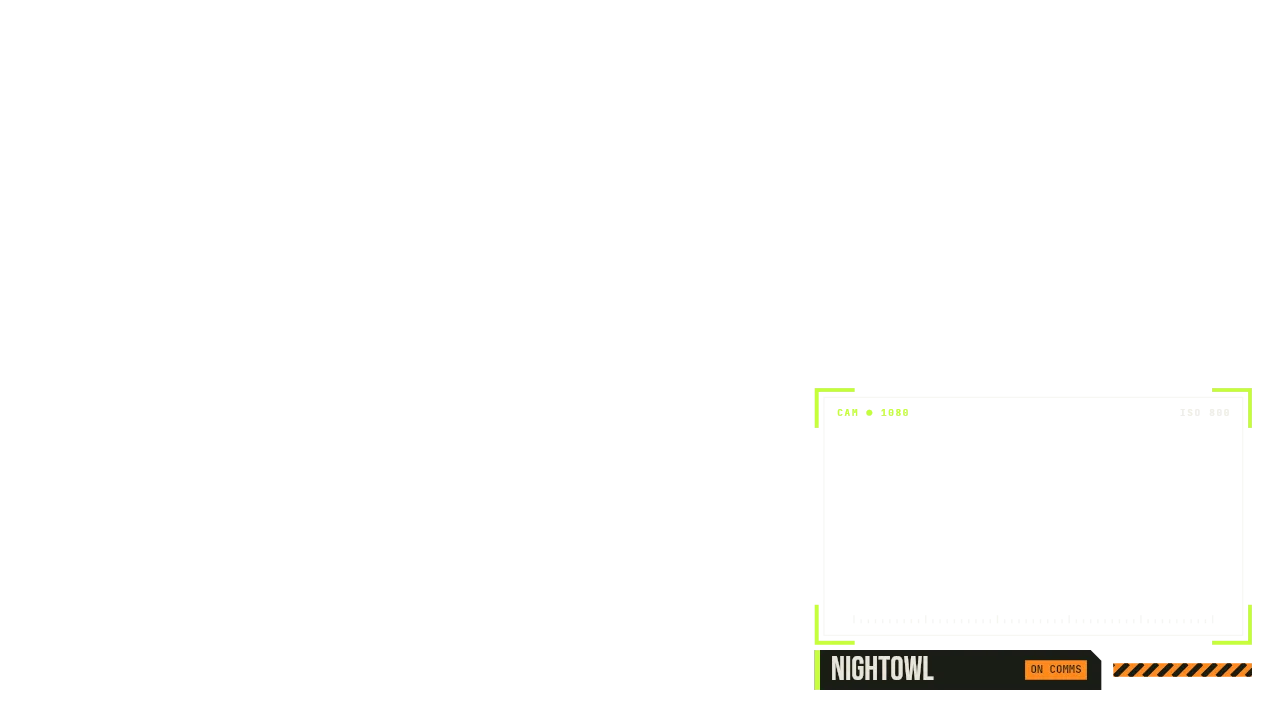
Scope
Webcam frame · Tactical
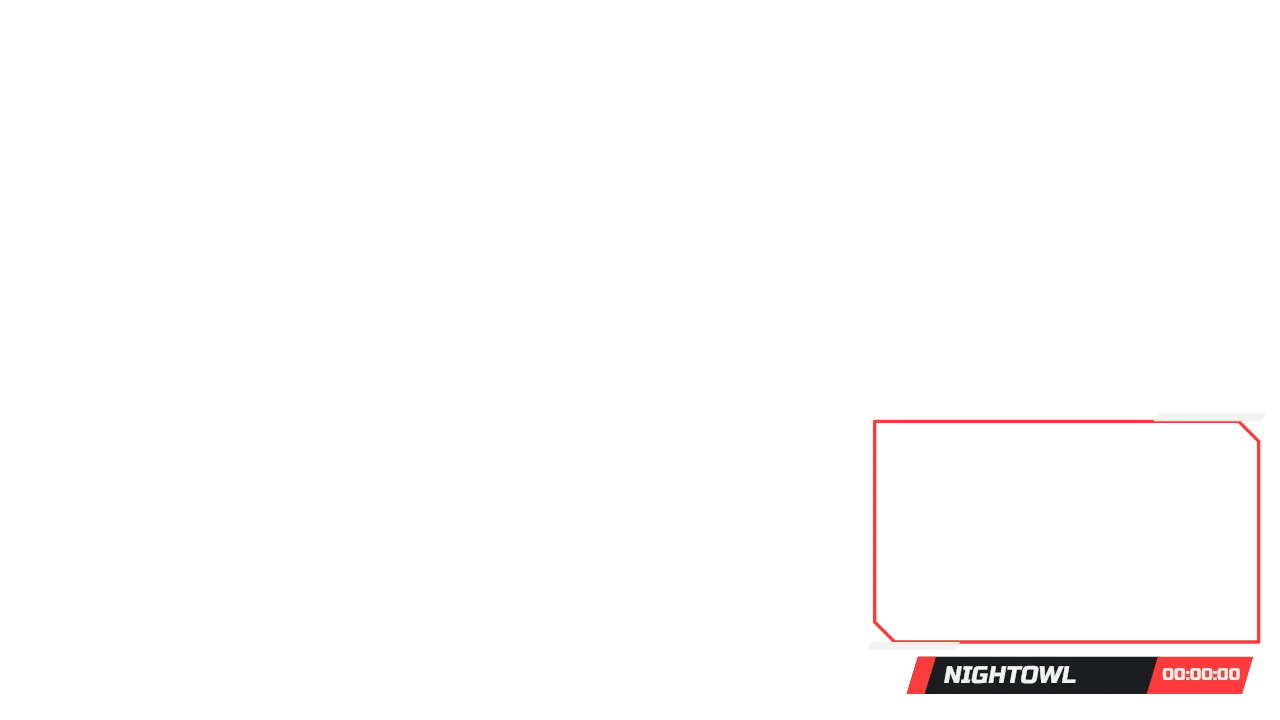
Frag
Webcam frame · Competitive FPS
How it works
1. Pick a frame
Full overlays, webcam frames and alert boxes in ten styles.
2. Add your details
Set your handle, colors and labels. Turn off the parts you don’t need.
3. Add it to OBS
Use the PNG as an Image source above your camera, or paste the hosted URL into a Browser source.
Common questions
How do I add an overlay in OBS?
Add an Image source with the transparent PNG and drag it above your camera and game capture in the Sources list. Sources higher in the list draw on top. The OBS overlay guide covers the layer order and fitting your camera into the frame.
Do these overlays work on Kick?
Yes. Kick takes a stream from OBS over RTMP like Twitch does, so the overlay is part of your OBS scene and looks the same on every platform.
Should I use an Image source or a Browser source?
Use an Image source for a static frame. It uses the least CPU. Use a Browser source when the overlay has live parts like a clock or rotating socials, or when you want edits to appear without importing the file again.
Is the overlay maker free?
Yes. Free templates download without a watermark. Premium overlays are free to edit and preview; you buy them only to remove the preview watermark.