
Overlays and stream screens
Webcam frames, full overlays, Starting Soon and BRB screens, and Twitch panels.
30 products
Filters (1 on)
12 products
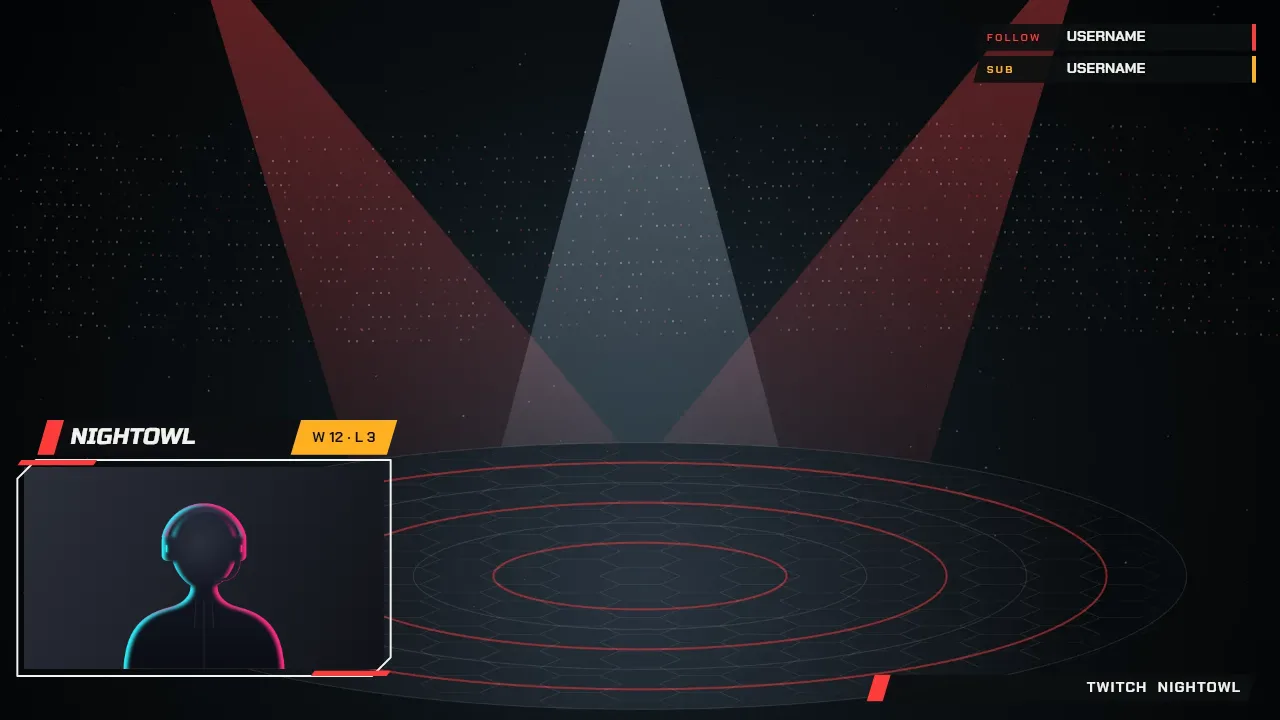
Competitive FPS stream overlay
Template · Competitive FPS
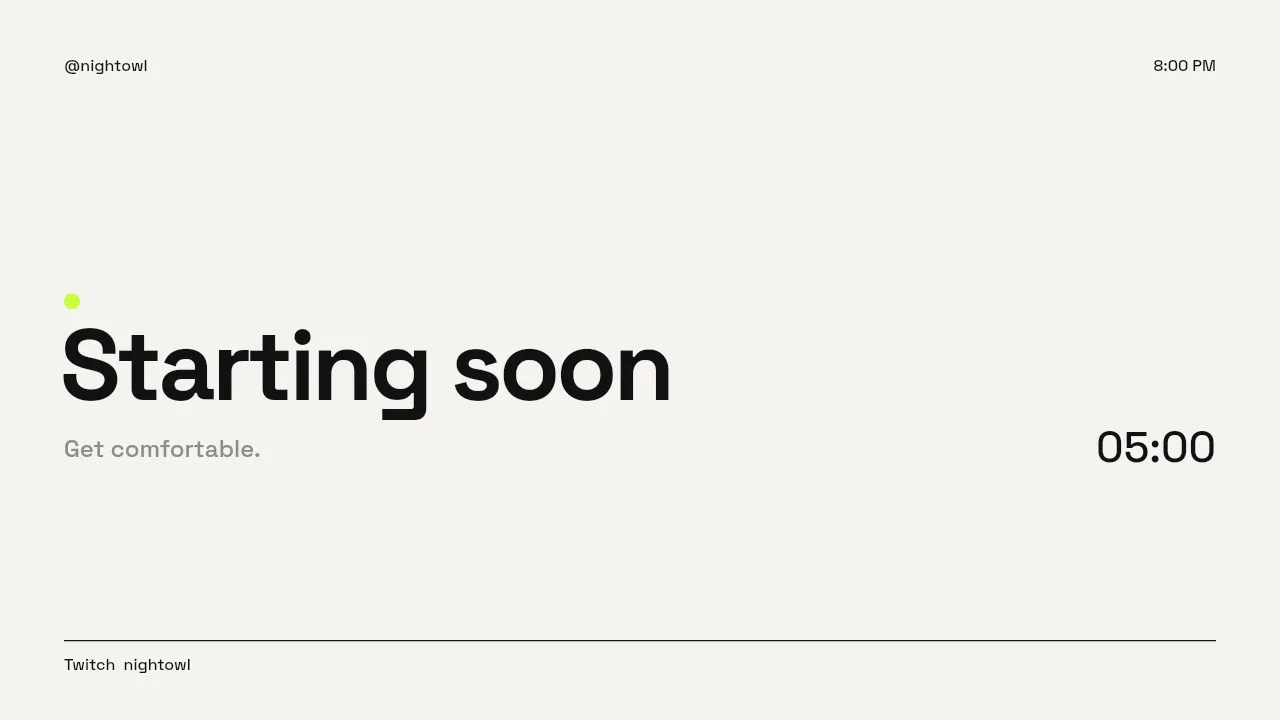
Minimalist stream screens
Template · Minimalist
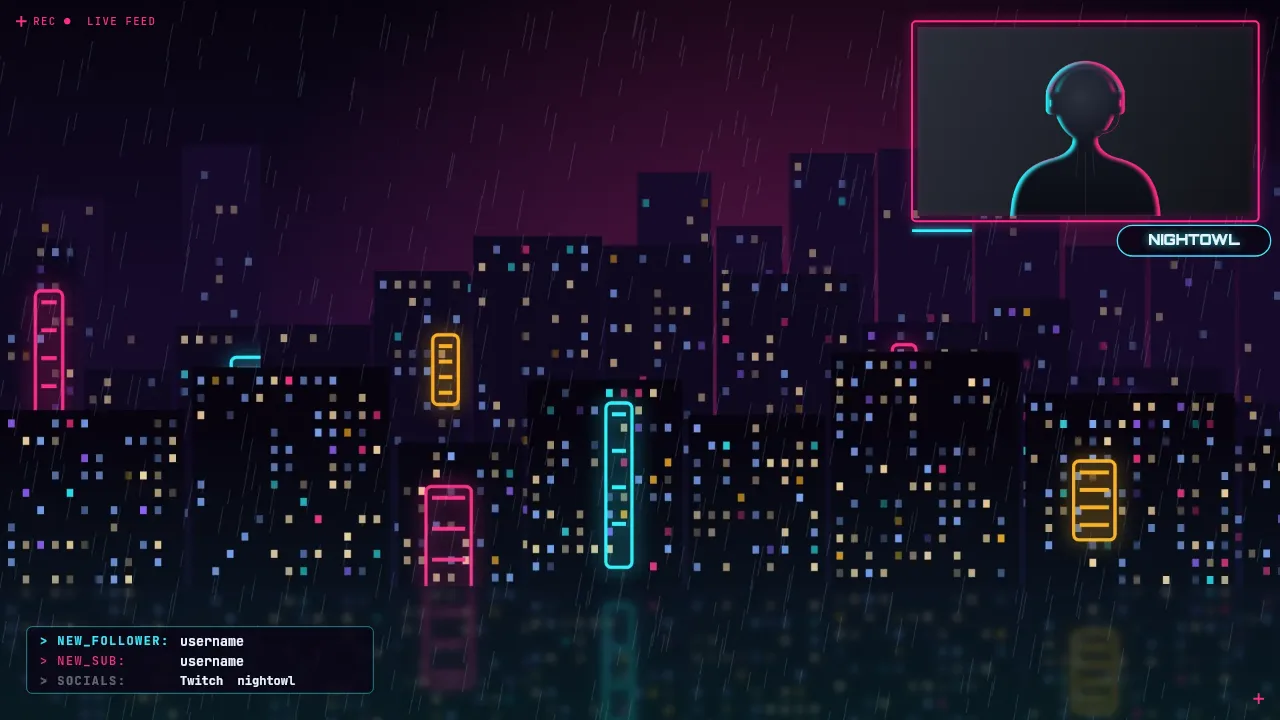
Cyberpunk stream overlay
Template · Cyberpunk
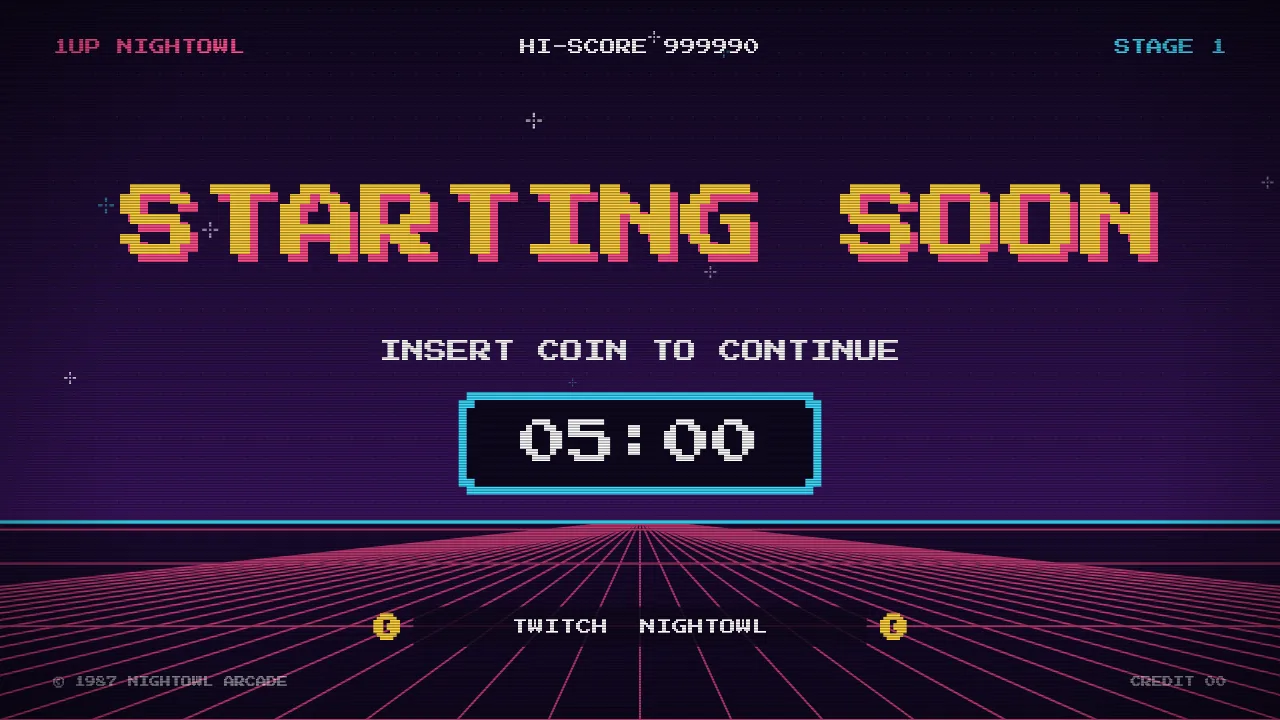
Retro arcade stream screens
Template · Retro arcade
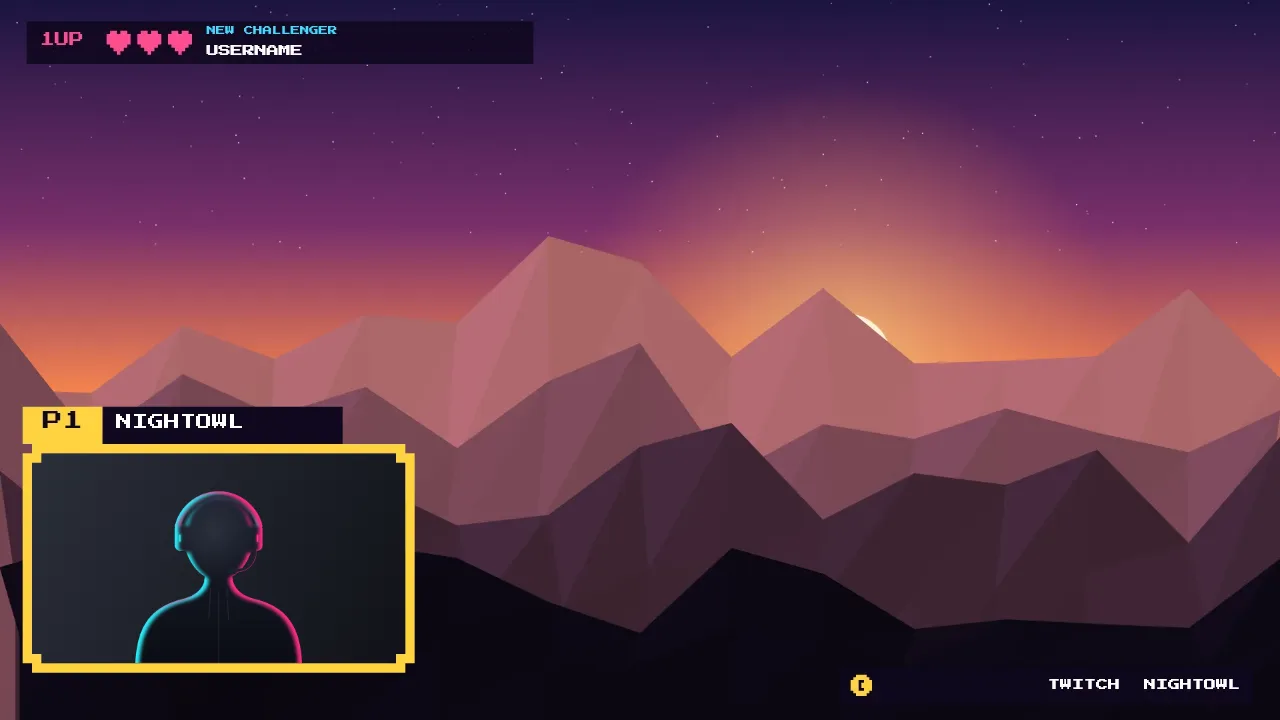
Retro arcade stream overlay
Template · Retro arcade
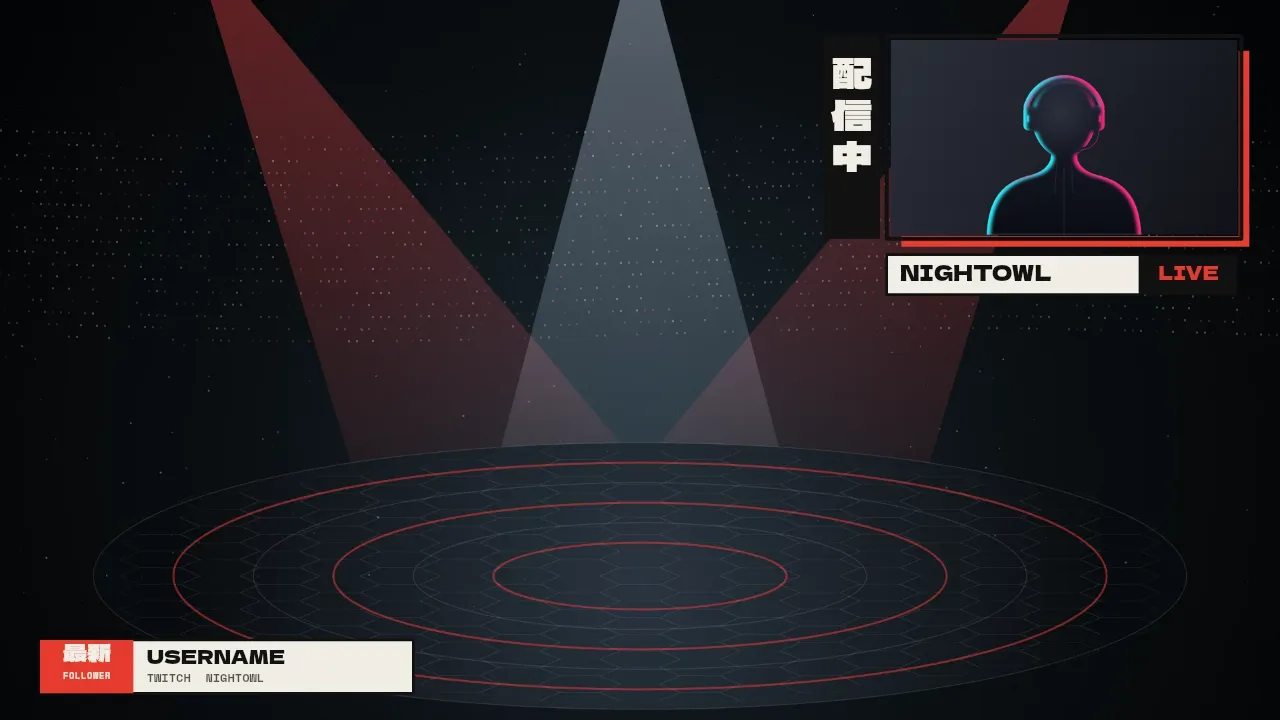
Japanese streetwear stream overlay
Template · Japanese streetwear
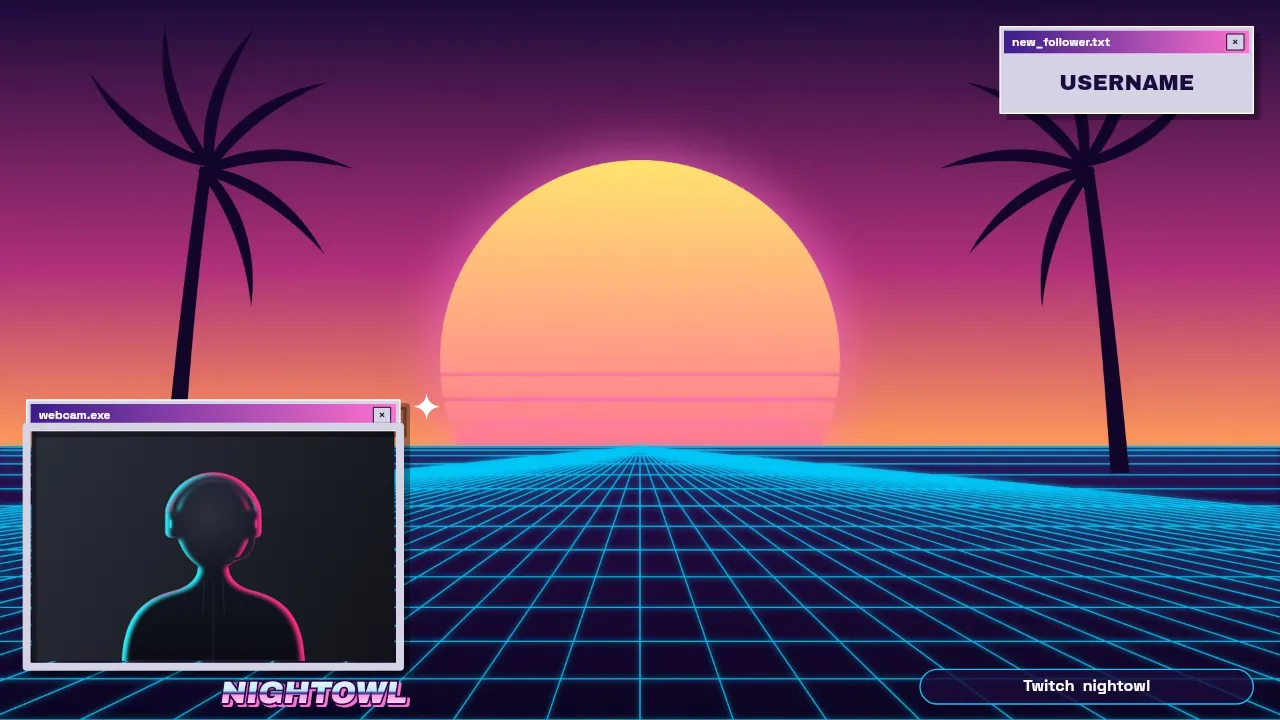
Vaporwave stream overlay
Template · Vaporwave
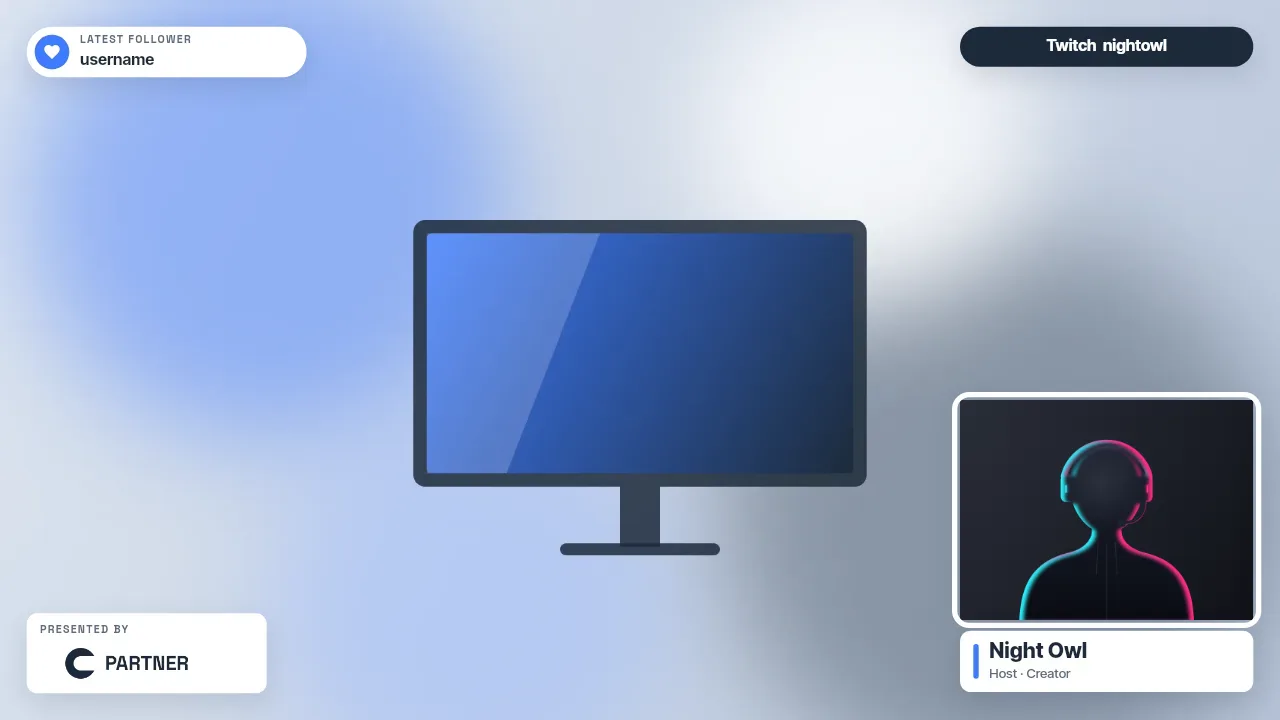
Clean professional stream overlay
Template · Clean professional
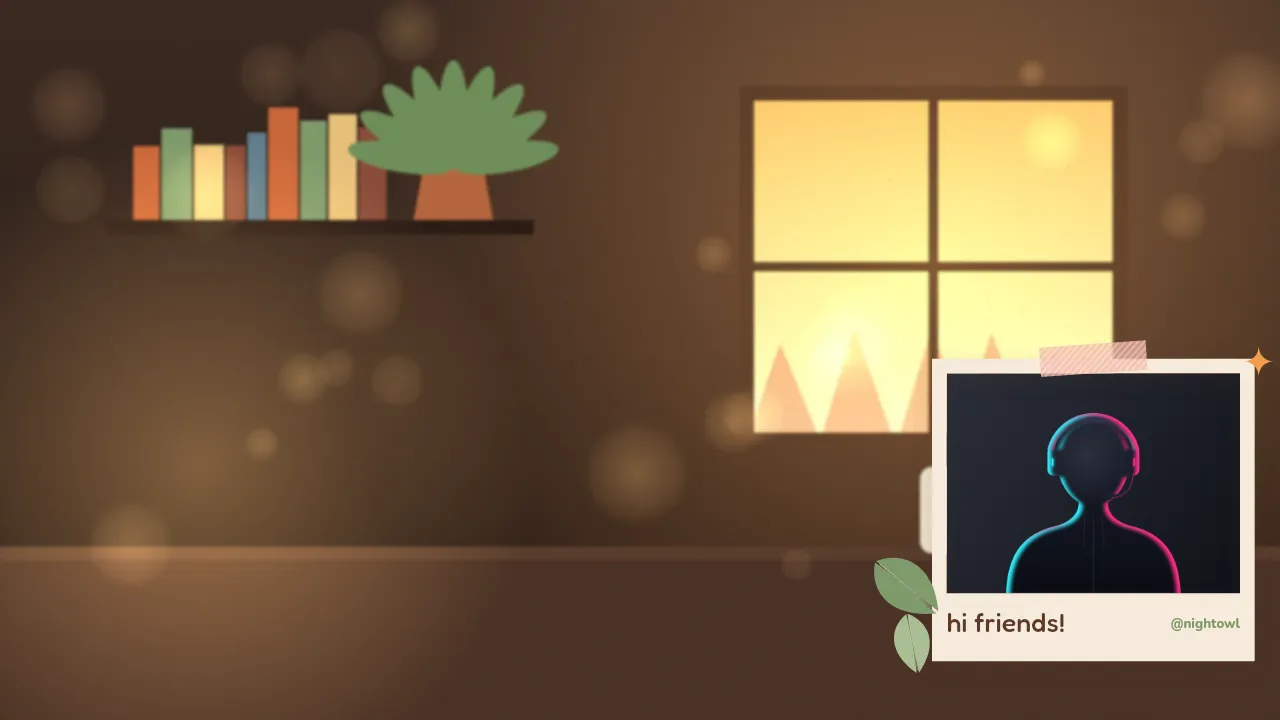
Cozy webcam frame
Template · Cozy
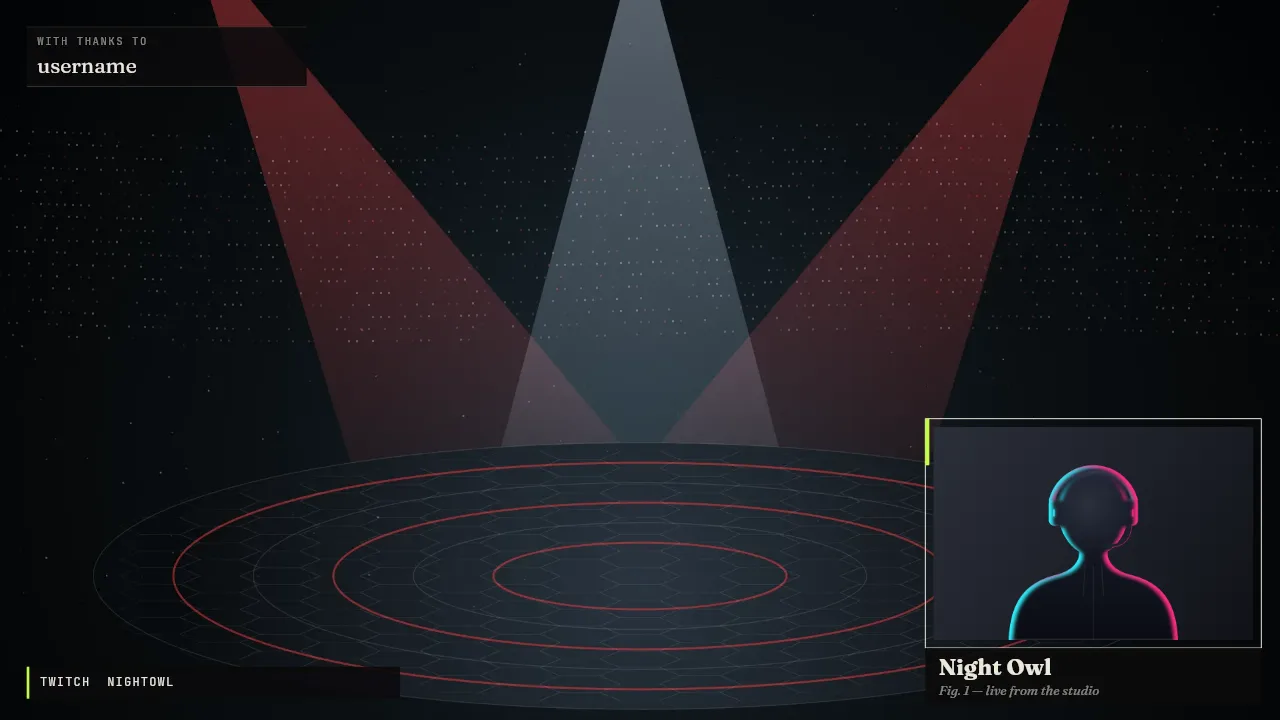
Dark editorial stream overlay
Template · Dark editorial
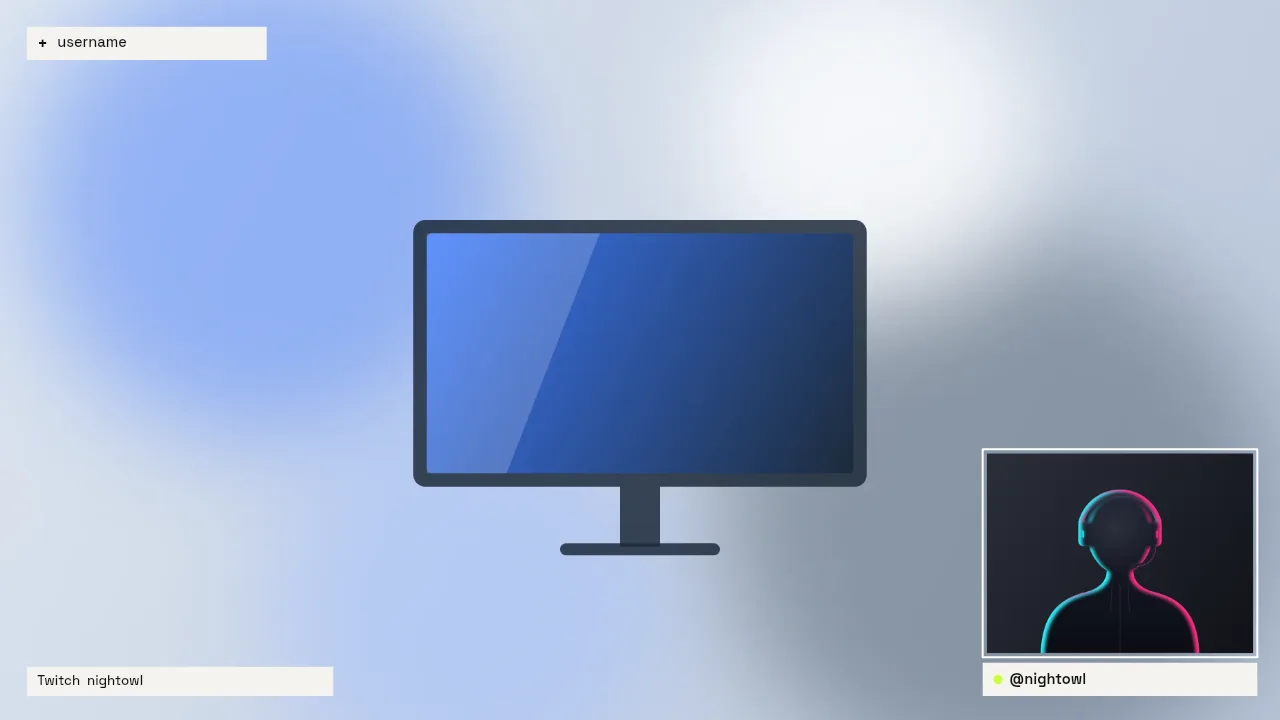
Minimalist stream overlay
Template · Minimalist
Minimalist Twitch panels
Template · Minimalist
About overlays and stream screens
What viewers see while you’re live: transparent overlays that frame your camera and leave the game visible, webcam frames, Twitch panels, and the screens you show before, between and after streams.
Each pack is an original WKeyClub design you edit in the browser. Your handle, colors and fonts come from your brand vault, and everything works in OBS Studio and Streamlabs for Twitch, Kick and YouTube.
Free tools and setup guides
Make your own from a blank canvas, or read how to add what you bought to OBS.
- OBS overlay builderTransparent overlays, webcam frames and alerts
- Stream screen generatorStarting Soon, BRB, Ending and Offline screens
- OBS widgetsCountdown timers, goal bars, tickers and rotators
- Add a transparent overlay and webcam frame in OBSGuide for OBS Studio, 4 min
- Set up Starting Soon, BRB and Ending scenes in OBSGuide for OBS Studio, 6 min
- Stream to Kick from OBS with your WKeyClub overlayGuide for OBS Studio + Kick, 5 min
Common questions
Do these overlays work with OBS and Streamlabs?
Yes. Static pieces export as transparent PNGs for an image source, and live pieces come as hosted browser-source URLs. Both work in OBS Studio and Streamlabs Desktop.
Can I use them on Kick and YouTube as well as Twitch?
Yes. Overlays live in your OBS scenes, so they look the same wherever you stream. The license covers every platform you stream to.
Can I try before buying?
Yes. Every template opens in the editor for free, with your own handle and colors. Paid templates export with a preview watermark until you buy.
What if my camera is a different shape?
The editor marks the camera area on every overlay and webcam frame. In OBS, crop and scale your camera source to fill that area. The OBS overlay guide shows how.