
Brand kits
Every template in one style, sold together for less than buying each pack.
10 products
Filters (1 on)
10 products
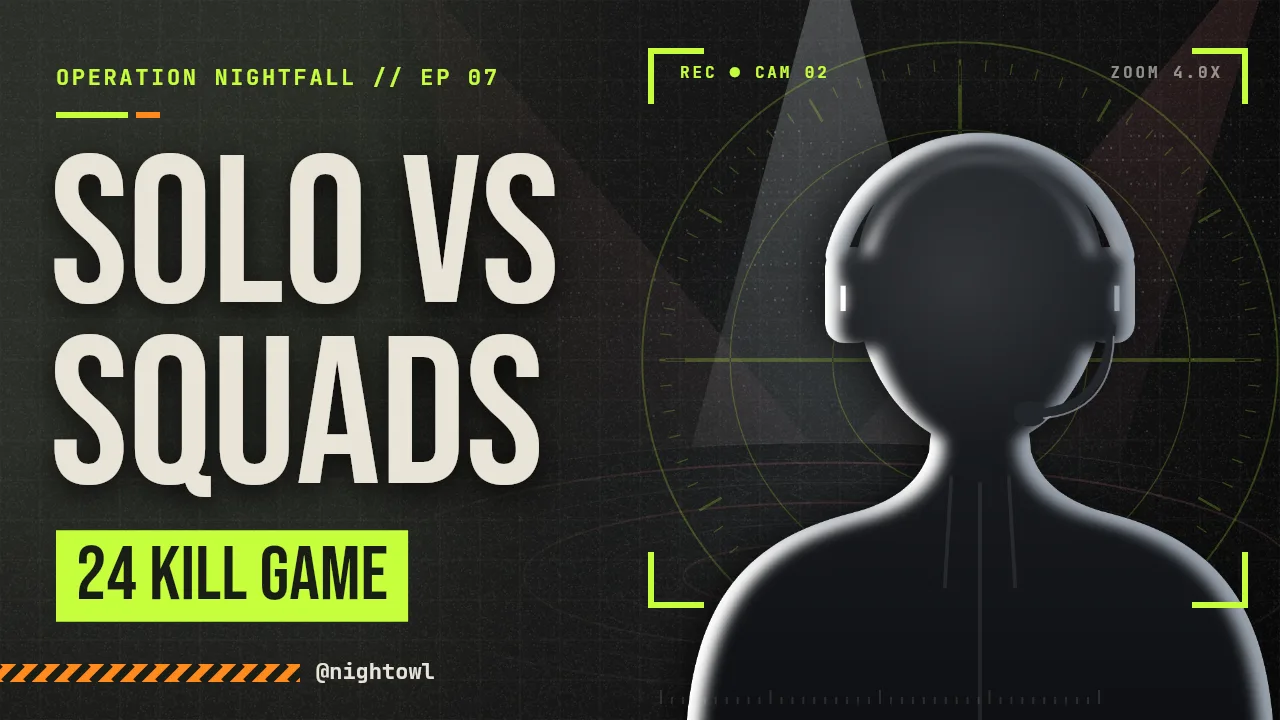
Tactical brand kit
Bundle · Tactical
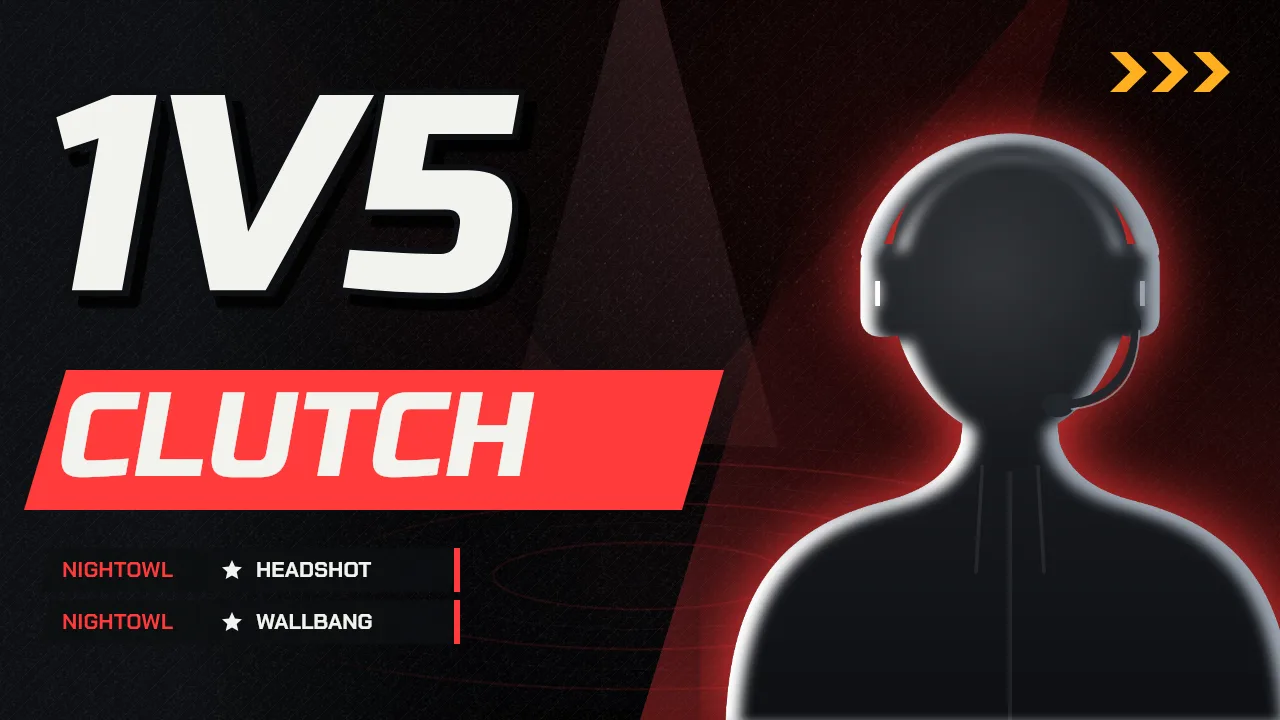
Competitive FPS brand kit
Bundle · Competitive FPS
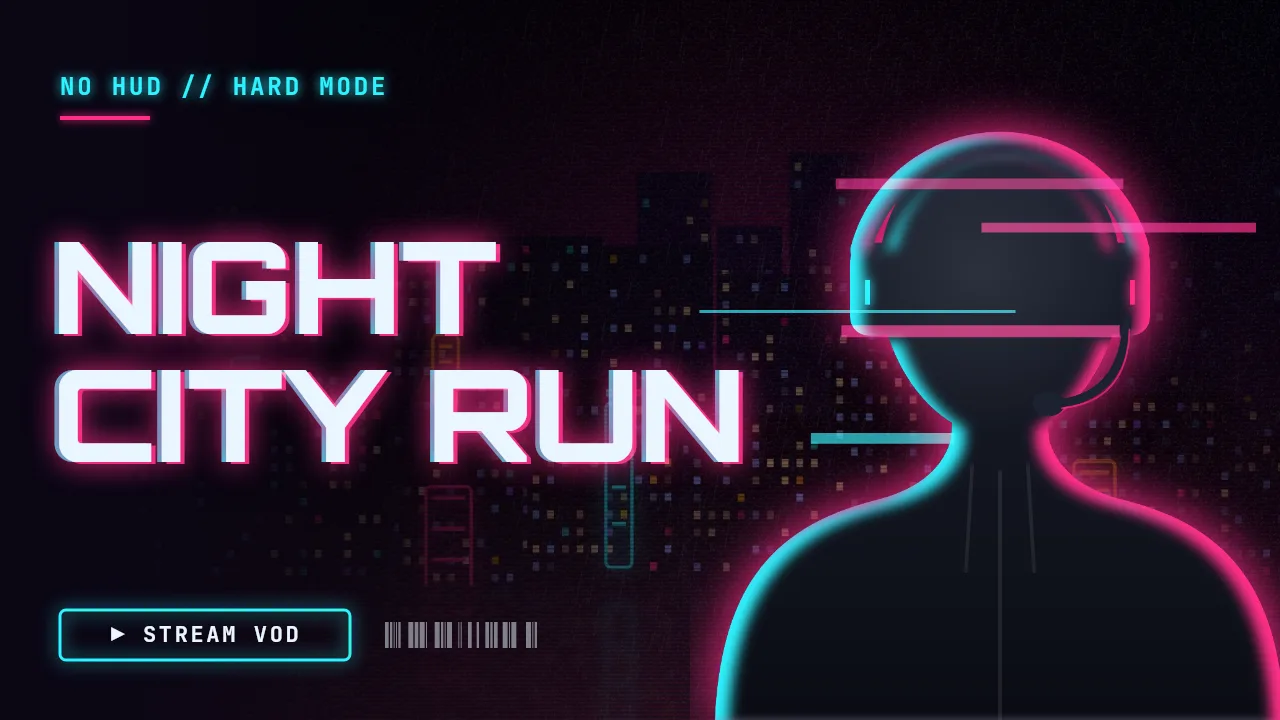
Cyberpunk brand kit
Bundle · Cyberpunk
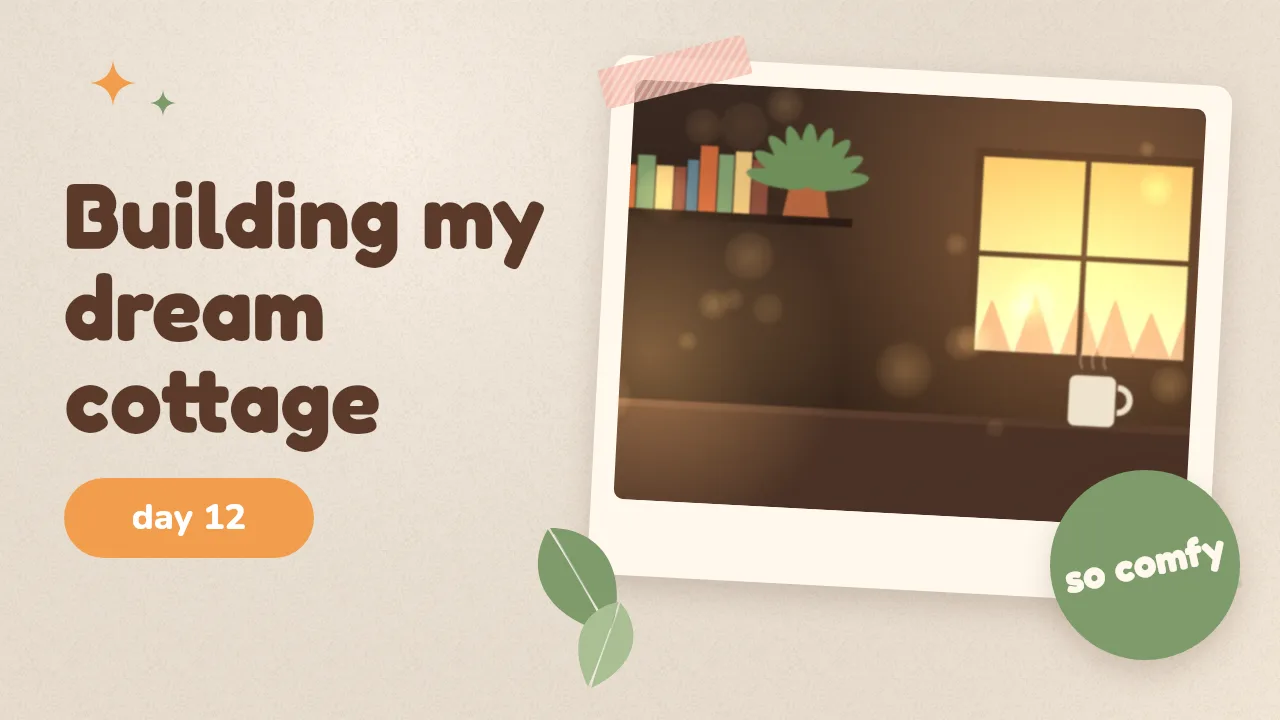
Cozy brand kit
Bundle · Cozy
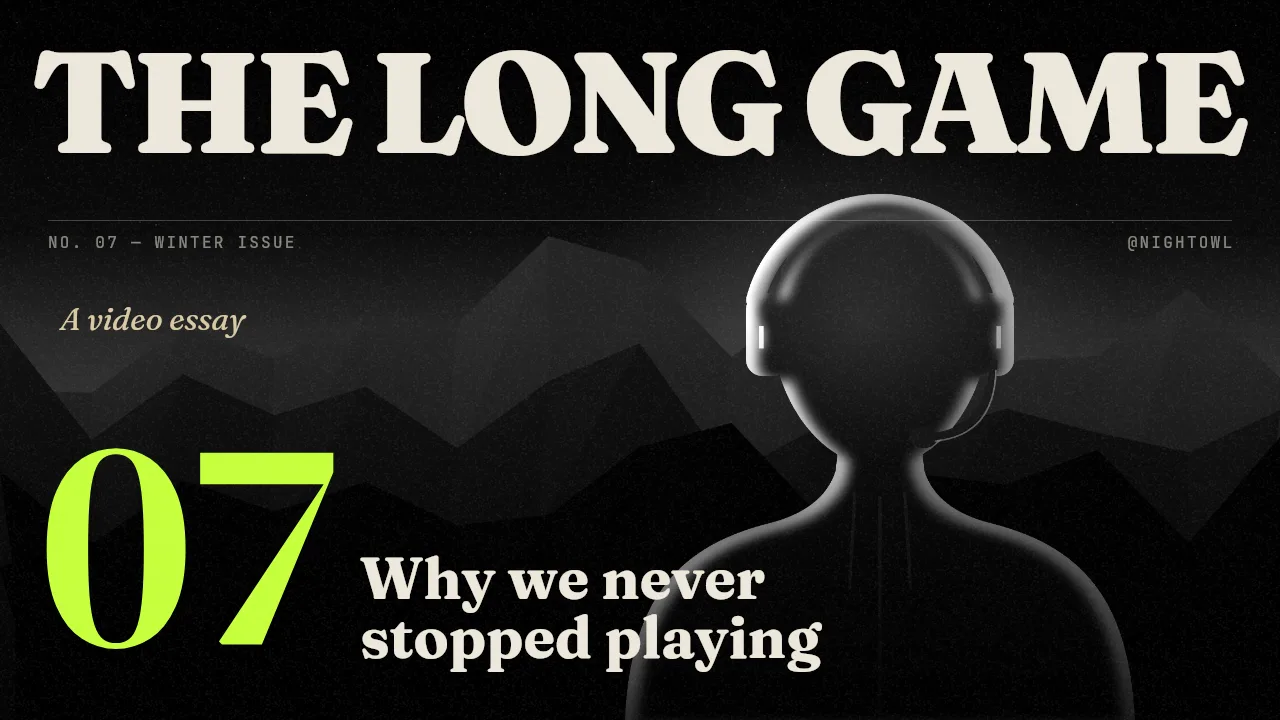
Dark editorial brand kit
Bundle · Dark editorial
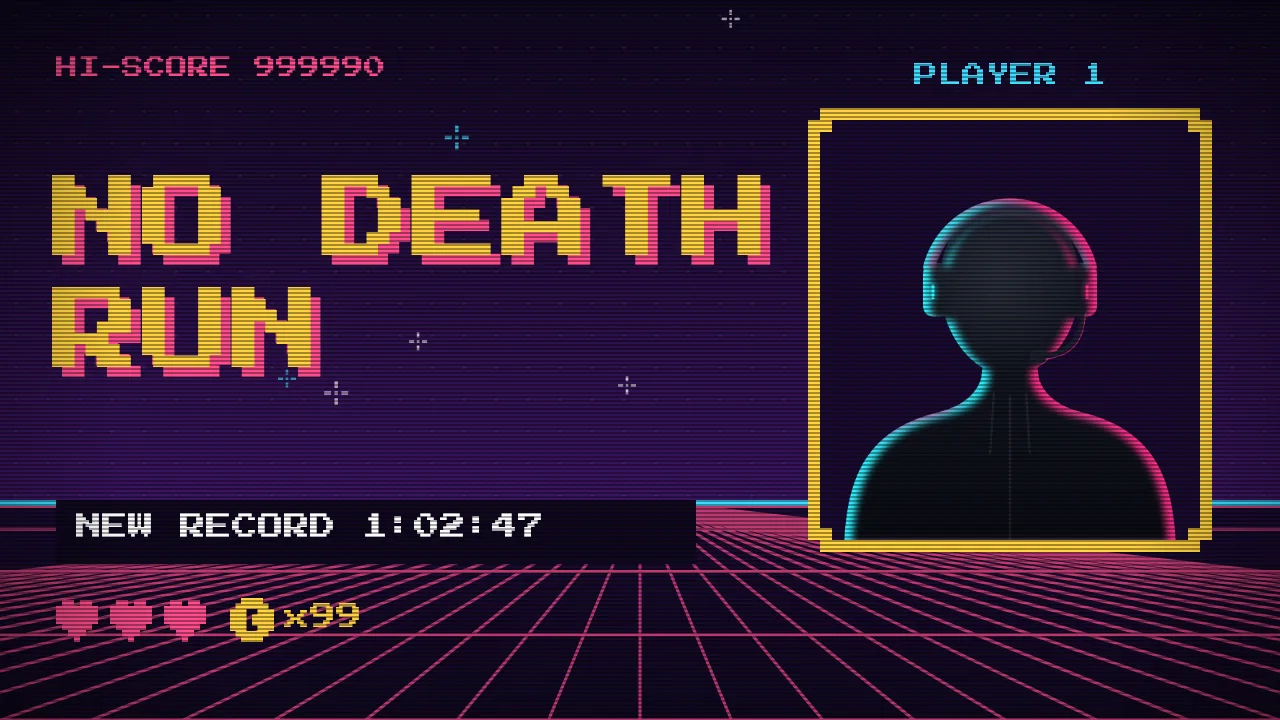
Retro arcade brand kit
Bundle · Retro arcade
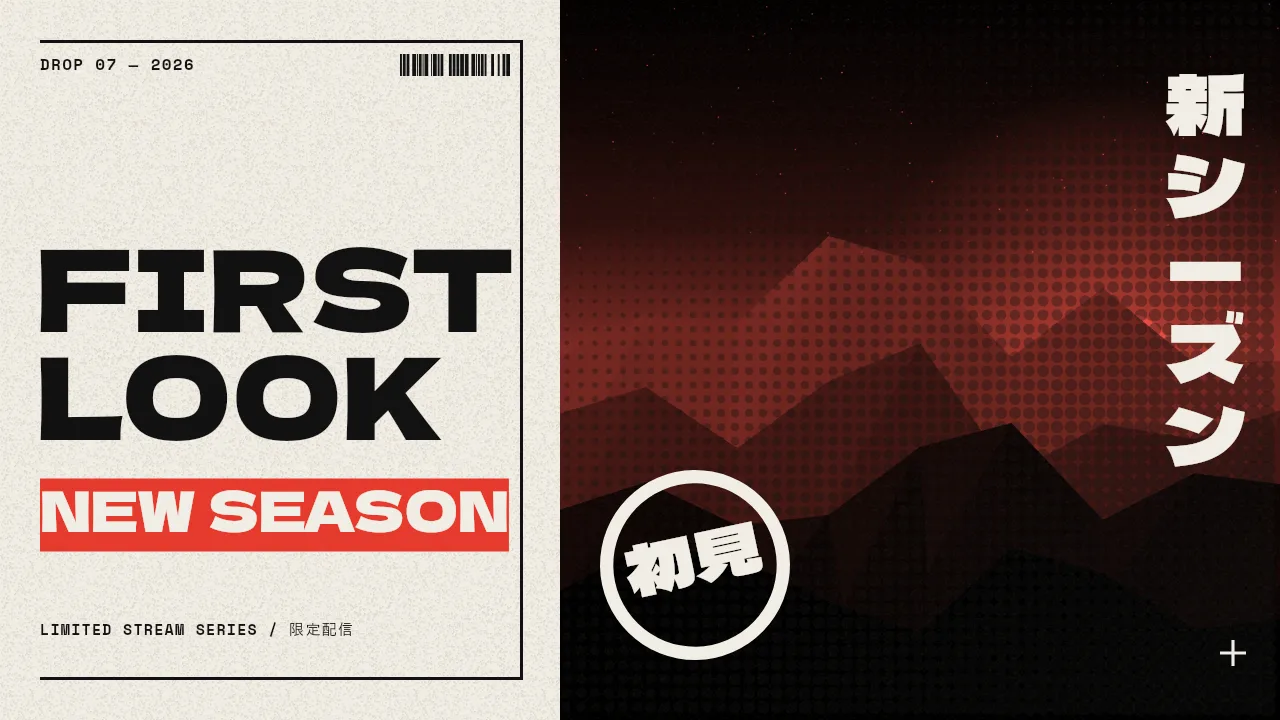
Japanese streetwear brand kit
Bundle · Japanese streetwear
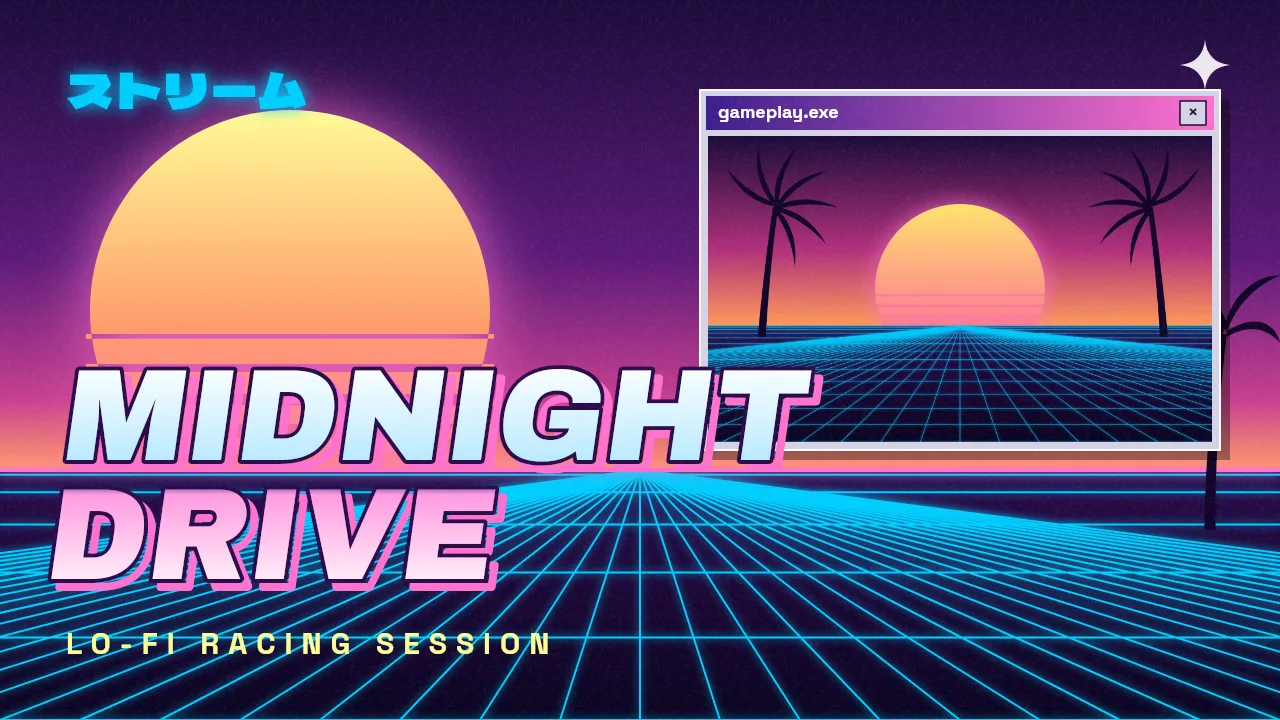
Vaporwave brand kit
Bundle · Vaporwave
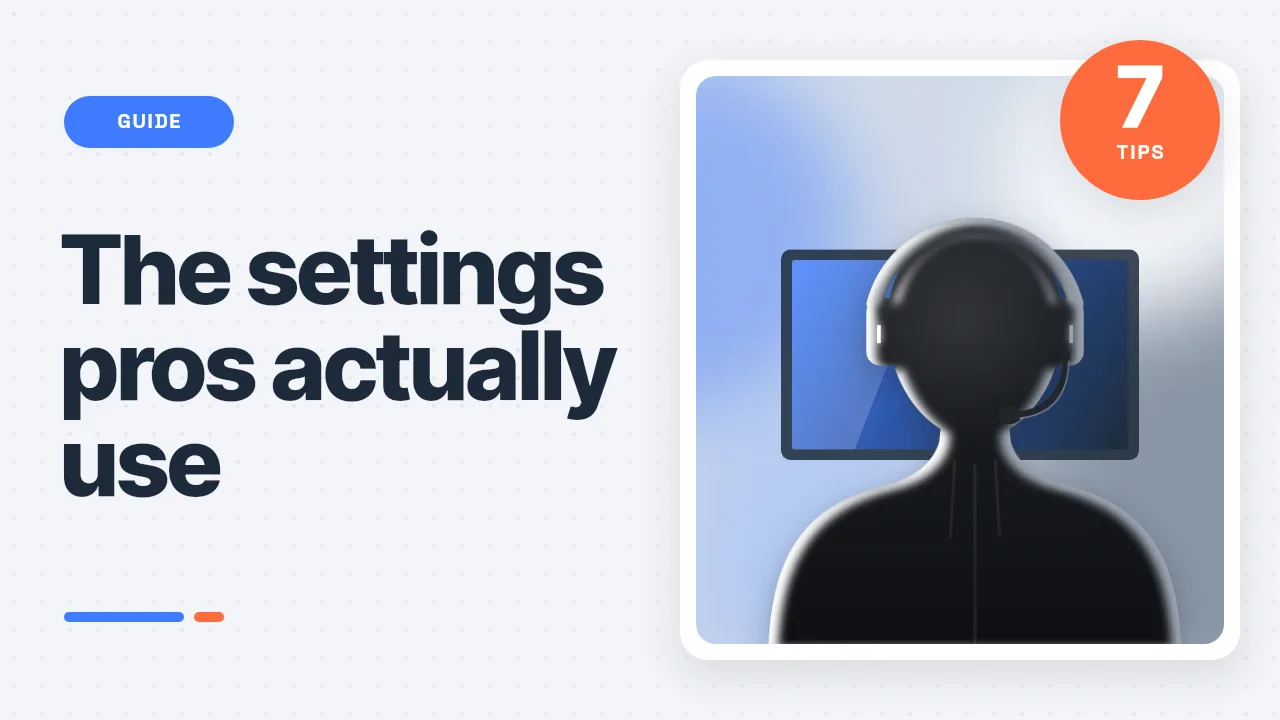
Clean professional brand kit
Bundle · Clean professional
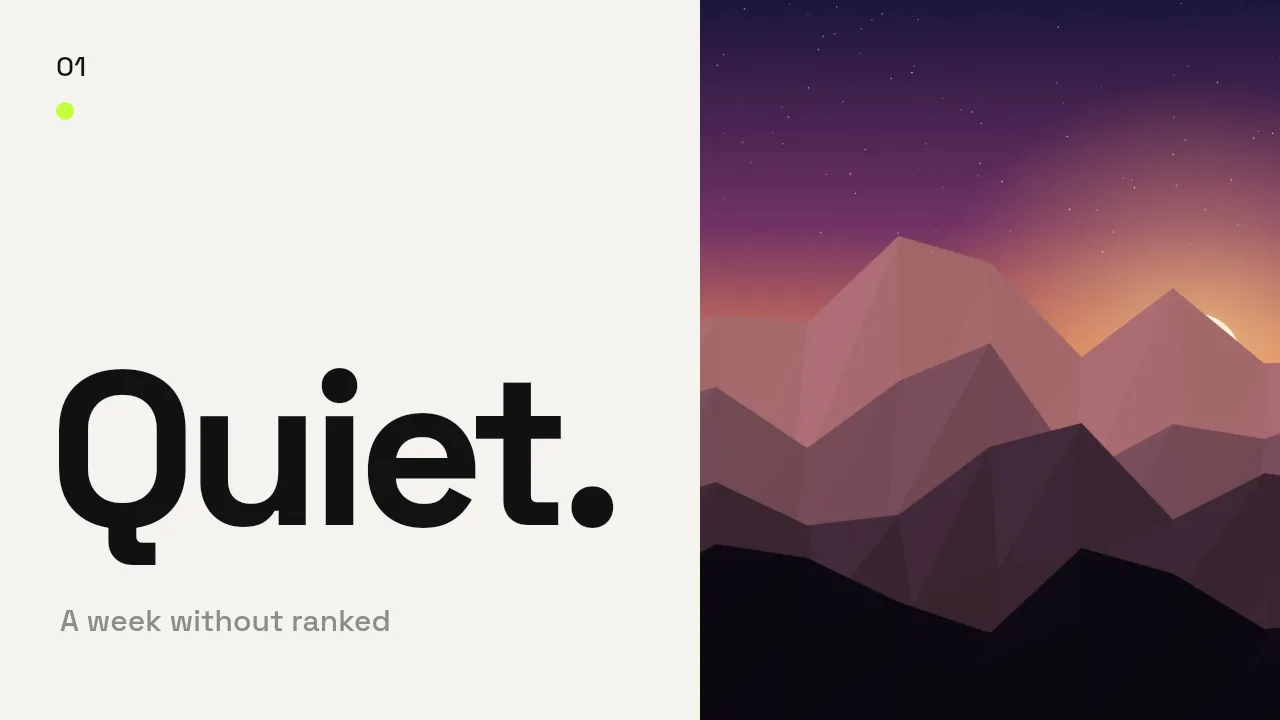
Minimalist brand kit
Bundle · Minimalist
About brand kits
A brand kit is every template in one style, sold together for less than the packs cost on their own. Depending on the style, that means an overlay, six stream screens, thumbnails, a closing card, channel banners and Twitch panels.
Kits use your brand vault. Set your colors, fonts and handle once and every template in the kit picks them up, as do the other tools on WKeyClub.
Free tools and setup guides
Make your own from a blank canvas, or read how to add what you bought to OBS.
- Social graphicsTwitch panels, channel banners and social posts
- Stream screen generatorStarting Soon, BRB, Ending and Offline screens
- OBS overlay builderTransparent overlays, webcam frames and alerts
- Upload panels to your Twitch channelGuide for Twitch, 4 min
- Add a transparent overlay and webcam frame in OBSGuide for OBS Studio, 4 min
Common questions
What is included in a brand kit?
Each kit lists its templates on the product page. Most include an overlay and webcam frame, a set of six stream screens, thumbnails, a closing card, channel banners and Twitch panels, all in one style.
Is a brand kit a logo?
No. Kits show your name and logo from your brand vault, but they are templates that other creators can buy too. If you need a mark that is yours alone, hire a designer for an original logo.
Can I change the colors?
Yes. Kits read the colors and fonts in your brand vault, so you keep the layout and use your own palette.